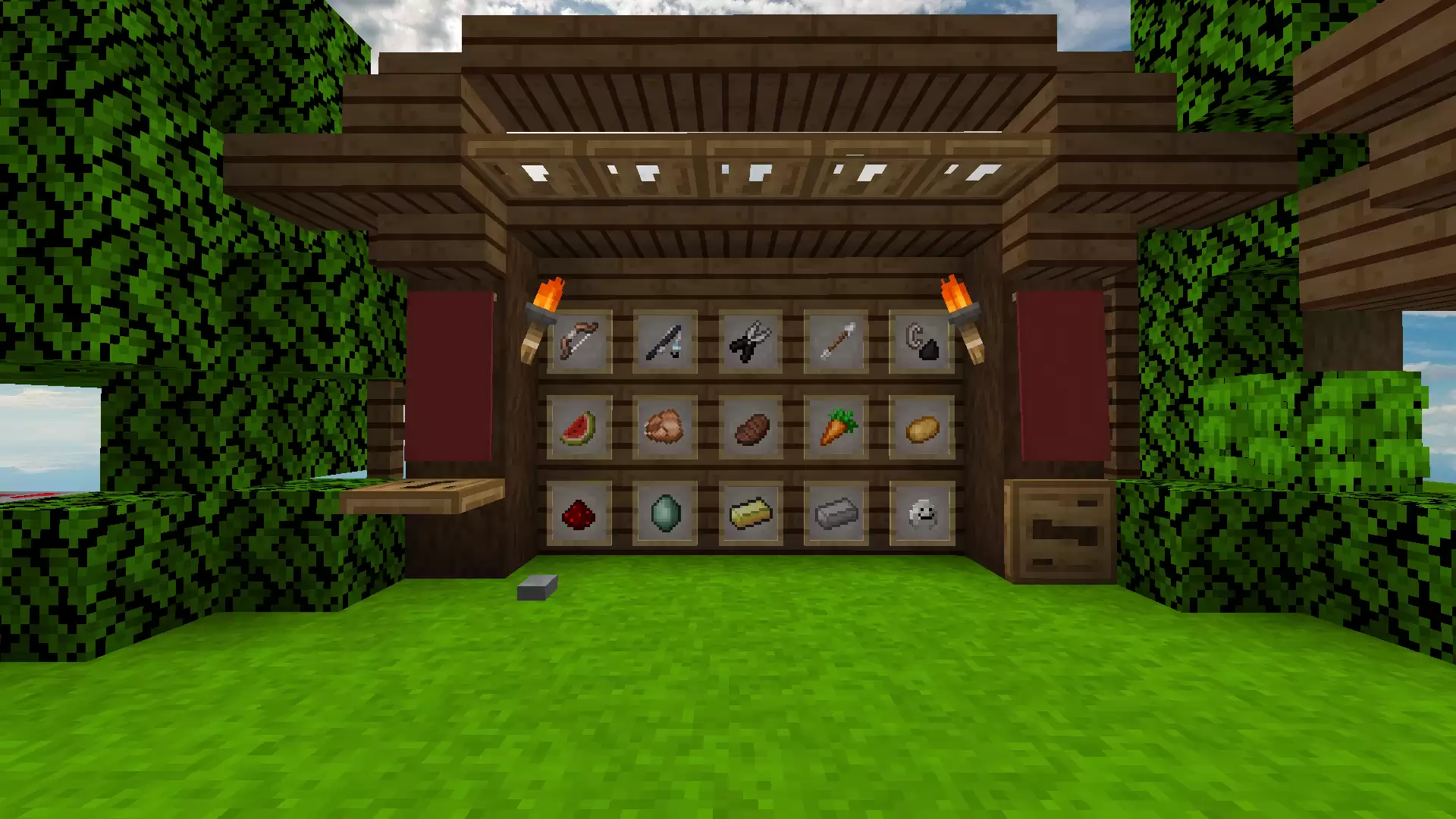
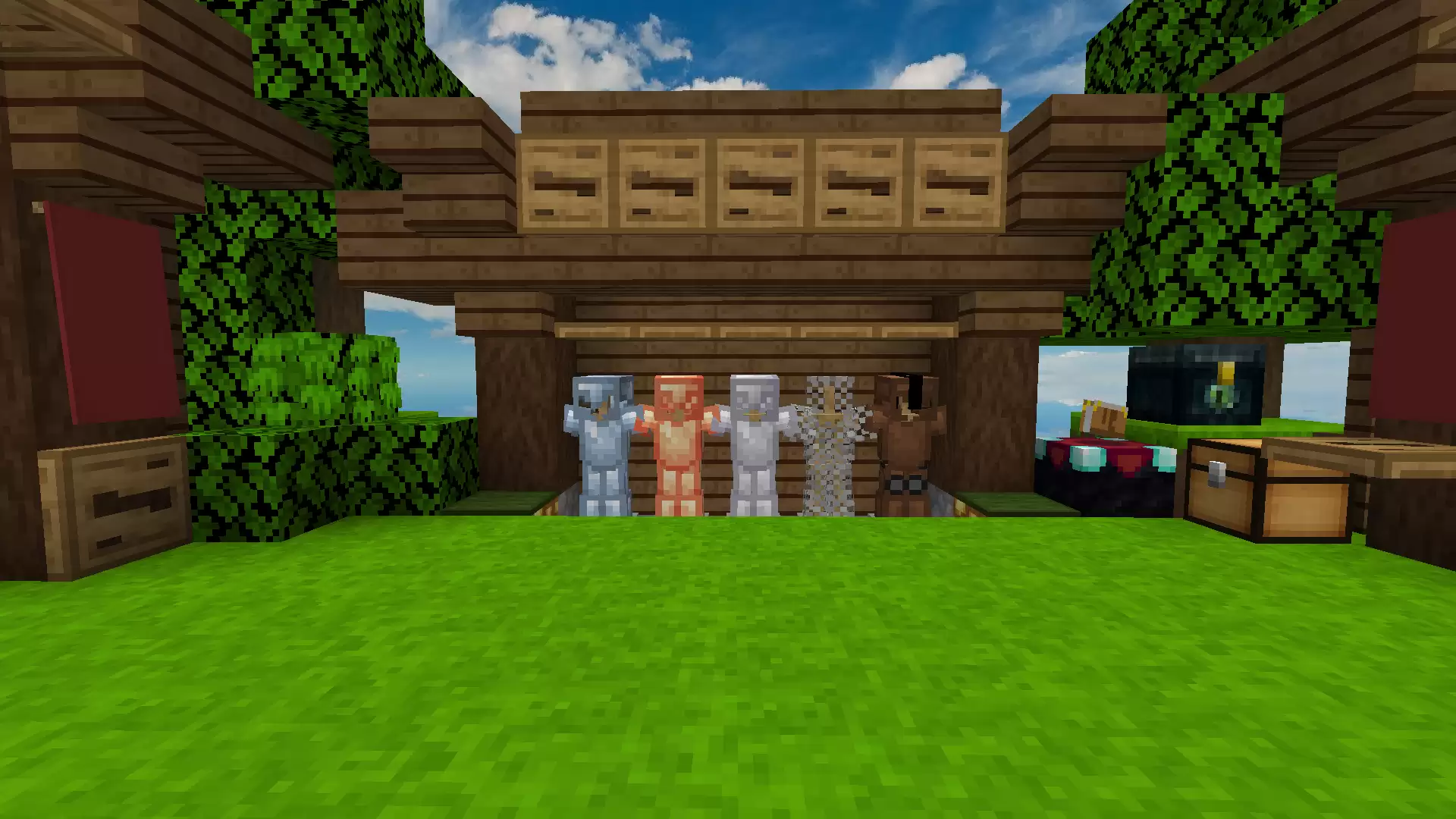
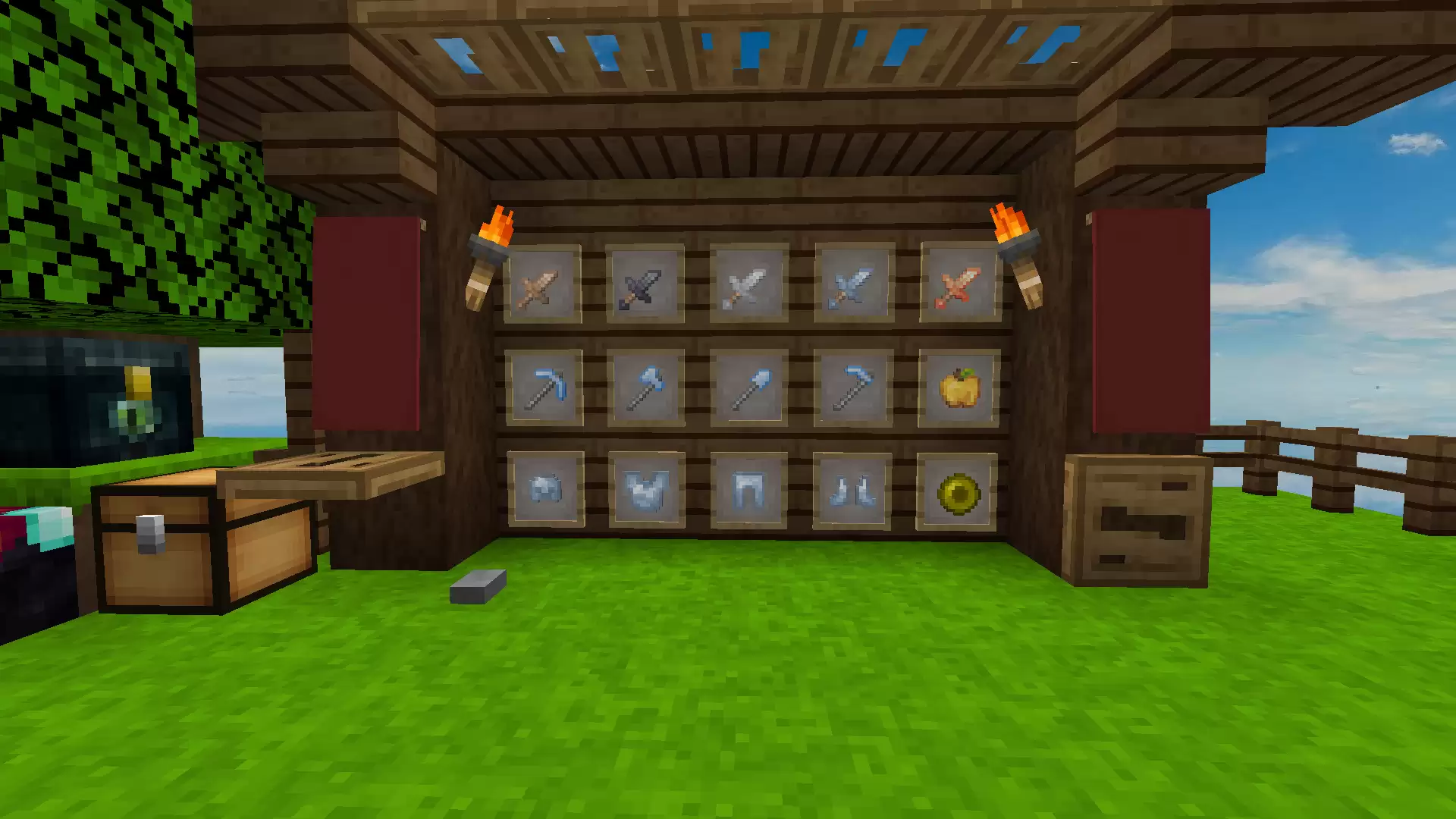
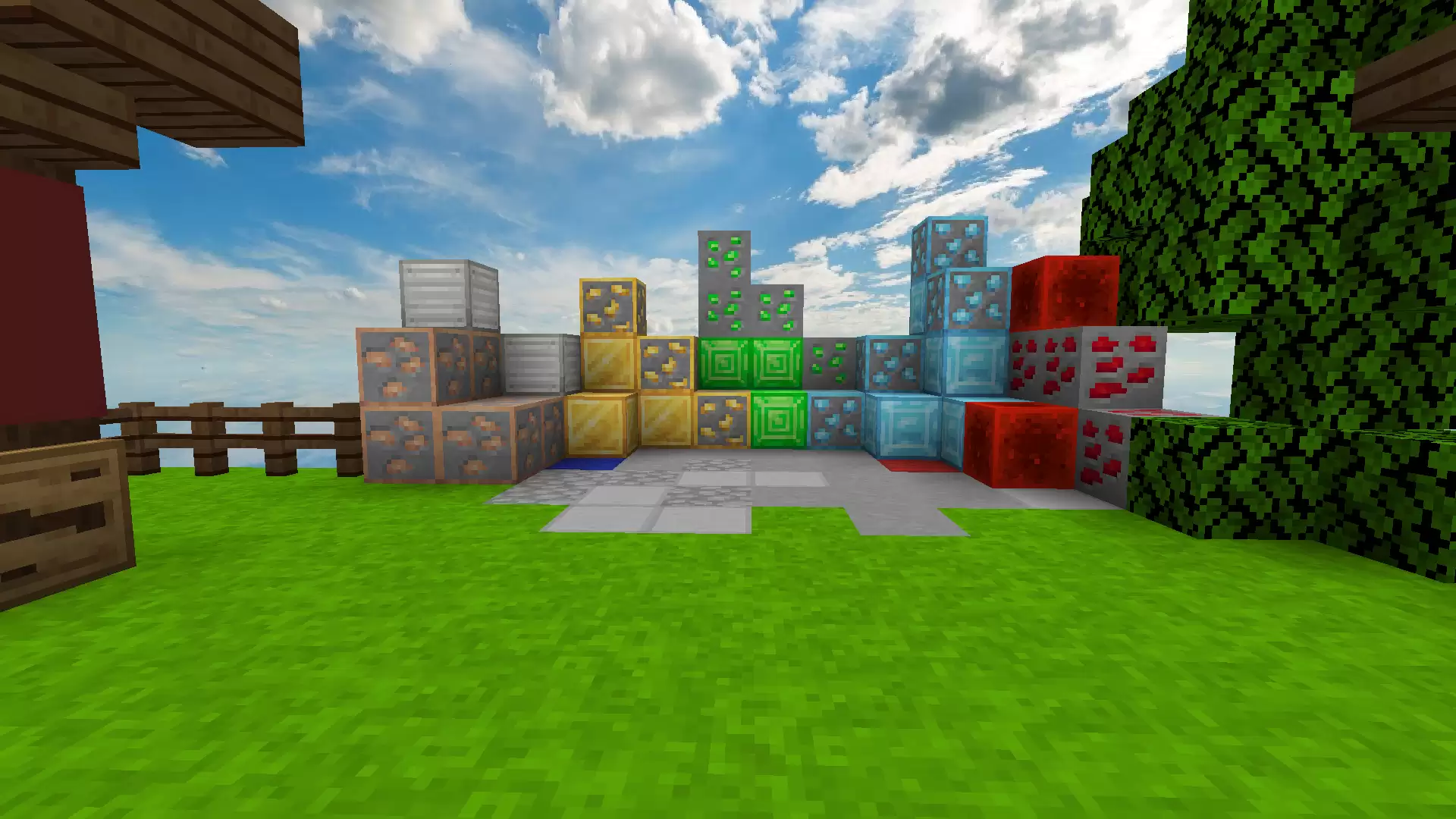
Open a lightweight 3D PvP loadout preview before downloading.
Description
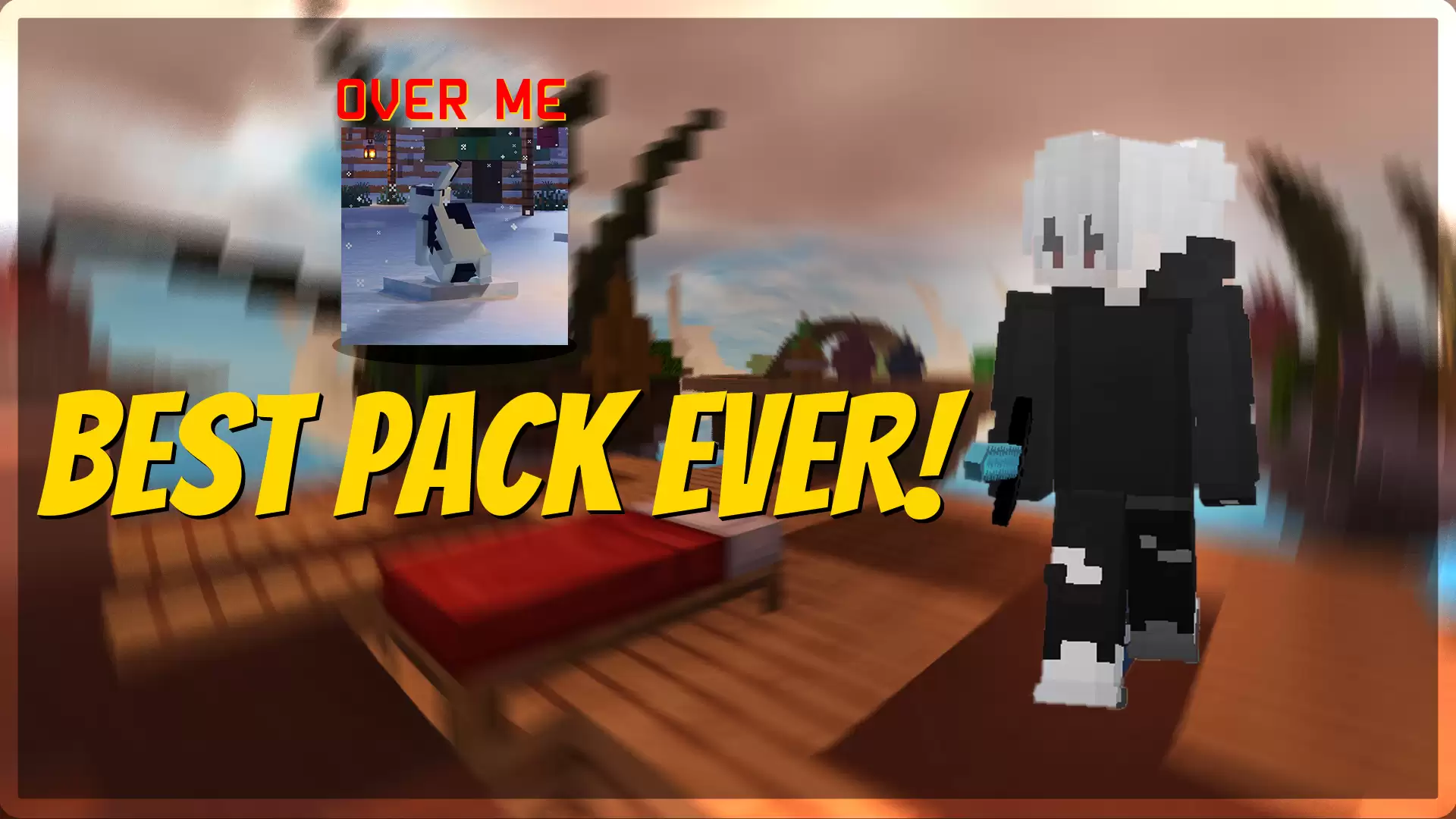
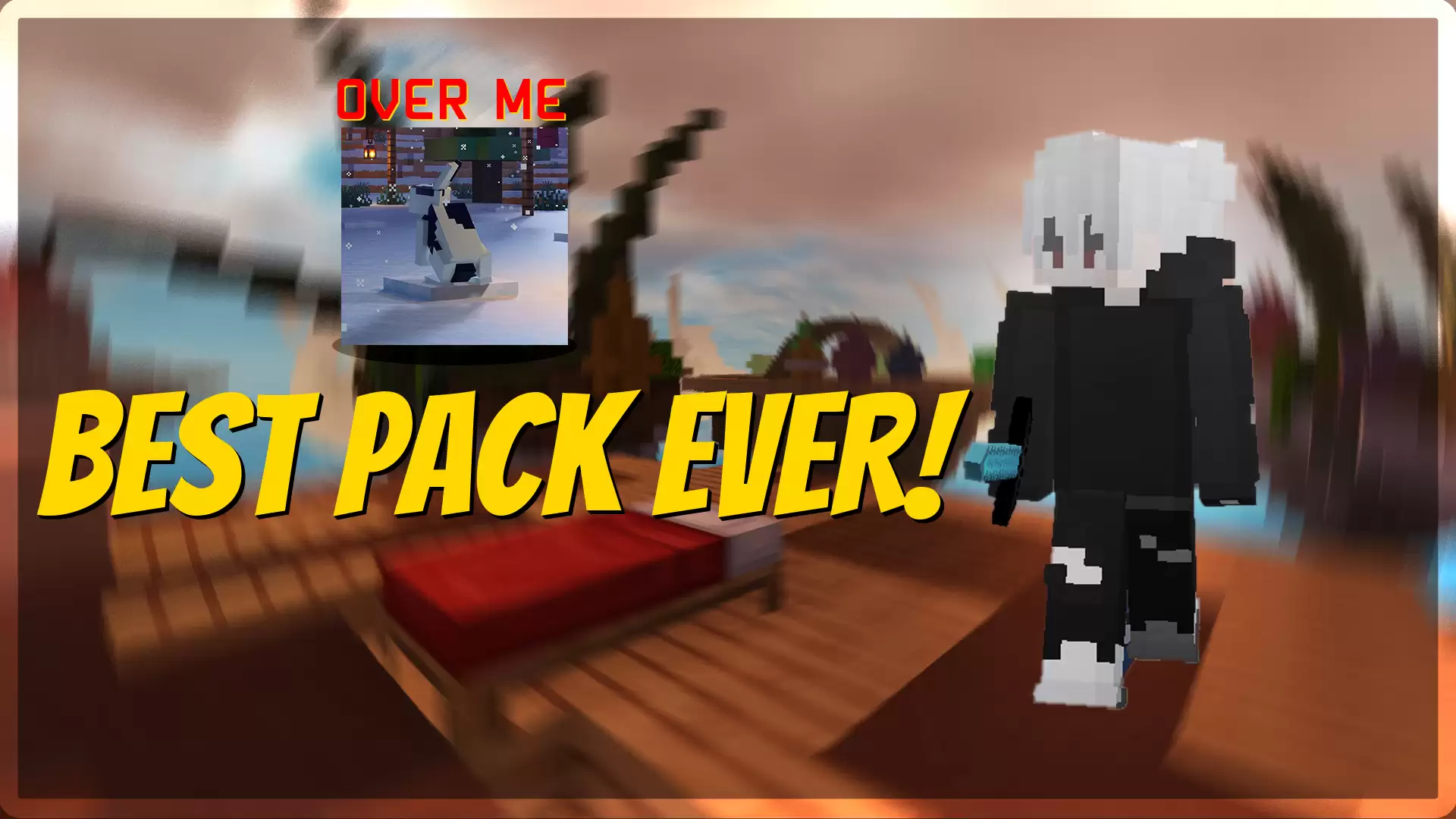
Hey Make sure to subscribe and then download and use it.
Your Support is precious to me, that encourages me to make more texture packs. Also don't forget to watch my new videos and shorts.
Thank You....
Add your stars, save your profile, and help other players find the good stuff.
0
Rate Pack
Help others to discover this pack by rating it based on your opinions! By rating it you will also gain profile XP and with it amazing leveling rewards that you can find here.
(0 Ratings)
How to use a Texture Pack:
After downloading your pack follow this step guide to get it working in your game
1. Open Minecraft
2. Go to Settings
3. Click on Resource Packs
4. Open Pack Folder
5. Drag the zip file that you just downloaded in the folder that opens up
6. Select the pack in game from left side by clicking on it
7. Press 'Done' and wait for the game to load the textures
After that the textures should load up and you can play the game with a brand new look!