1
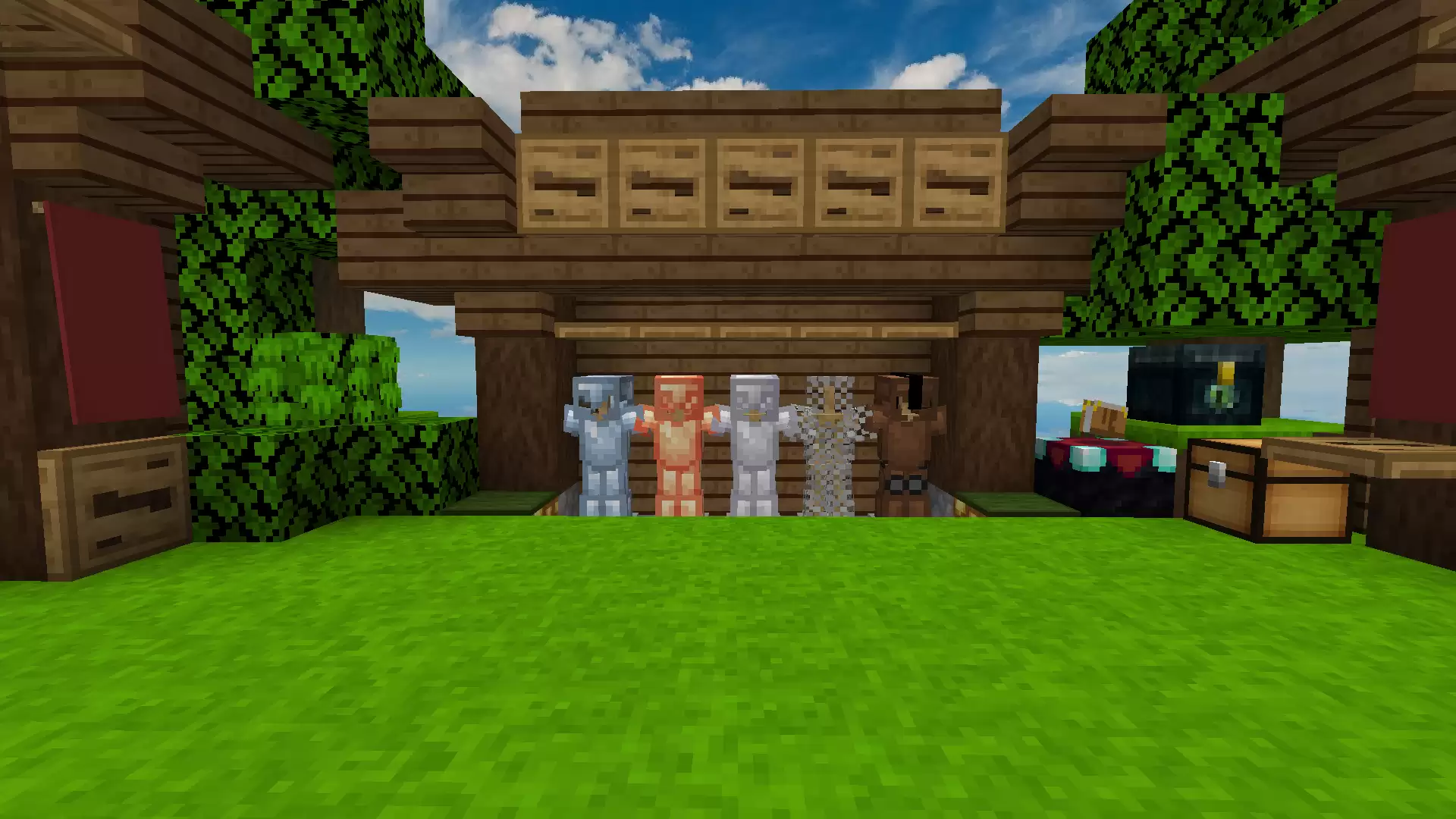
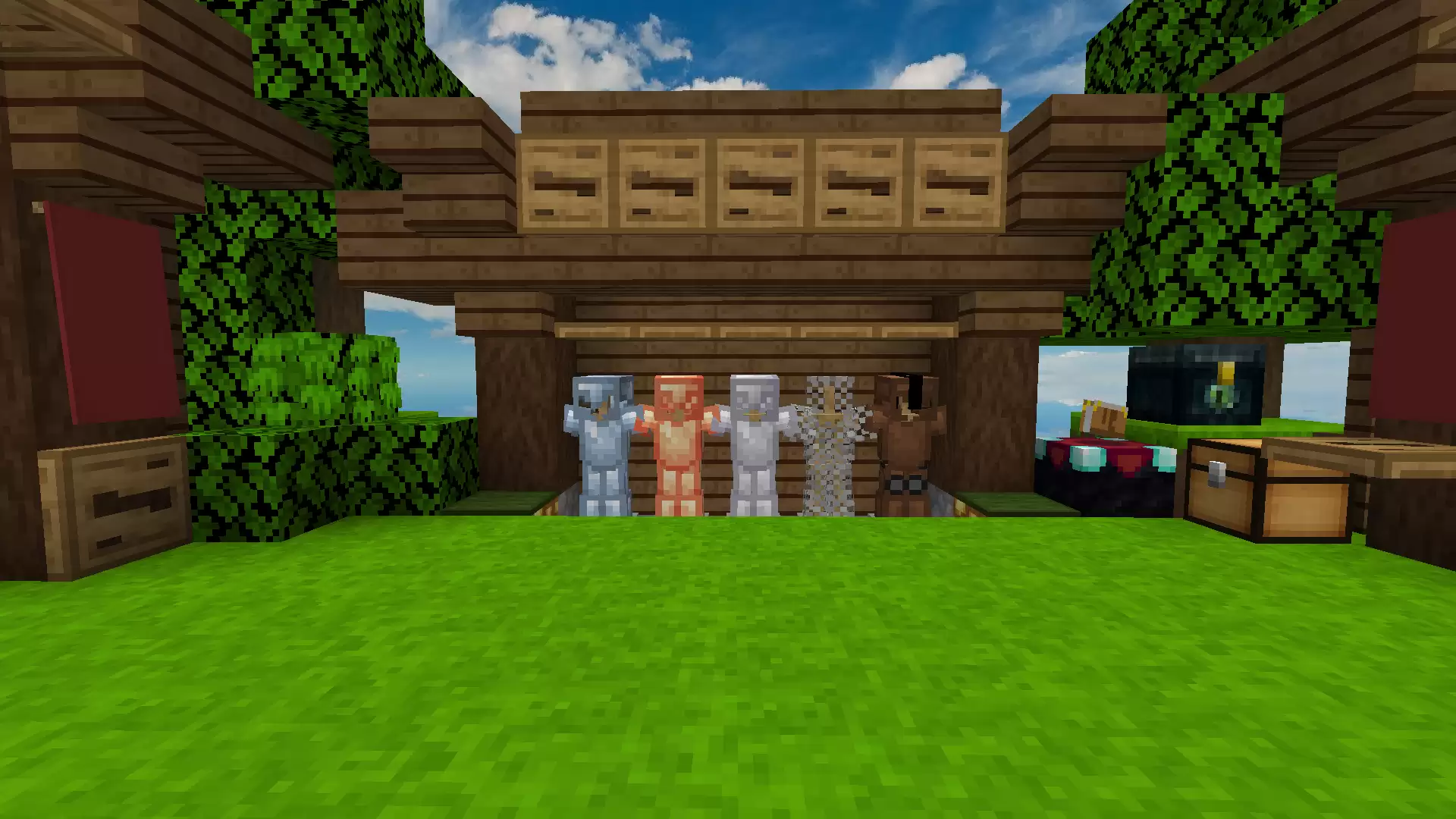
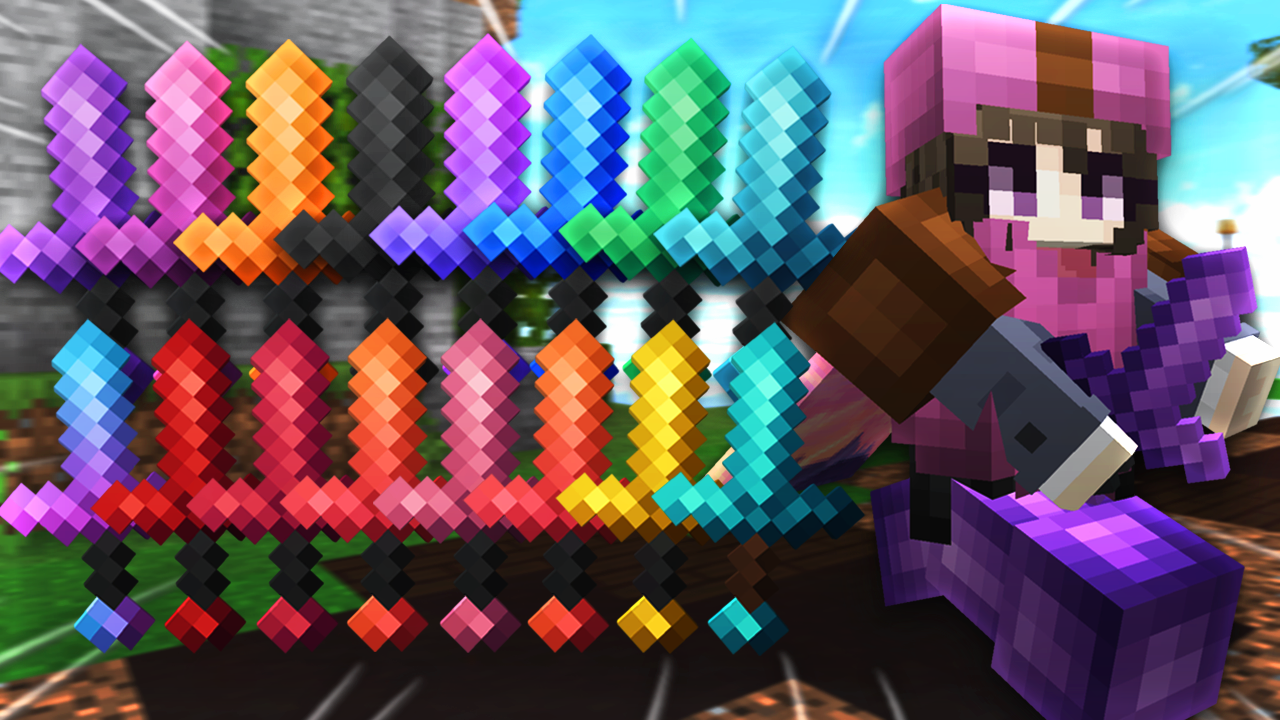
![[1.20] OctoberFreestyle 32x](https://pvprp.com/assets/packs/Milas/18019/banner.png)
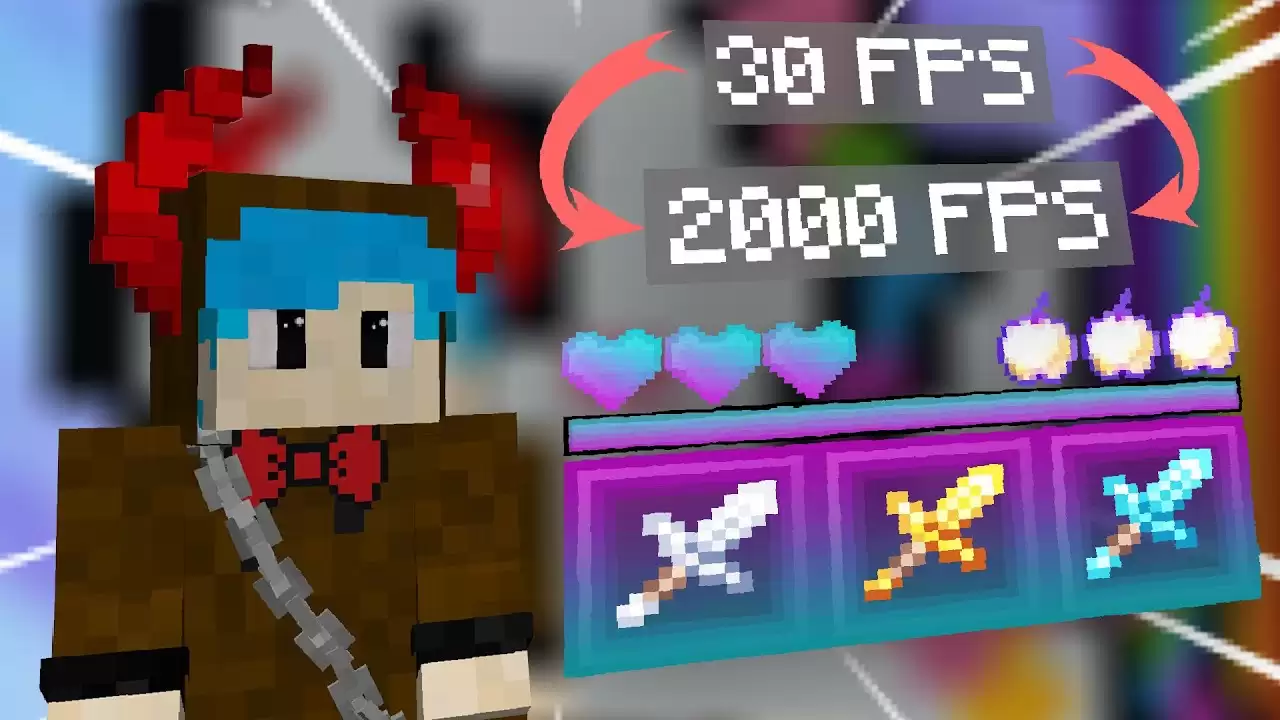
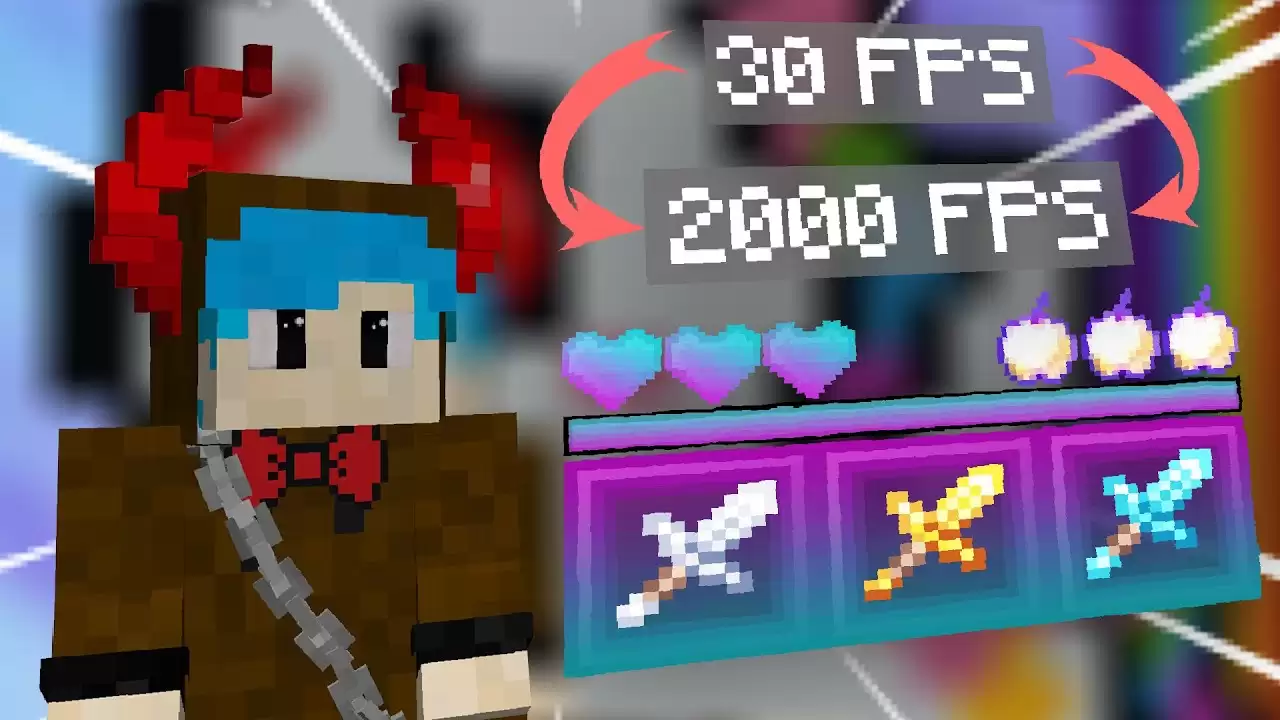
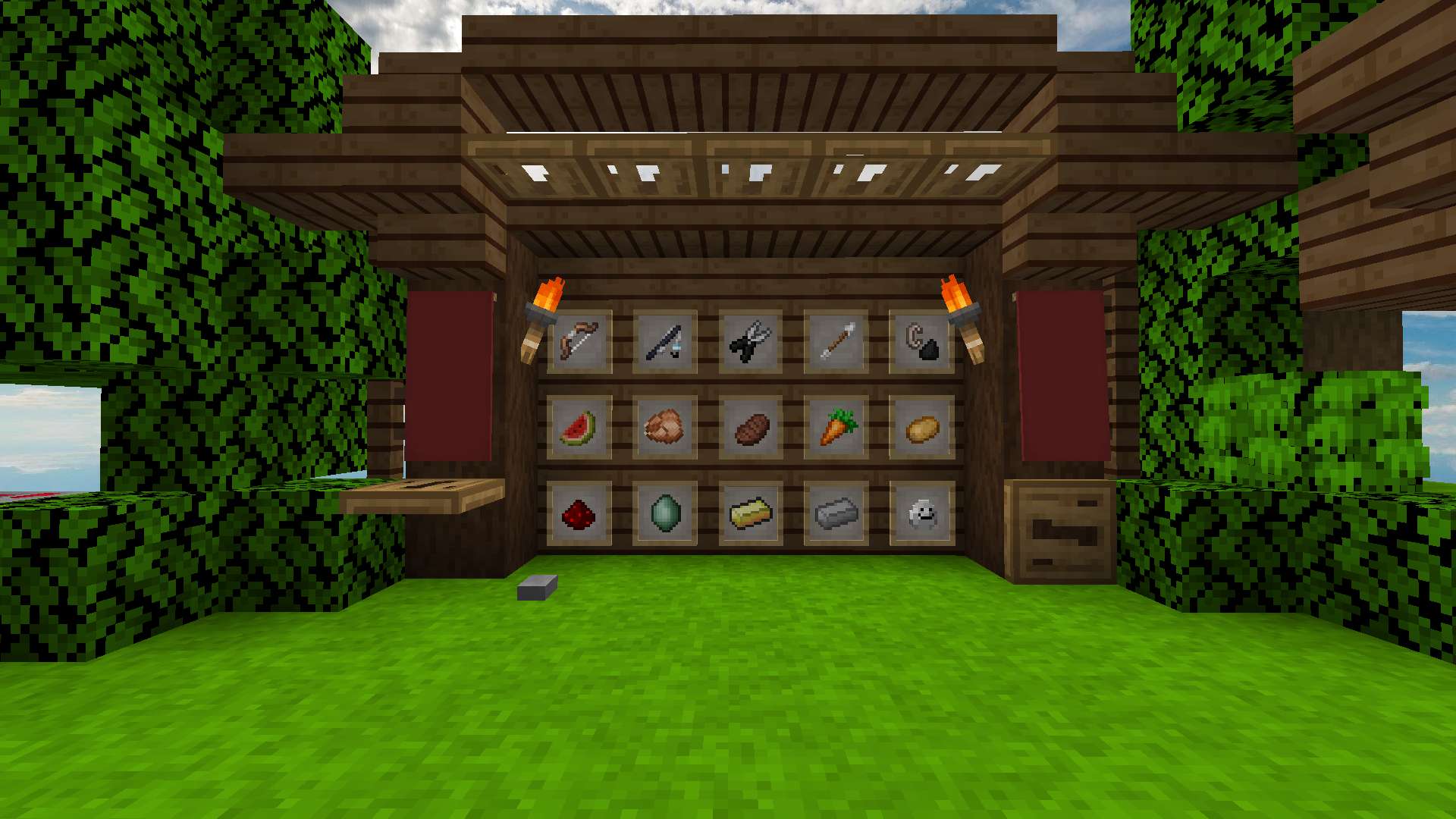
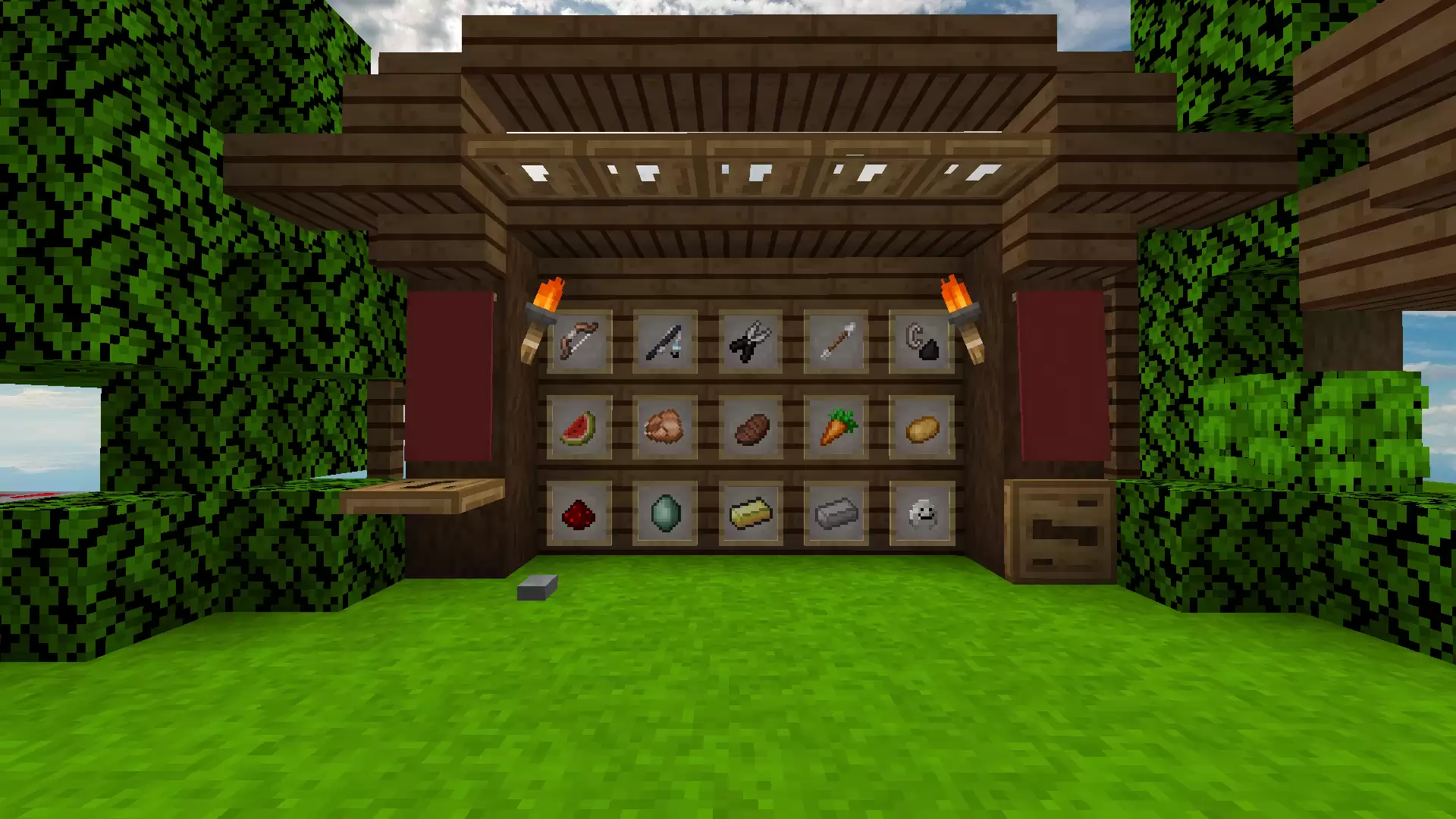
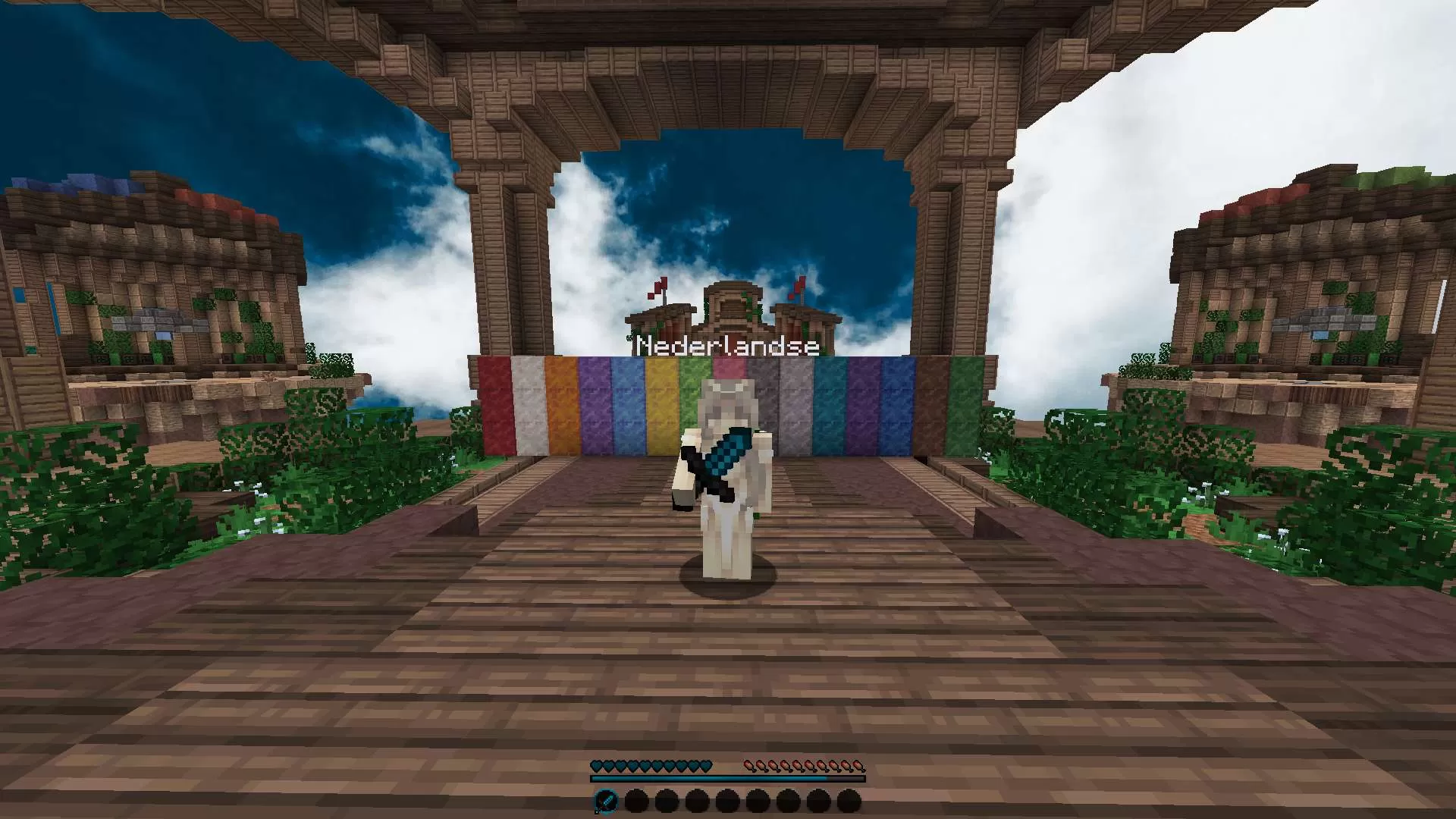
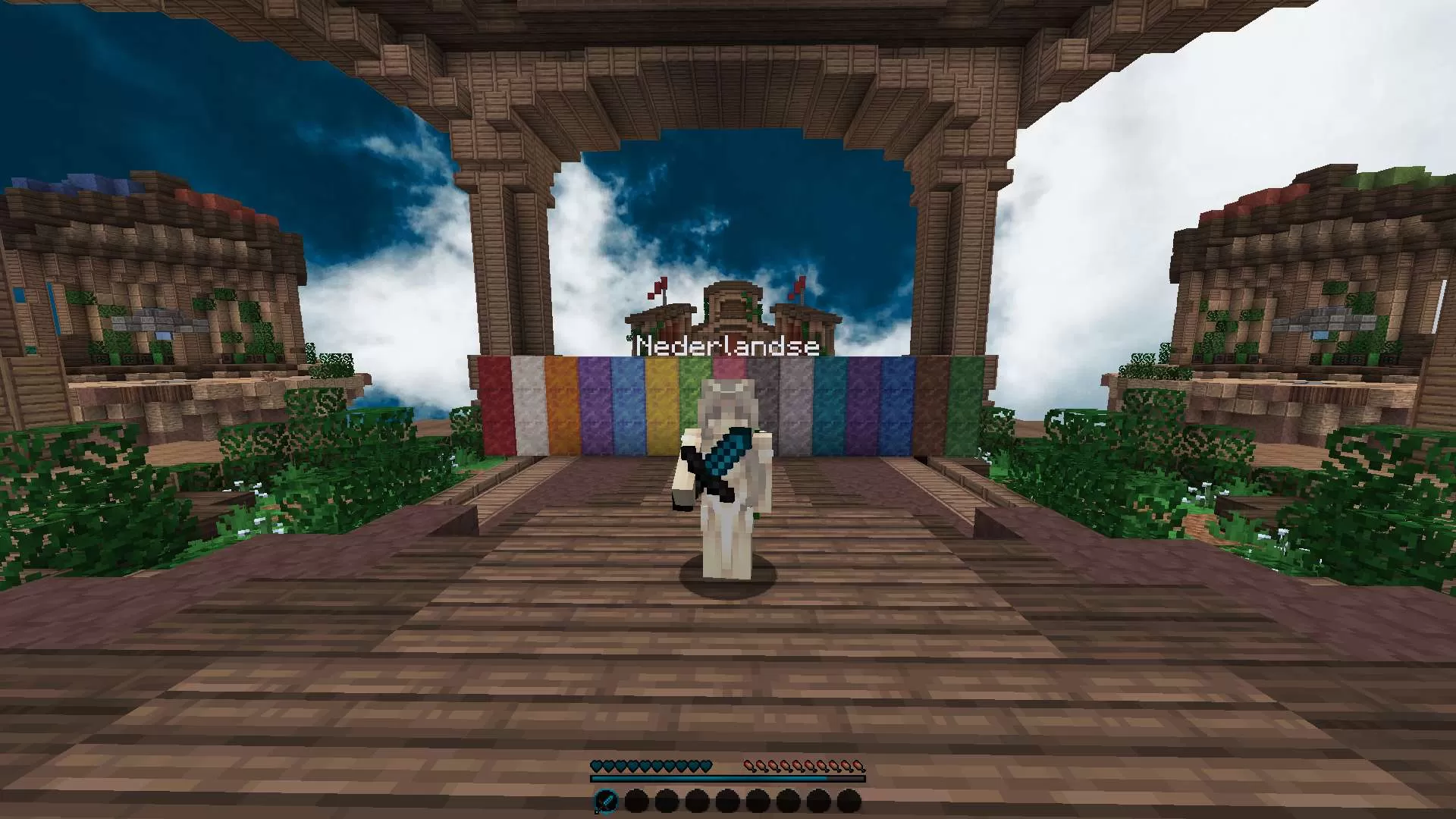
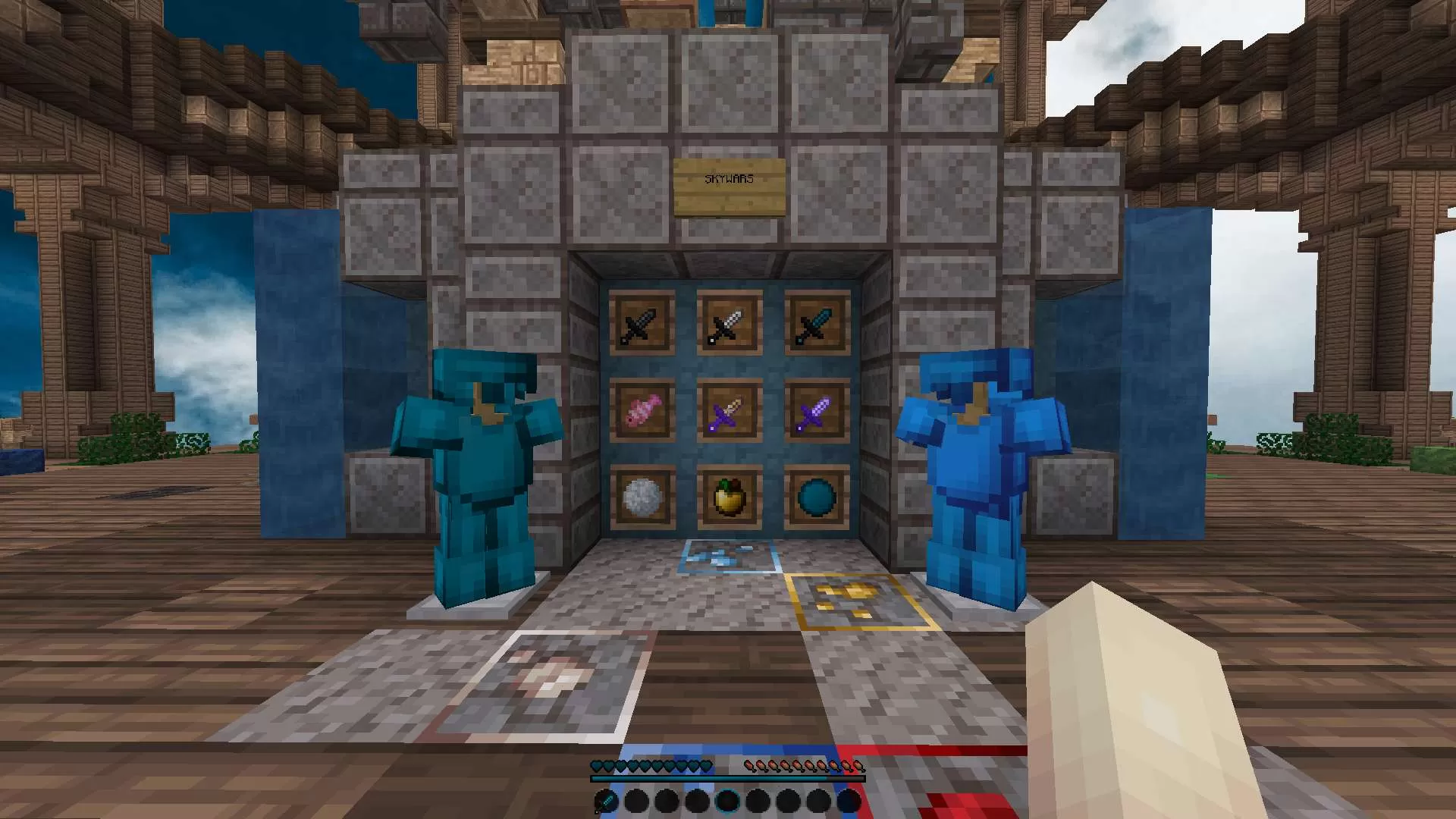
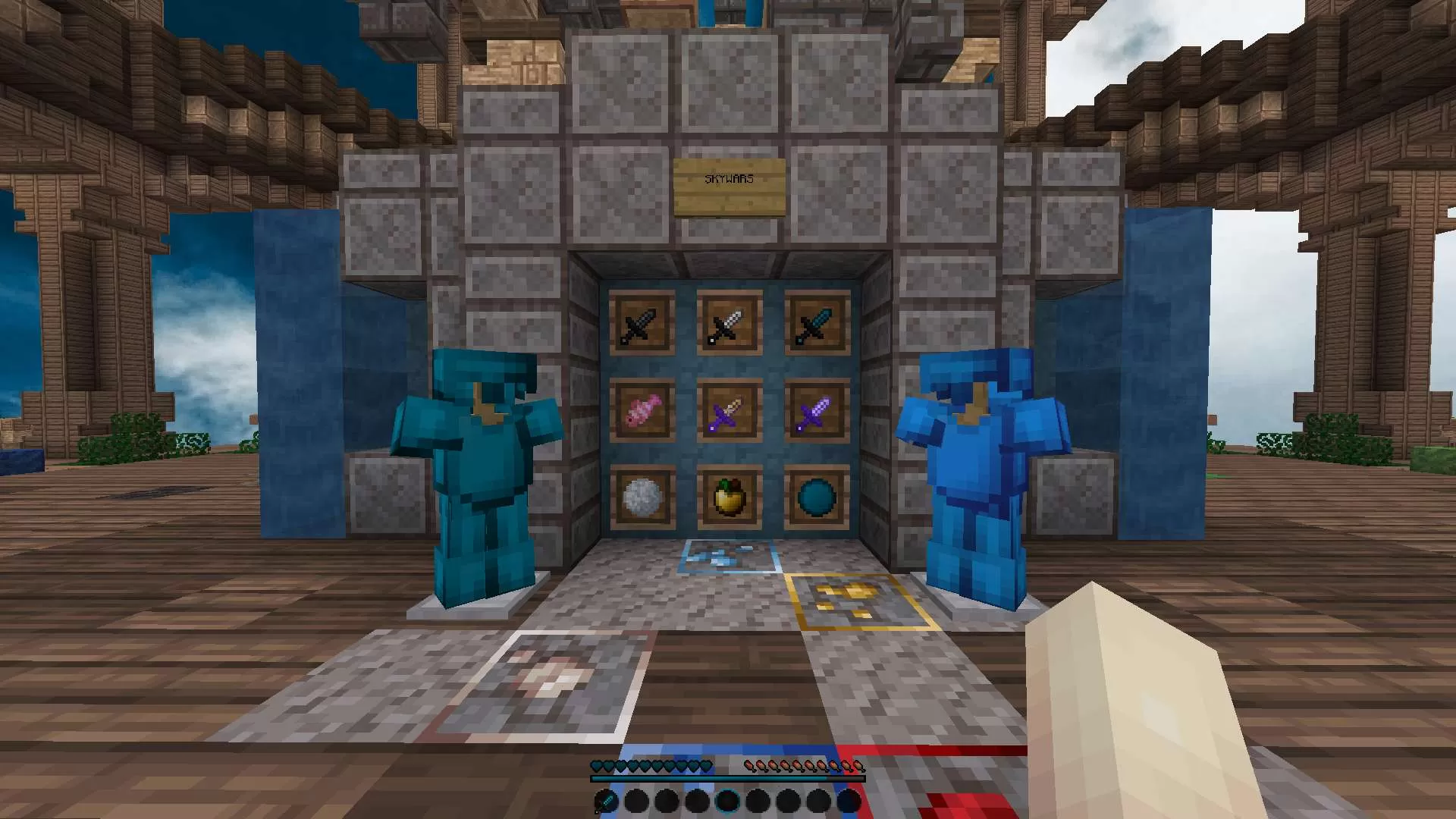
[1.20] OctoberFreestyle 32x
OctoberFreestyle is one of the clearest modern-version picks because it is tagged across 1.19, 1.20, and 1.21.
2
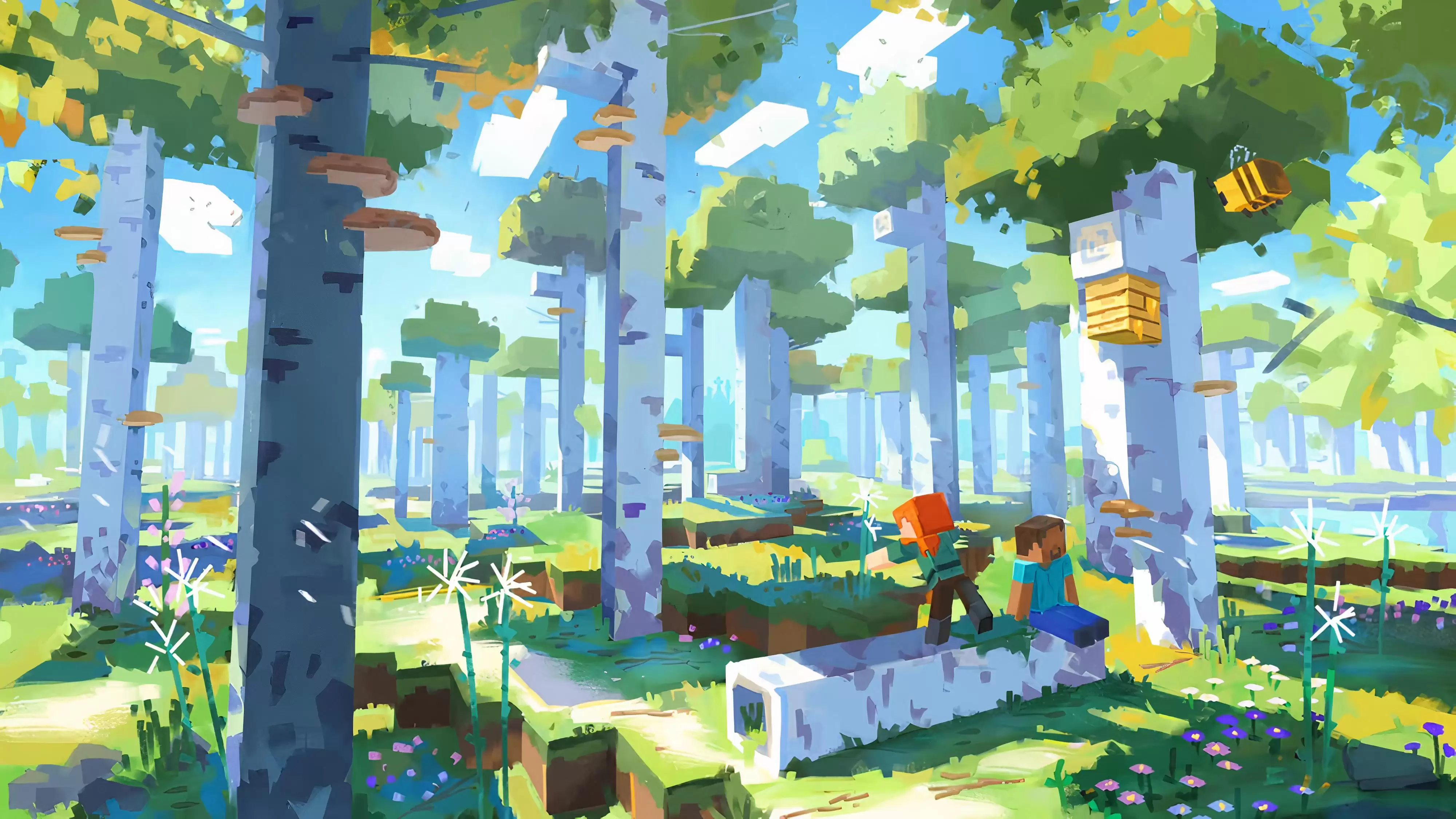
Mimi's PvP 16x. chipiblo 16x
Mimi PvP is a fresh 16x pack tagged for both 1.20 and 1.21, making it a useful newer-client test pick.
3
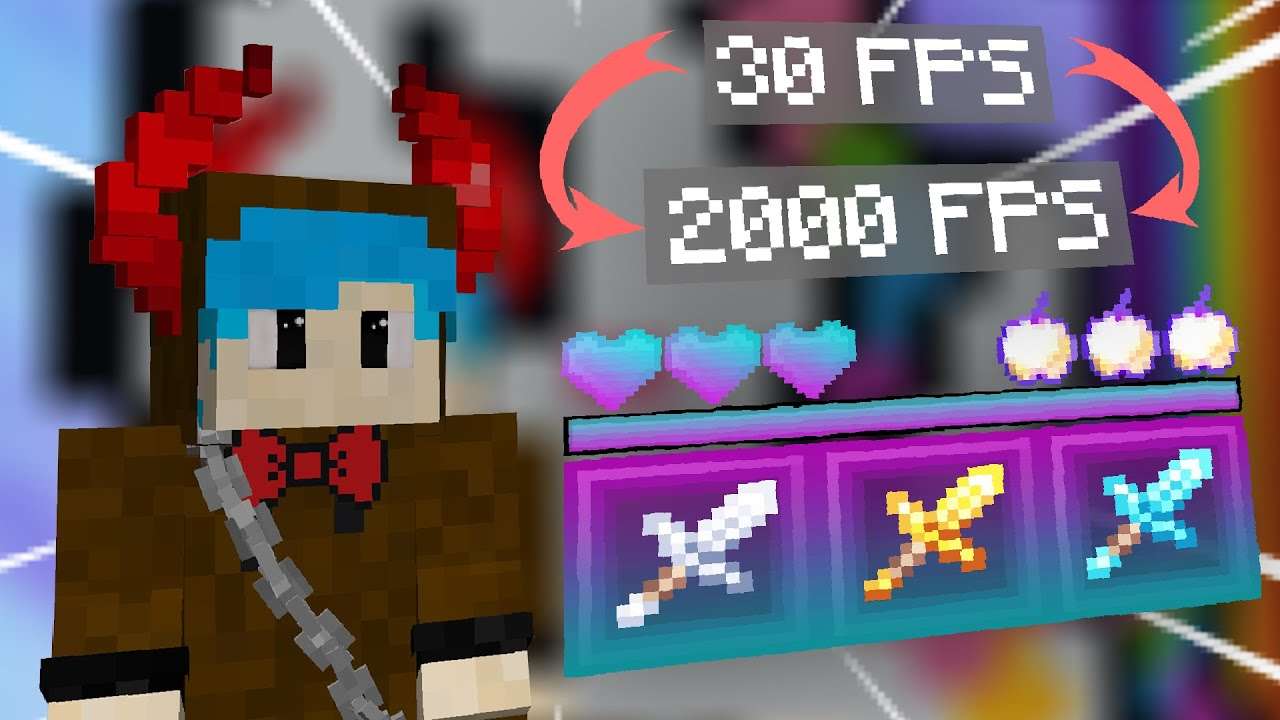
Cinavar 10k pack 16x
Cinavar 10k pack covers a wide version range and gives modern players a more complete PvP-style option.
4

Over Me 16x
Over Me is a recent 16x pack with newer-version tags, useful for players who want a simple PvP edit on current clients.
5
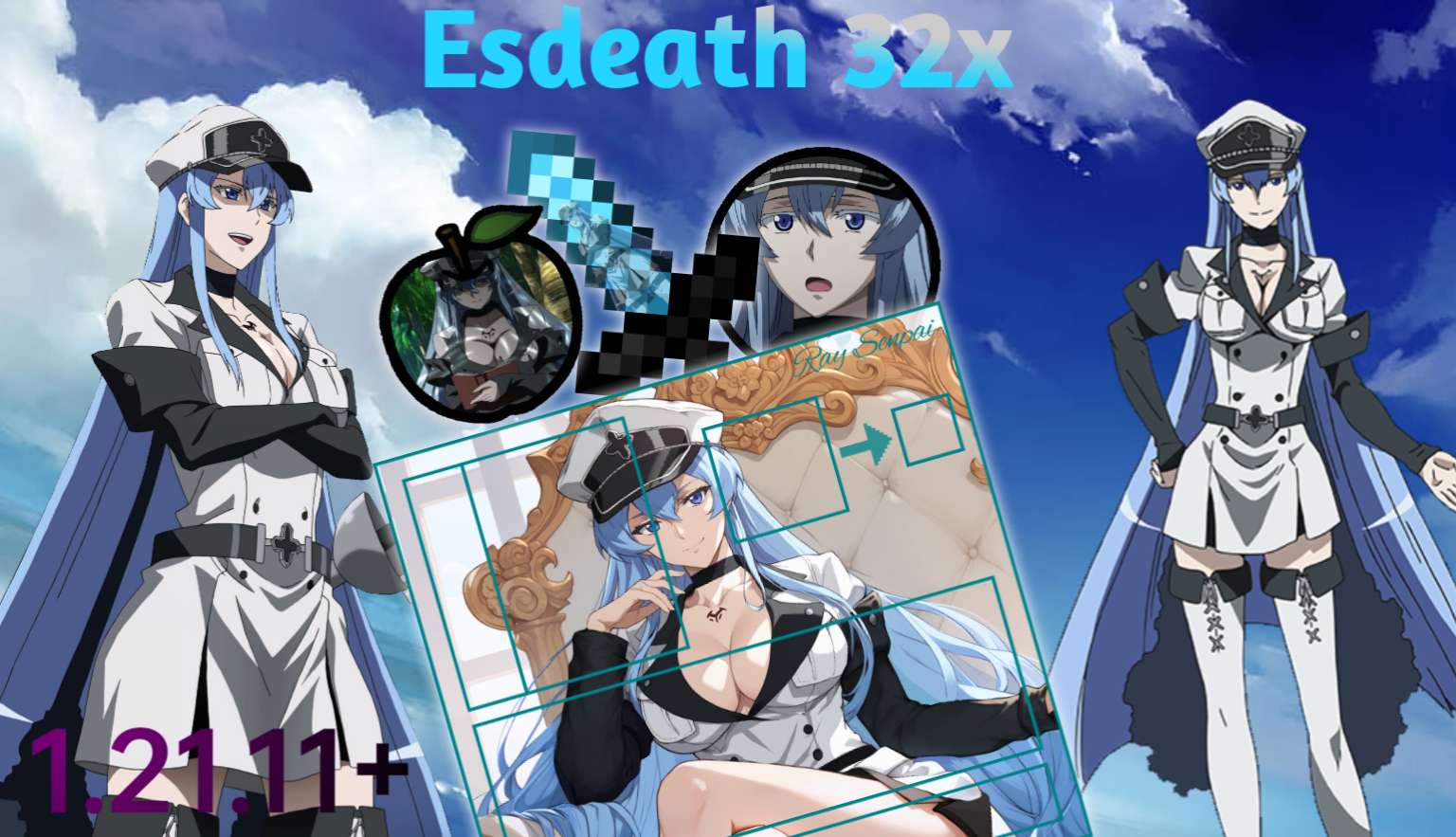
Esdeath 32x
Esdeath is a 32x anime-style pack that has newer-version support listed and a stronger visual identity.
6
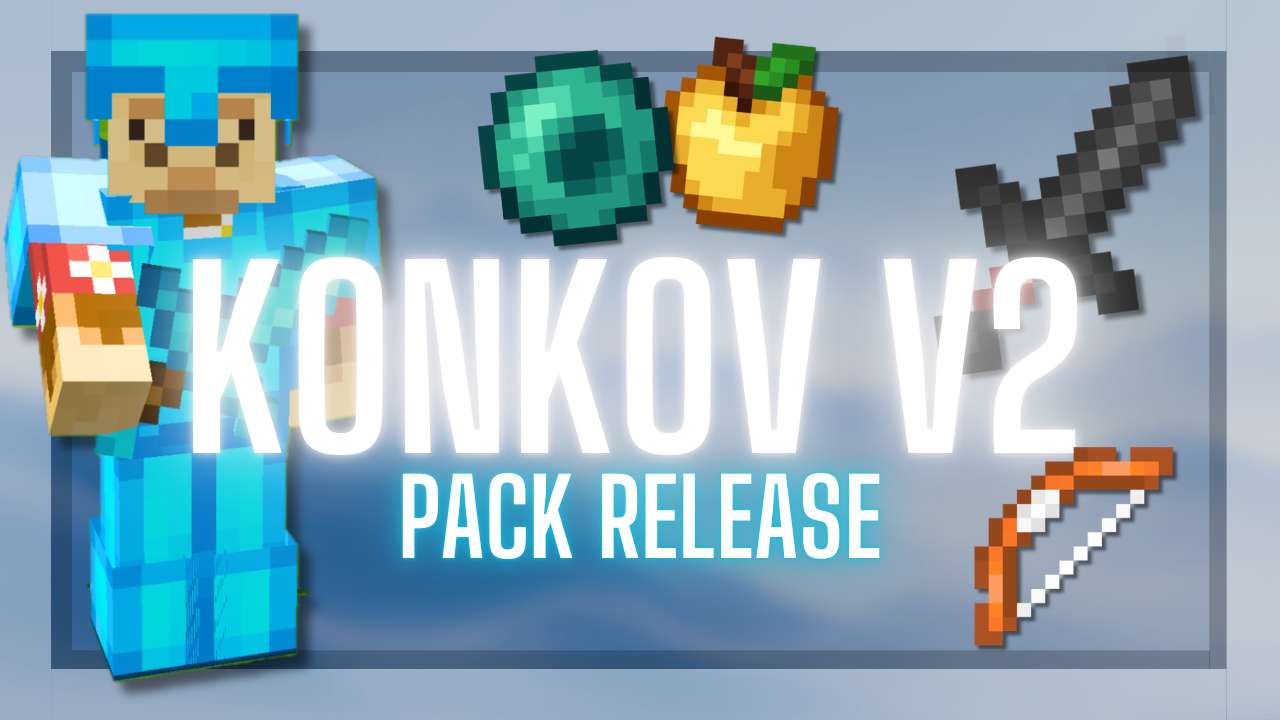
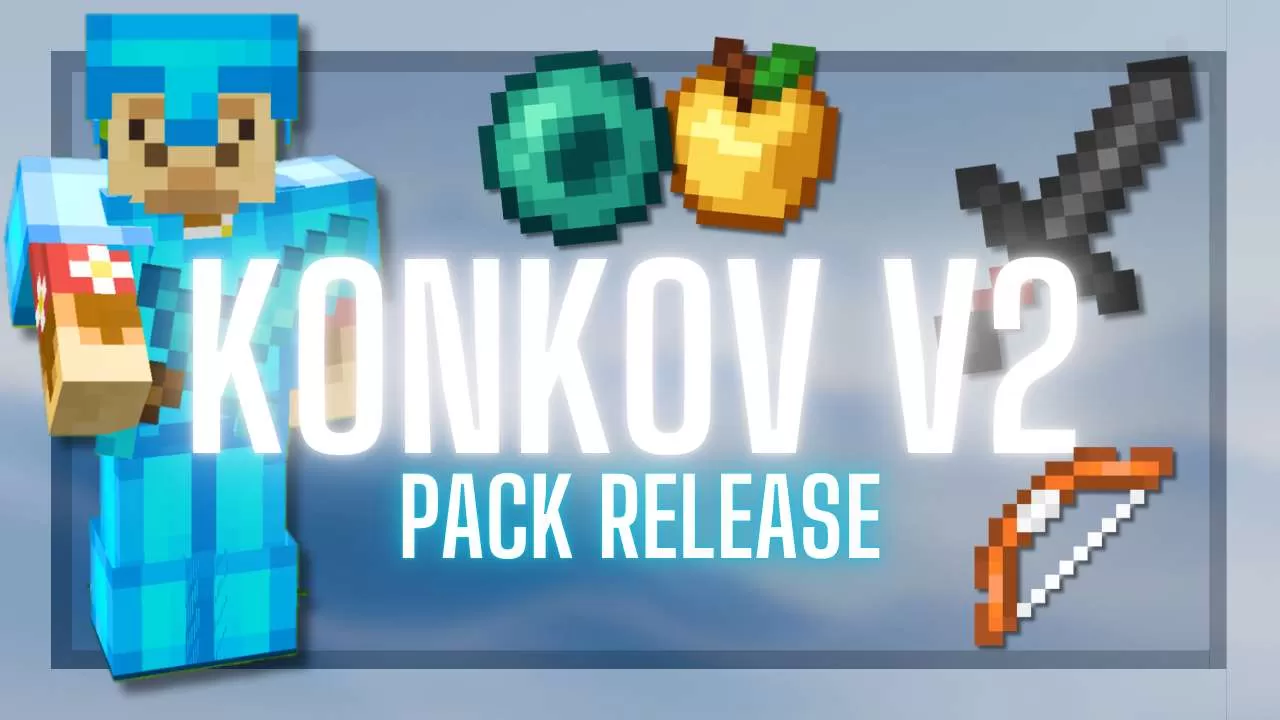
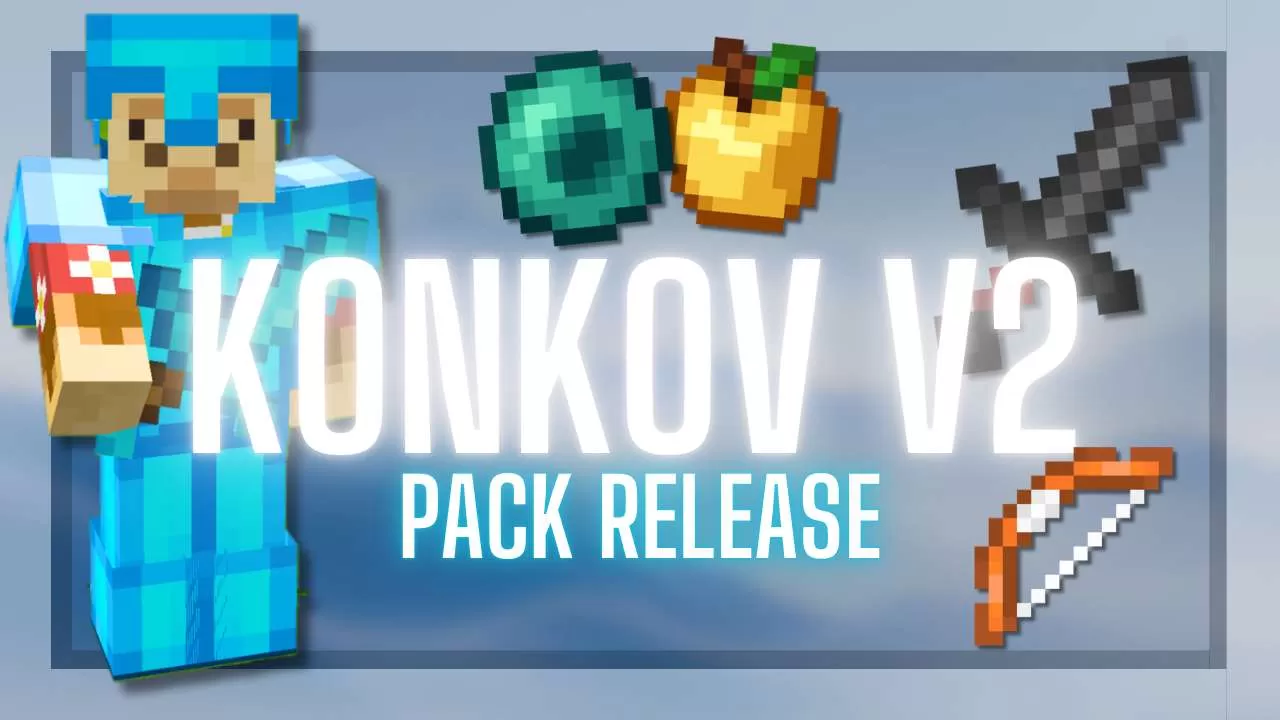
Konkov PvP Pack V2 1.21-26.1 16x
Konkov PvP Pack V2 is built around modern PvP presentation while staying close to the clean pack style PVPRP users expect.
7
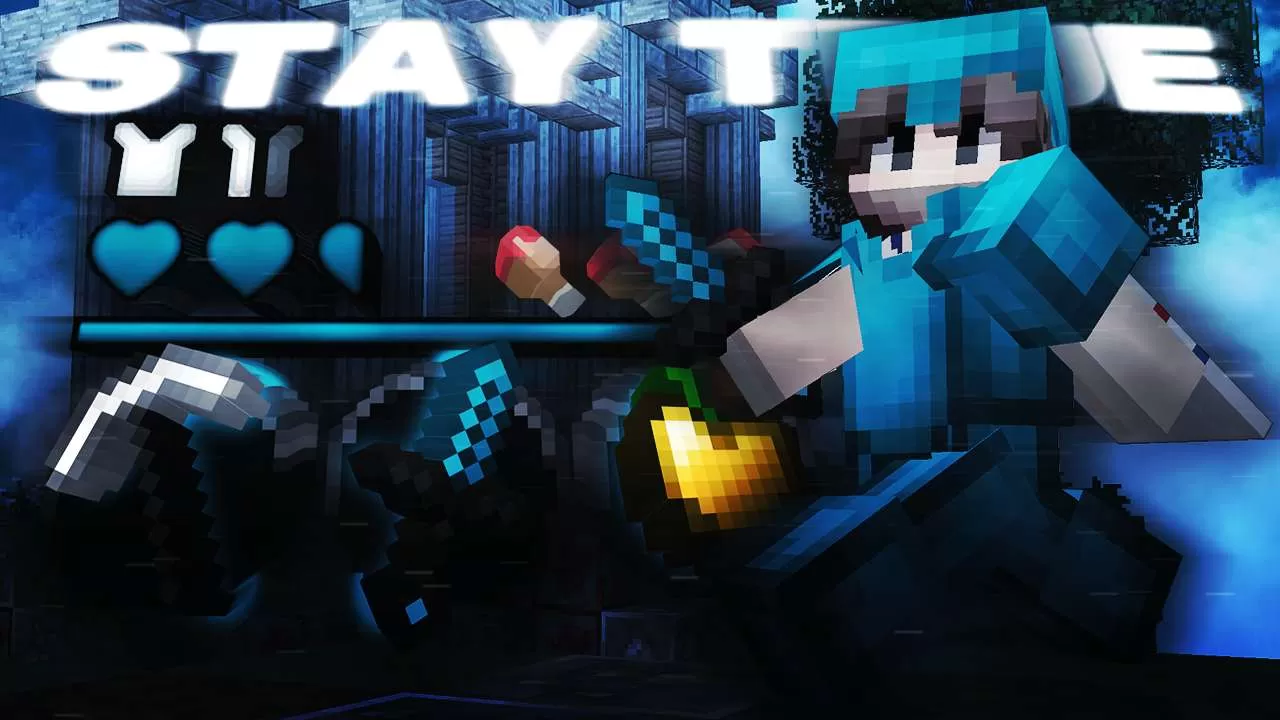
MILAS 5K / JAVA 1.20 16x
MILAS 5K Java 1.20 is a useful bridge between older PVPRP packs and newer Minecraft clients.
8
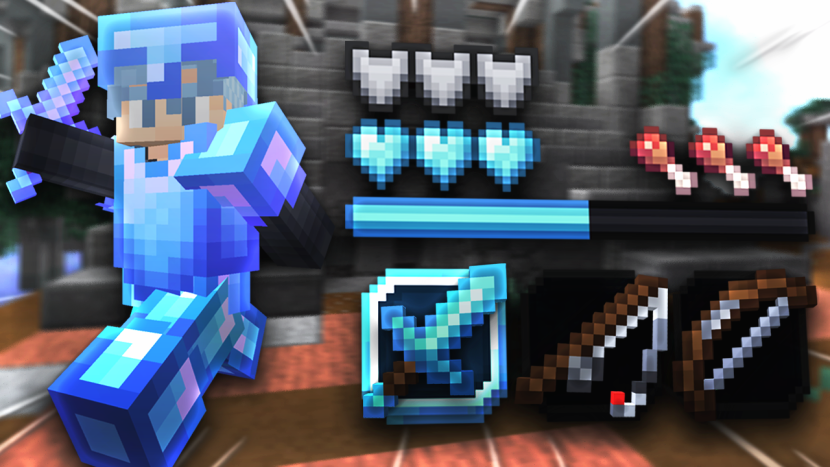
![xD.fault [1.21] 32x](https://pvprp.com/assets/packs/xSkadush/17521/banner.png)
xD.fault [1.21] 32x
xD.fault gives newer-version players a 32x pack option with a familiar PvP edit feel.
9
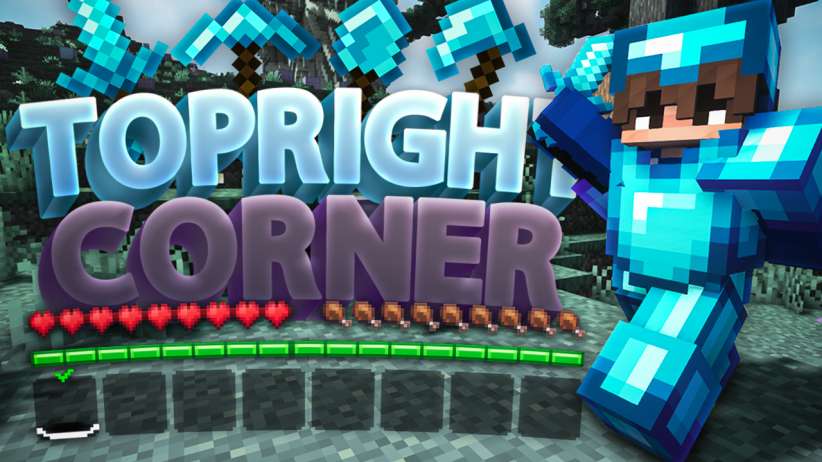
![oni taiji [1.21] 512x](https://pvprp.com/assets/packs/xSkadush/17491/banner.png)
oni taiji [1.21] 512x
oni taiji is a high-resolution pick for players who want a sharper look and do not mind a heavier pack.
10
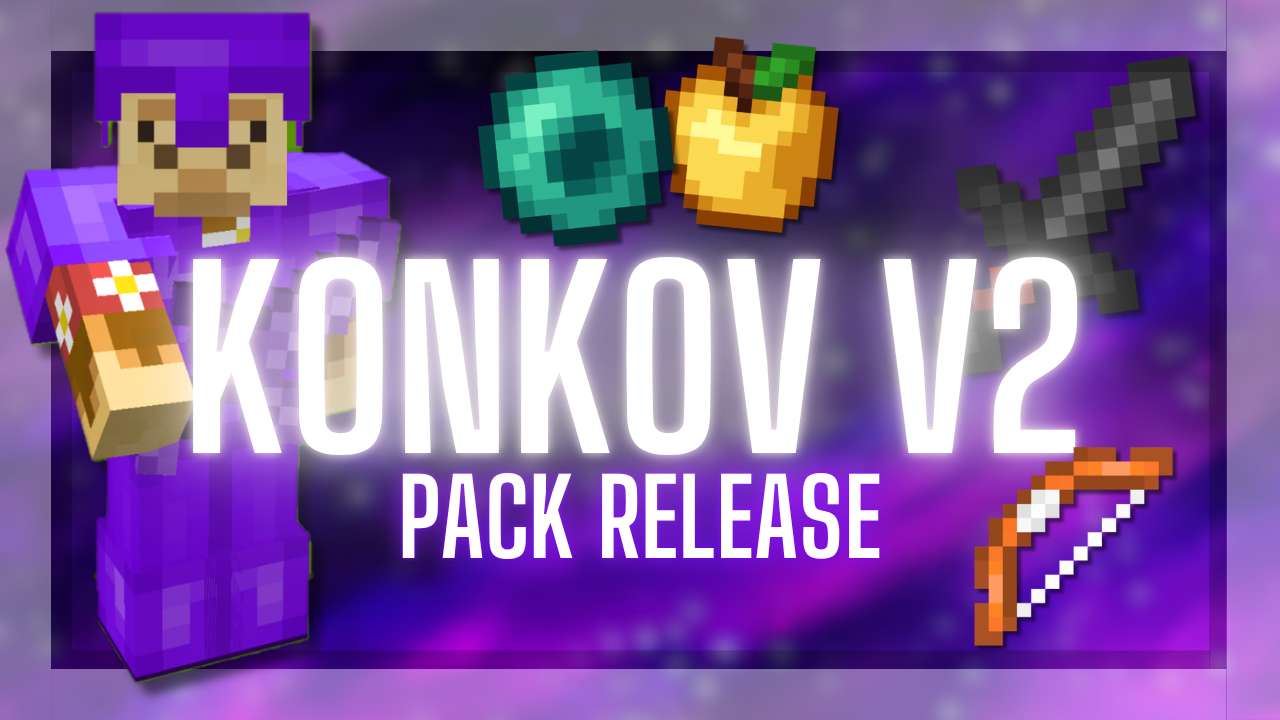
Konkov PvP Purple Pack V2 1.21-26.1 16x
Konkov PvP Purple Pack V2 1.21-26.1 gives the newer-version list a purple 16x option with short swords, custom sky, and PvP-focused default-edit textures.
Newer Minecraft PvP packs are becoming more important again as more players move between 1.19, 1.20, and 1.21 servers. PVPRP was built during the 1.8 era, so some newer-version pack data is still catching up, but creators are now uploading more modern packs again.
This list uses packs that are tagged for 1.20 or 1.21 where available, plus newer Java PvP packs that fit modern-version play. The focus is not pretending every older pack is perfect for every version. The focus is finding packs that are recent, playable, and worth testing if you are on a newer Minecraft client.
If Minecraft shows a version warning, it does not always mean the pack is unusable. It means the pack format is older or different. Always test in-game, check whether the textures you care about are working, and keep a backup pack ready if you play on multiple versions.
FAQ
Are 1.20 and 1.21 PvP texture packs different from 1.8.9 packs?
They can be. Newer Minecraft versions use different pack formats and sometimes different texture paths. A pack can still load, but the safest choice is a pack tagged for your version.
Can I use a 1.19 pack on Minecraft 1.20 or 1.21?
Sometimes yes, especially for simple PvP textures, but Minecraft may show a warning. Test the pack in-game before relying on it for serious play.
Why are there fewer 1.21 packs on PVPRP?
PVPRP has years of older Java PvP packs, while newer-version tagging was added later. More 1.20 and 1.21 packs are being added as creators upload fresh packs.


 1.8K
1.8K 4.9K
4.9K![[1.20] OctoberFreestyle screenshot](https://pvprp.com/assets/packs/Milas/18019/gallery/1.png)
![[1.20] OctoberFreestyle screenshot](https://pvprp.com/assets/packs/Milas/18019/gallery/1.png.webp)
![[1.20] OctoberFreestyle screenshot](https://pvprp.com/assets/packs/Milas/18019/gallery/2.png)
![[1.20] OctoberFreestyle screenshot](https://pvprp.com/assets/packs/Milas/18019/gallery/2.png.webp)

![xD.fault [1.21] screenshot](https://pvprp.com/assets/packs/xSkadush/17521/gallery/2-2.png)
![xD.fault [1.21] screenshot](https://pvprp.com/assets/packs/xSkadush/17521/gallery/2-2.png.webp)
![xD.fault [1.21] screenshot](https://pvprp.com/assets/packs/xSkadush/17521/gallery/2.png)
![xD.fault [1.21] screenshot](https://pvprp.com/assets/packs/xSkadush/17521/gallery/2.png.webp)
![oni taiji [1.21] screenshot](https://pvprp.com/assets/packs/xSkadush/17491/gallery/1.jpeg)
![oni taiji [1.21] screenshot](https://pvprp.com/assets/packs/xSkadush/17491/gallery/1.jpeg.webp)
![oni taiji [1.21] screenshot](https://pvprp.com/assets/packs/xSkadush/17491/gallery/2.jpg)
![oni taiji [1.21] screenshot](https://pvprp.com/assets/packs/xSkadush/17491/gallery/2.jpg.webp)
.png)
.png.webp)
 Join Now