1
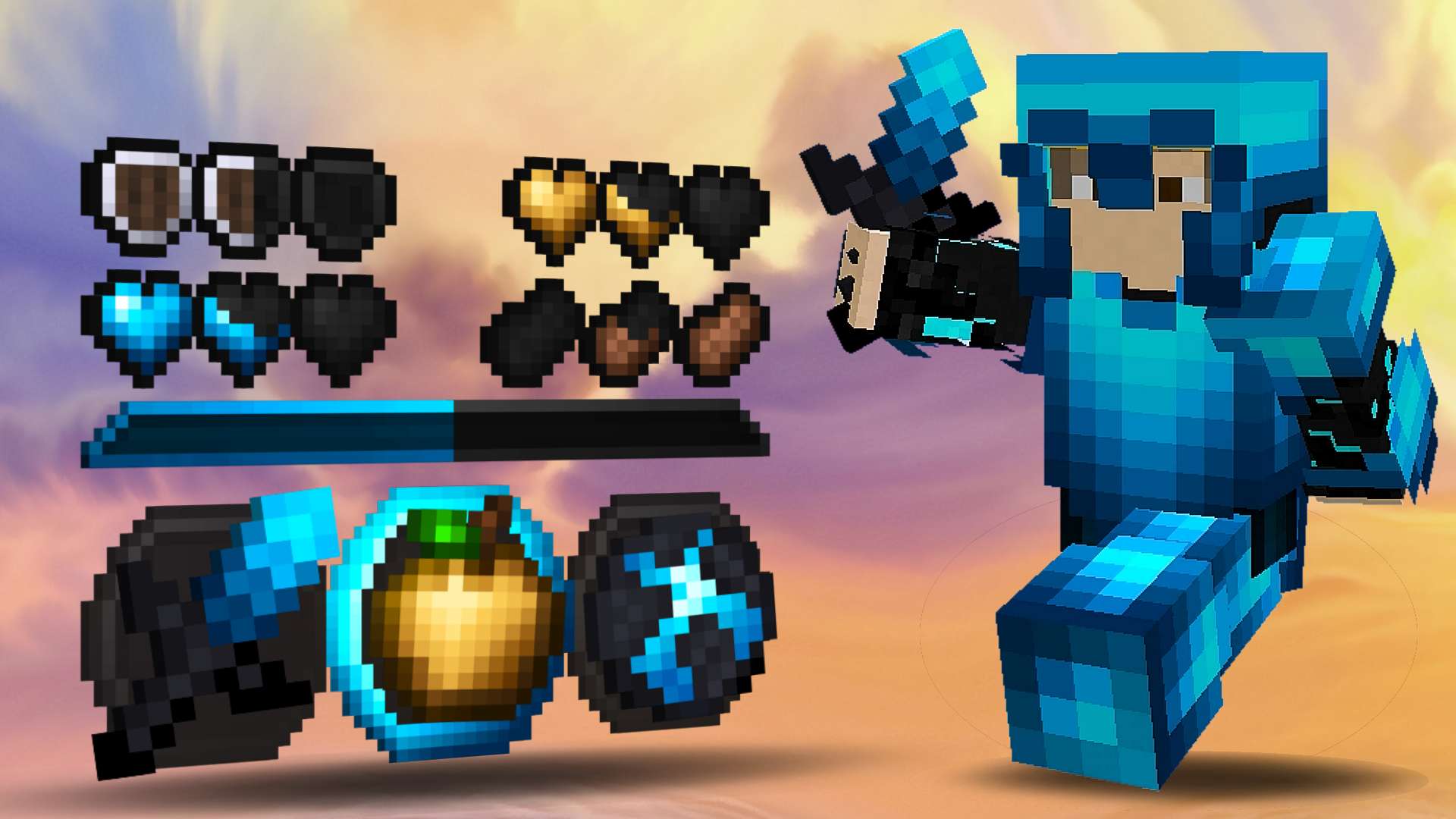
Zion 8x & 8x
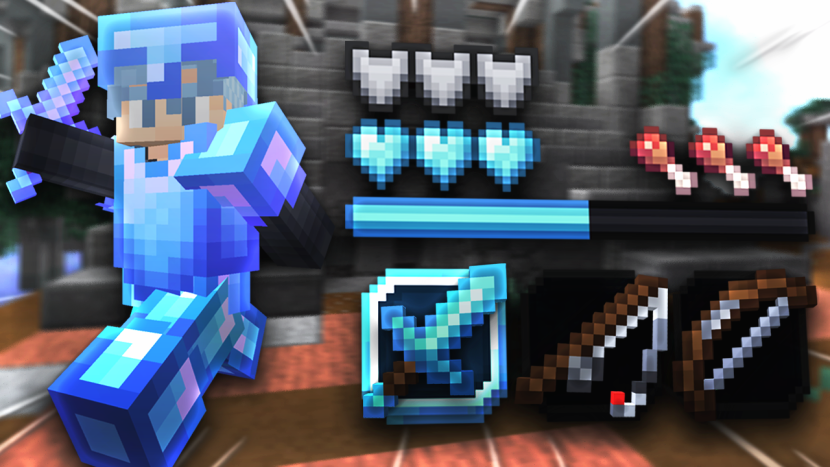
Zion is an 8x Java 1.8 pack from Chr7st with blue equipment and low-detail item textures. Start here if you want a PvP loadout with fewer pixels than a 16x edit.
2
![Zoomed [8x] 8x](https://pvprp.com/assets/packs/SpacyLmao/1111/banner.png)
Zoomed [8x] 8x
SpacyLmao's Zoomed uses cyan armor and simplified items at 8x. It lists Java 1.8 and offers another low-resolution combat style to compare with Zion.
3
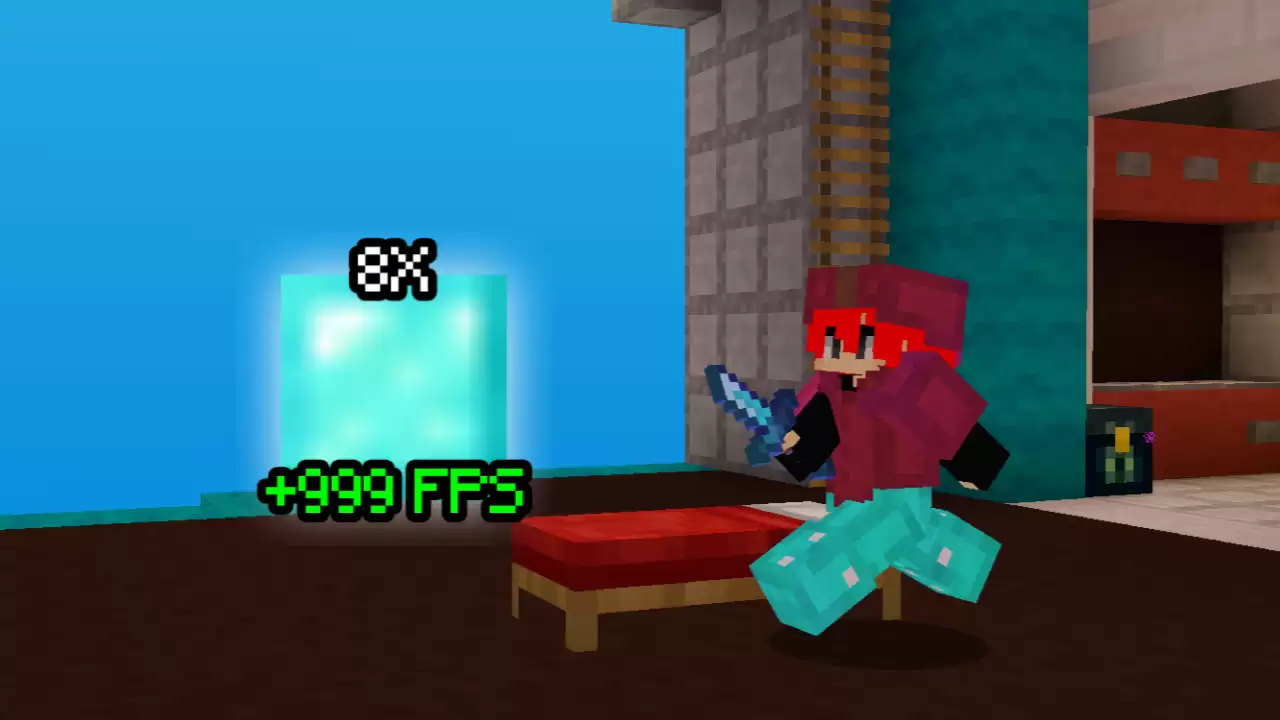
Default Edit 8x less than 300 KB :D 8x
darioxkkj's Default Edit is an 8x Java 1.8 pack with short-sword and wool tags. The creator advertises a small download; neither that size nor the FPS number in the banner guarantees a frame-rate gain.
4
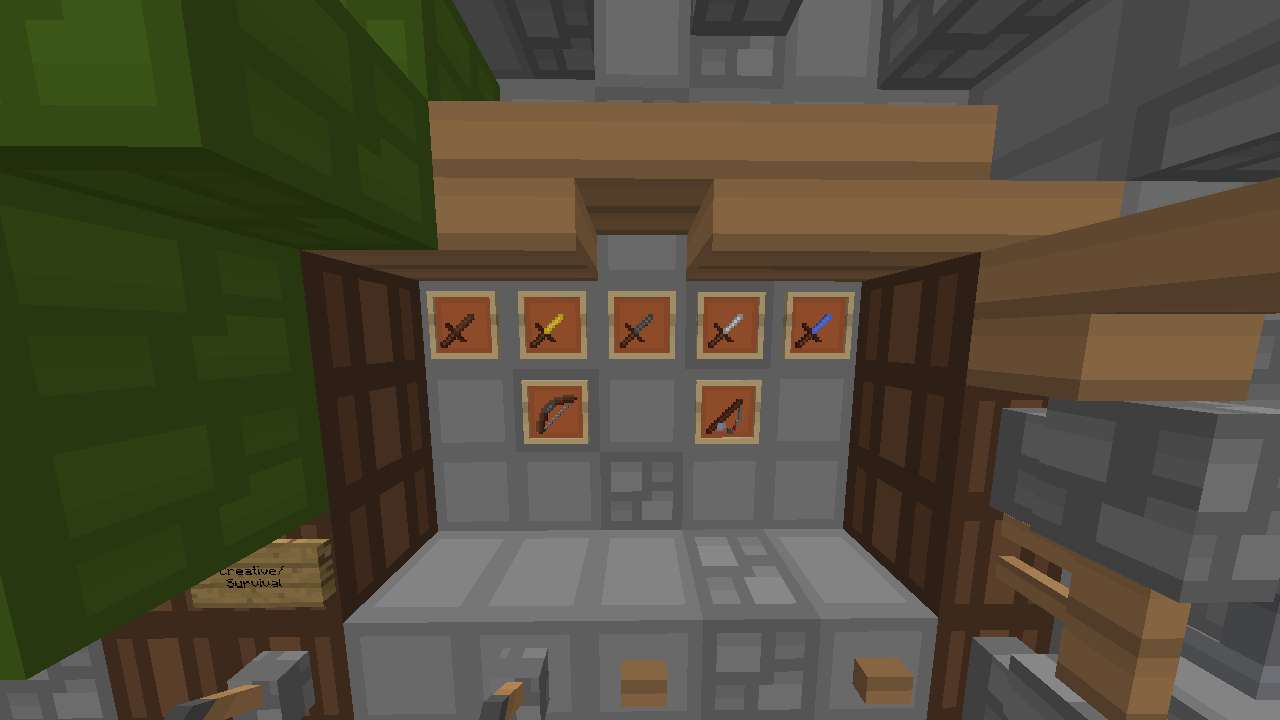
God Pack 8x8 8x
TakYz's God Pack uses 8x textures and lists Java 1.8. The creator says the download needs extraction before use, so check inside the archive for the actual resource-pack folder or ZIP.
5
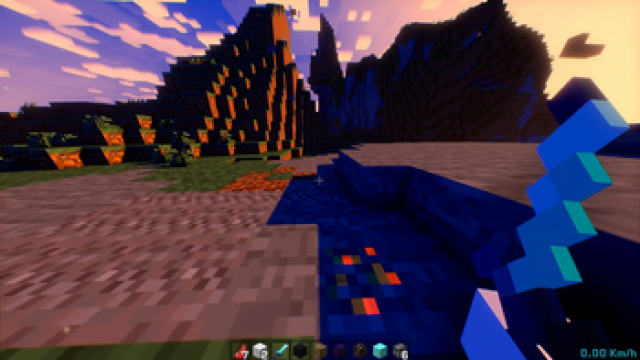
Potato Craft 8x
Potato Craft uses 8x textures and lists versions from Java 1.8 through 26.2. The creator positions it for low-end devices; treat that as a reason to test it, not a benchmark result.
6

Bombies 180k 16x
Tory's Bombies 180k offers a blue 16x PvP style if 8x looks too coarse for you. Use it as a visual alternative, not as a promise of better performance than the default pack.
7
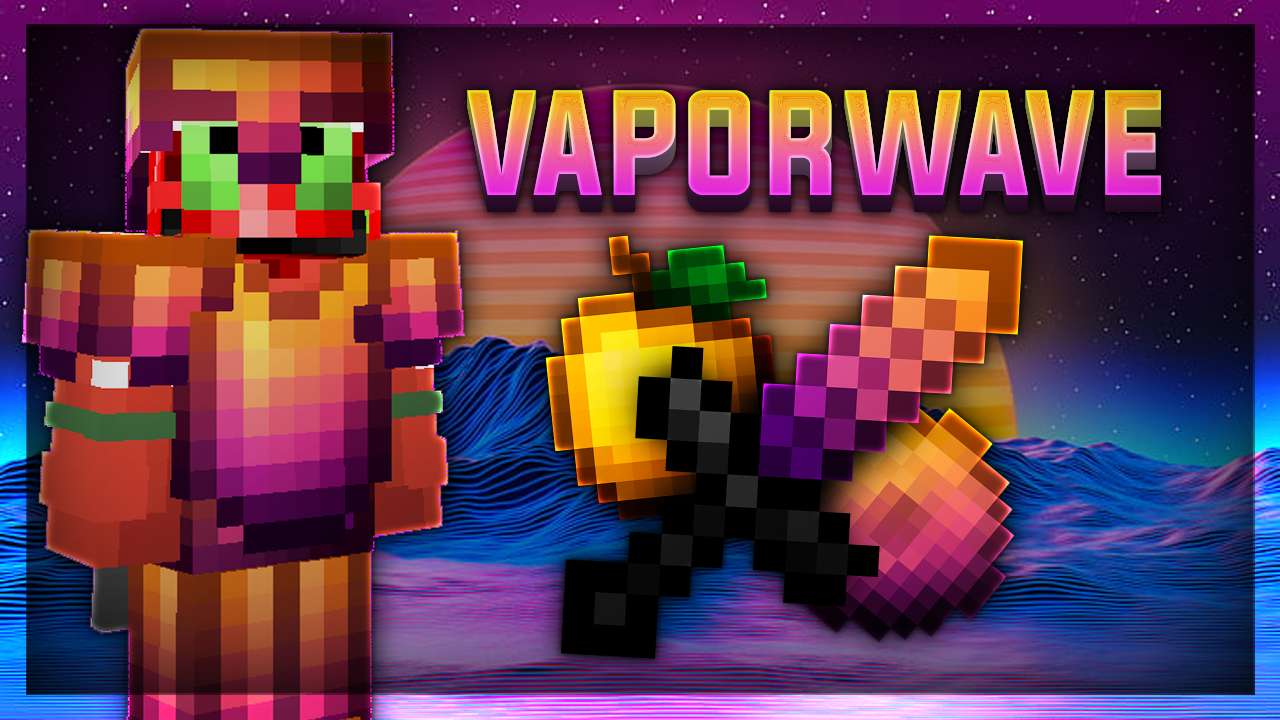
Vaporwave 16x
Vaporwave combines orange and purple equipment at 16x. It lists a custom sky, so check the effect of optional sky rendering when comparing performance.
8
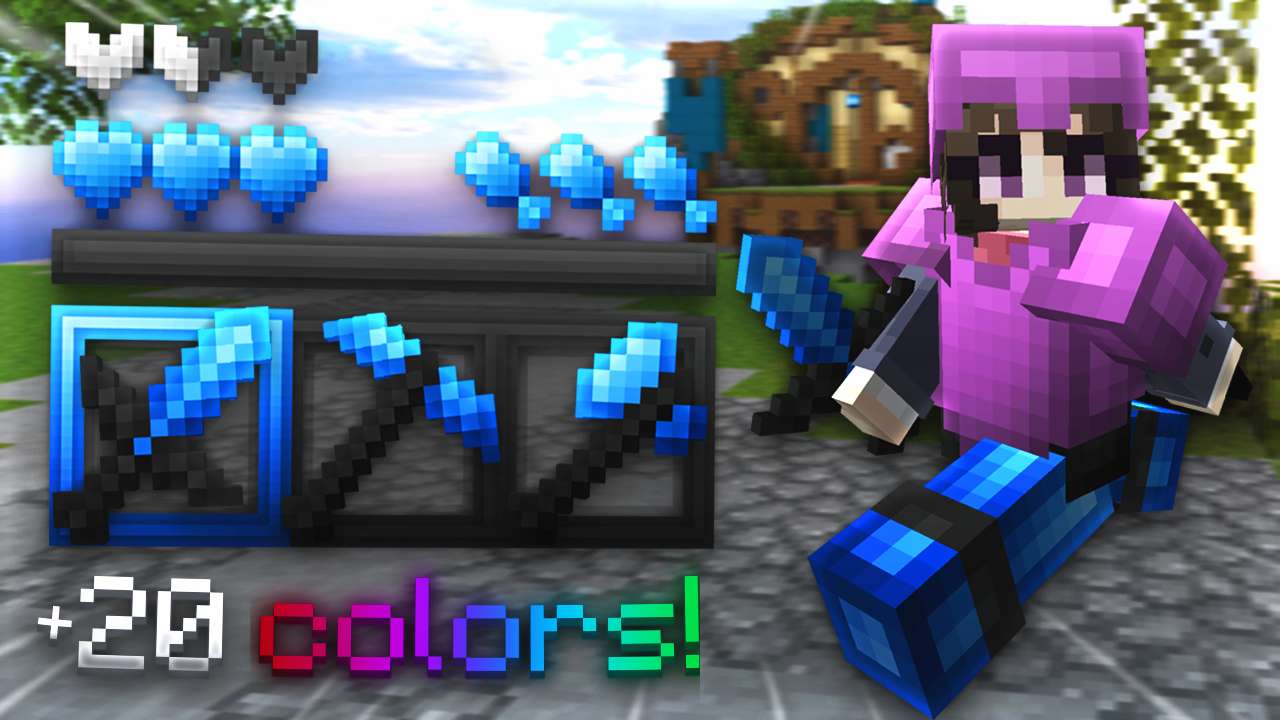
prism (original) 16x
looshy's prism (original) offers 16x equipment and a custom-sky tag. The current listing does not specify a Minecraft version; check the download options before choosing it for your client.
9
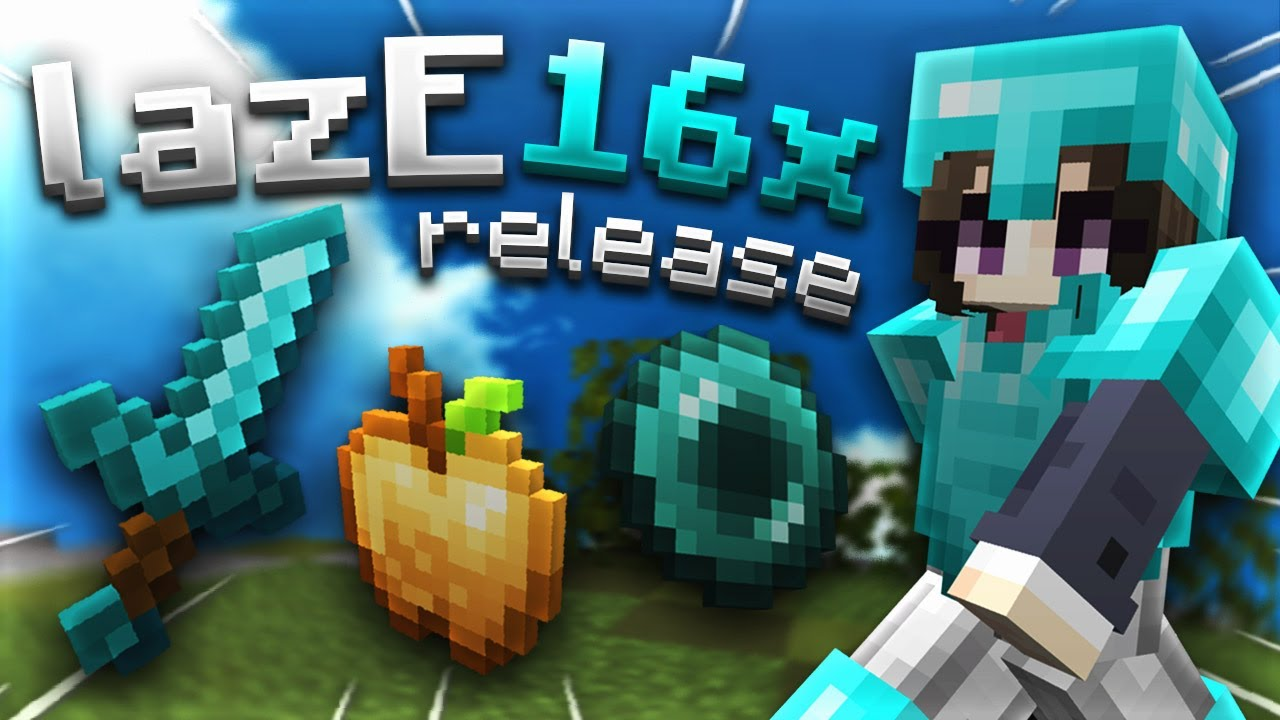
lazE 16x
lazE is a cyan 16x default edit by looshy, listed for Java 1.8. It is an option for players who want a familiar block style alongside themed PvP equipment.
10
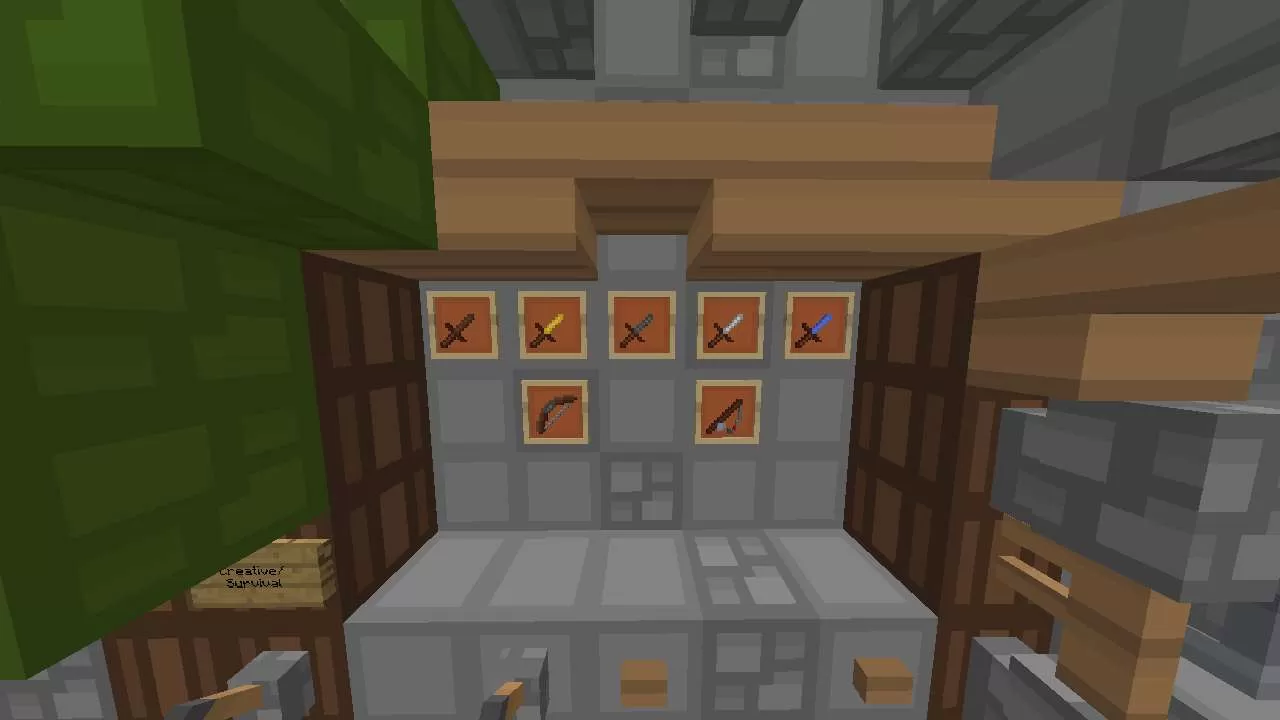
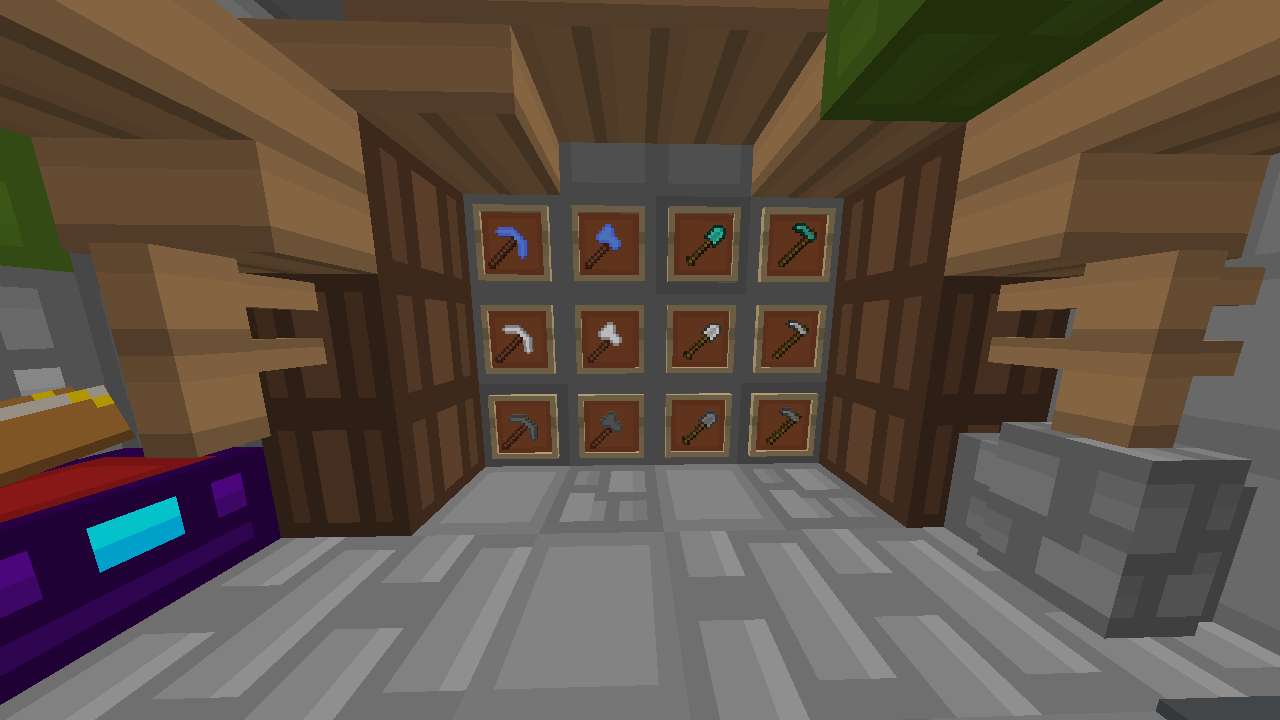
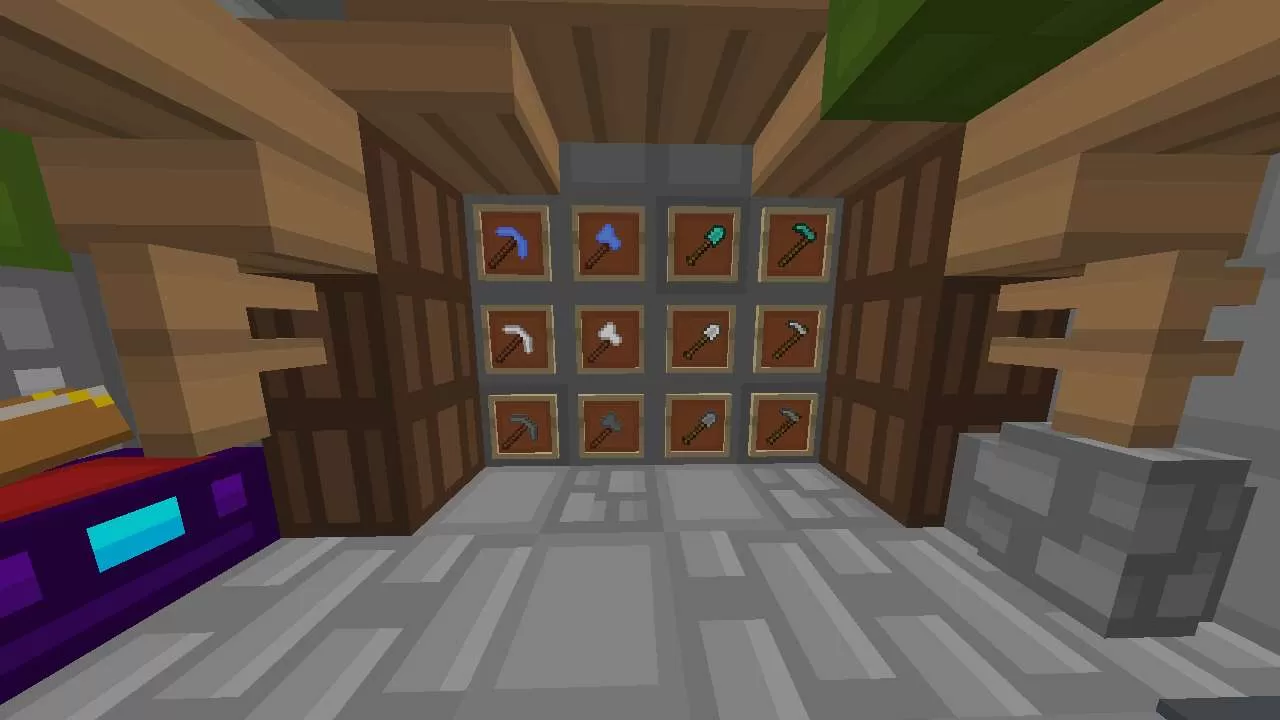
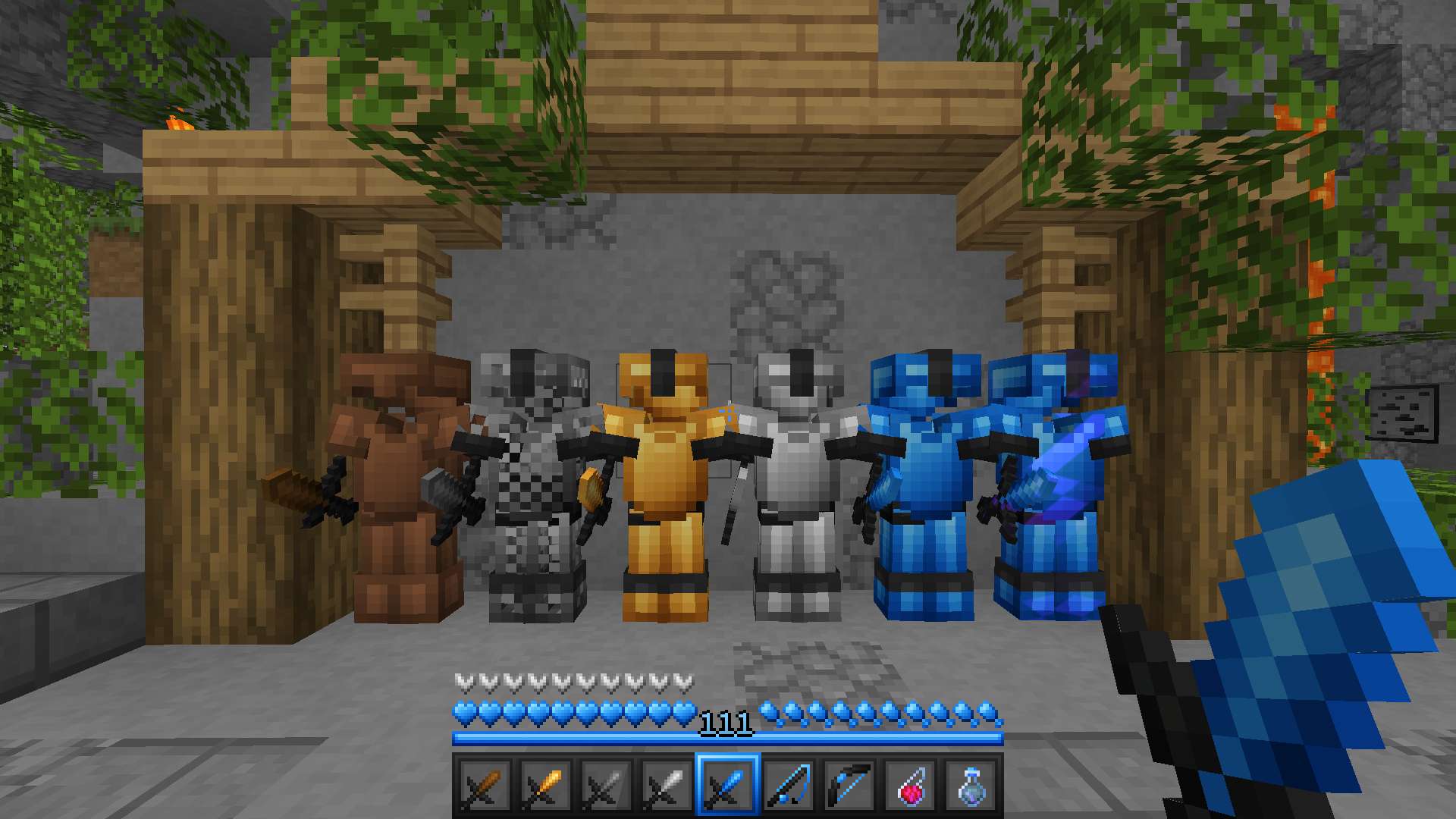
![Luvonox 150K FPS PvP Texture Pack [Blue] 16x](https://pvprp.com/assets/packs/iSparkton/388/banner.png)
Luvonox 150K FPS PvP Texture Pack [Blue] 16x
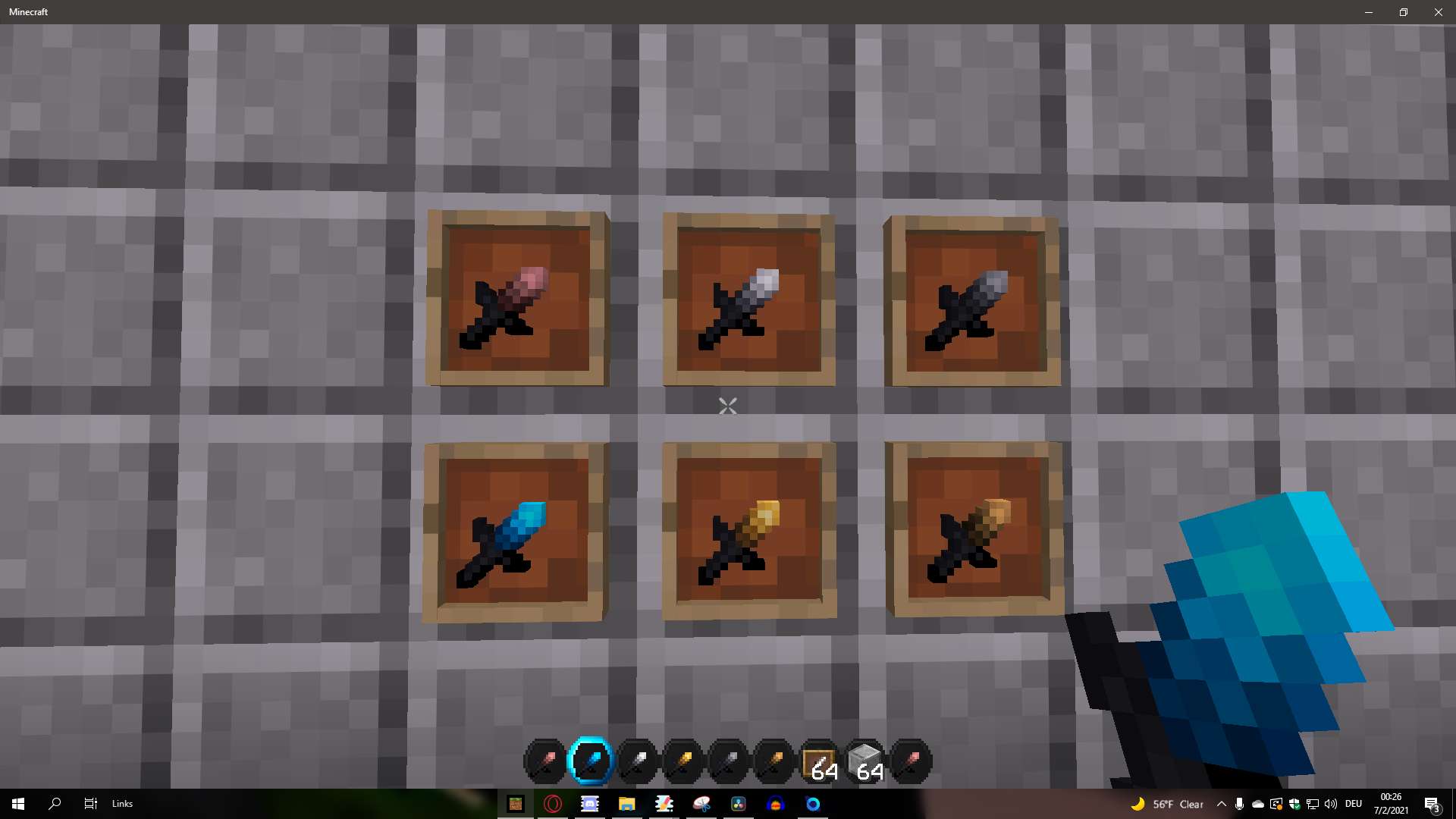
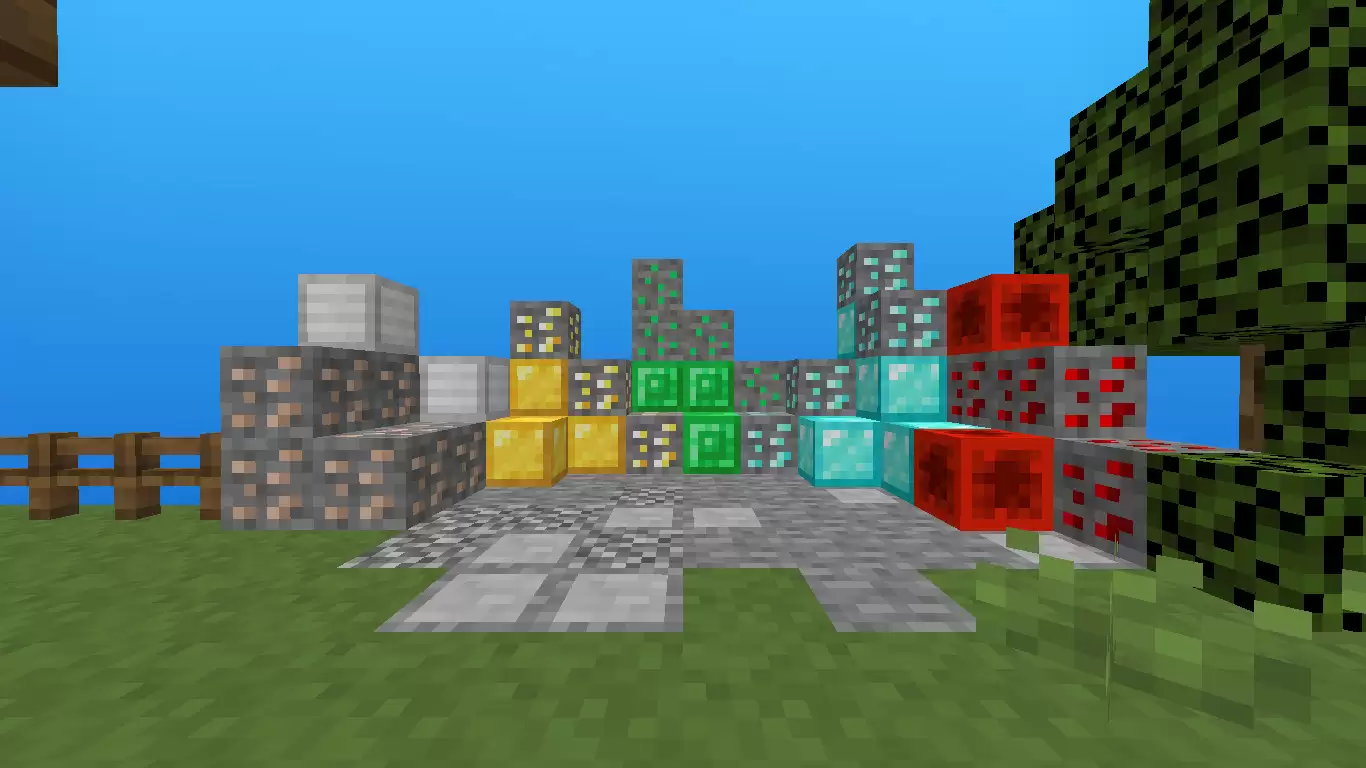
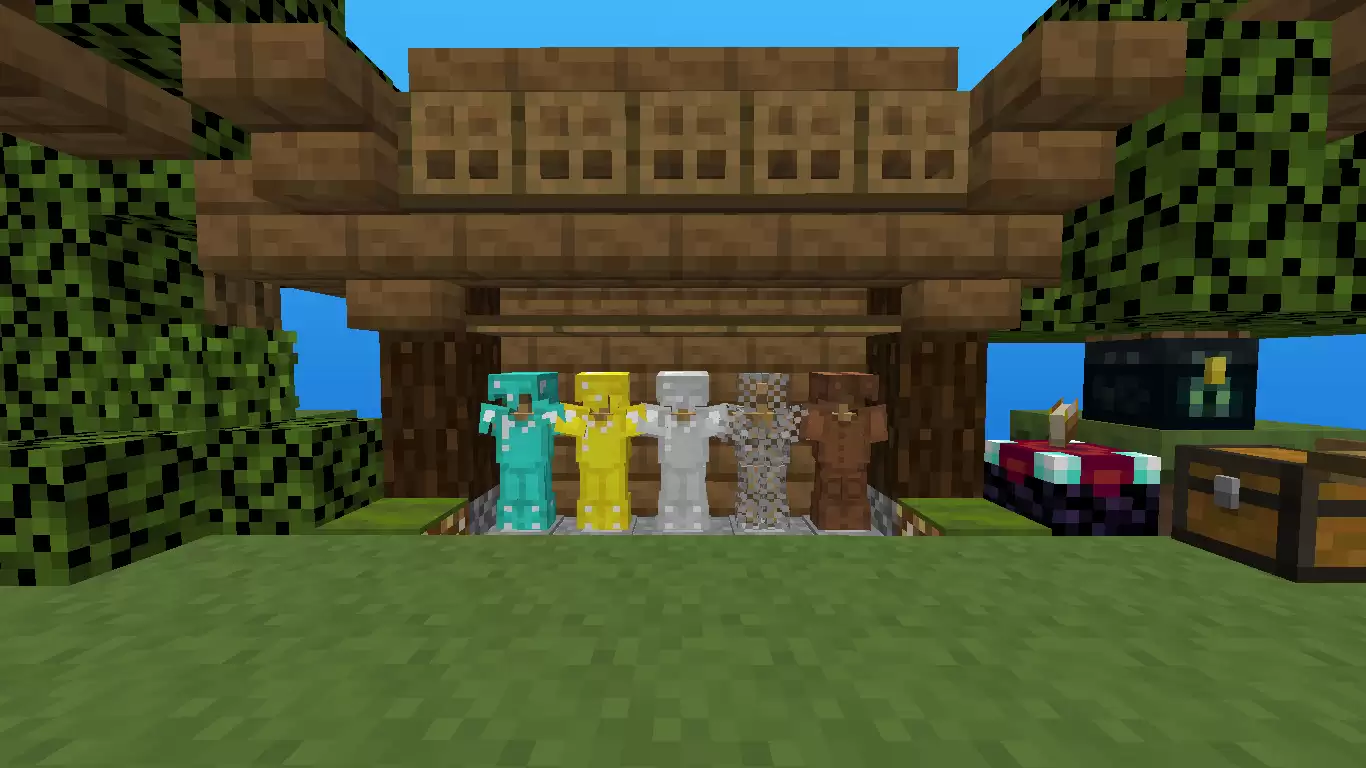
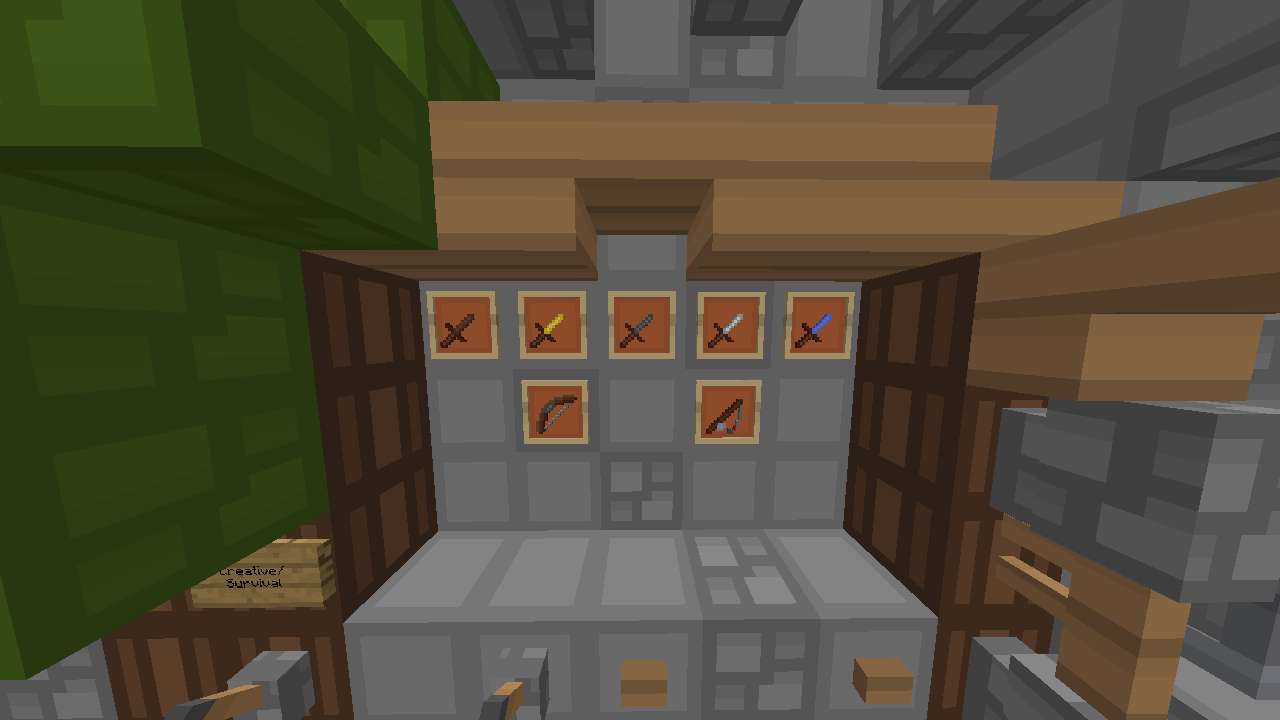
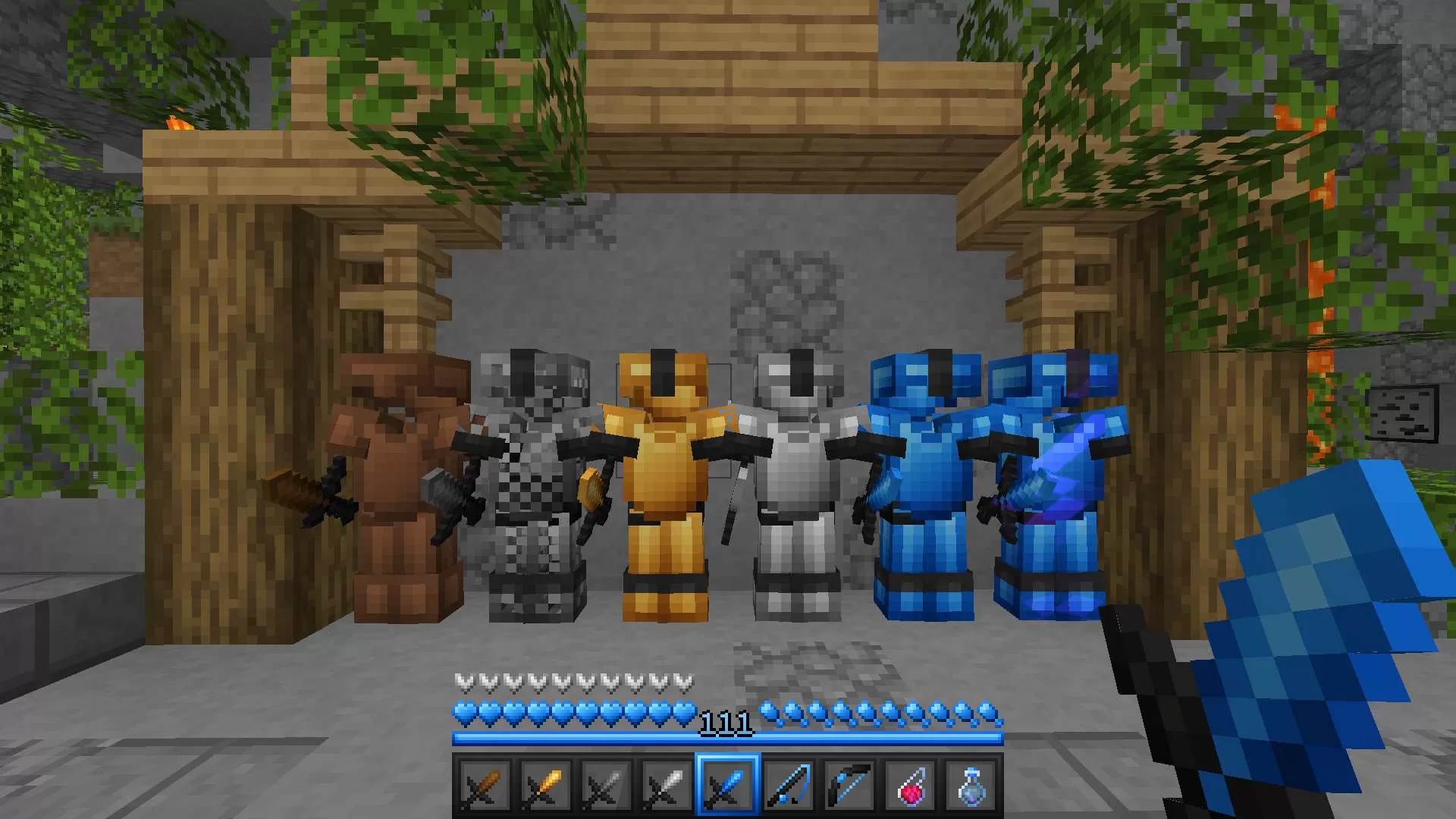
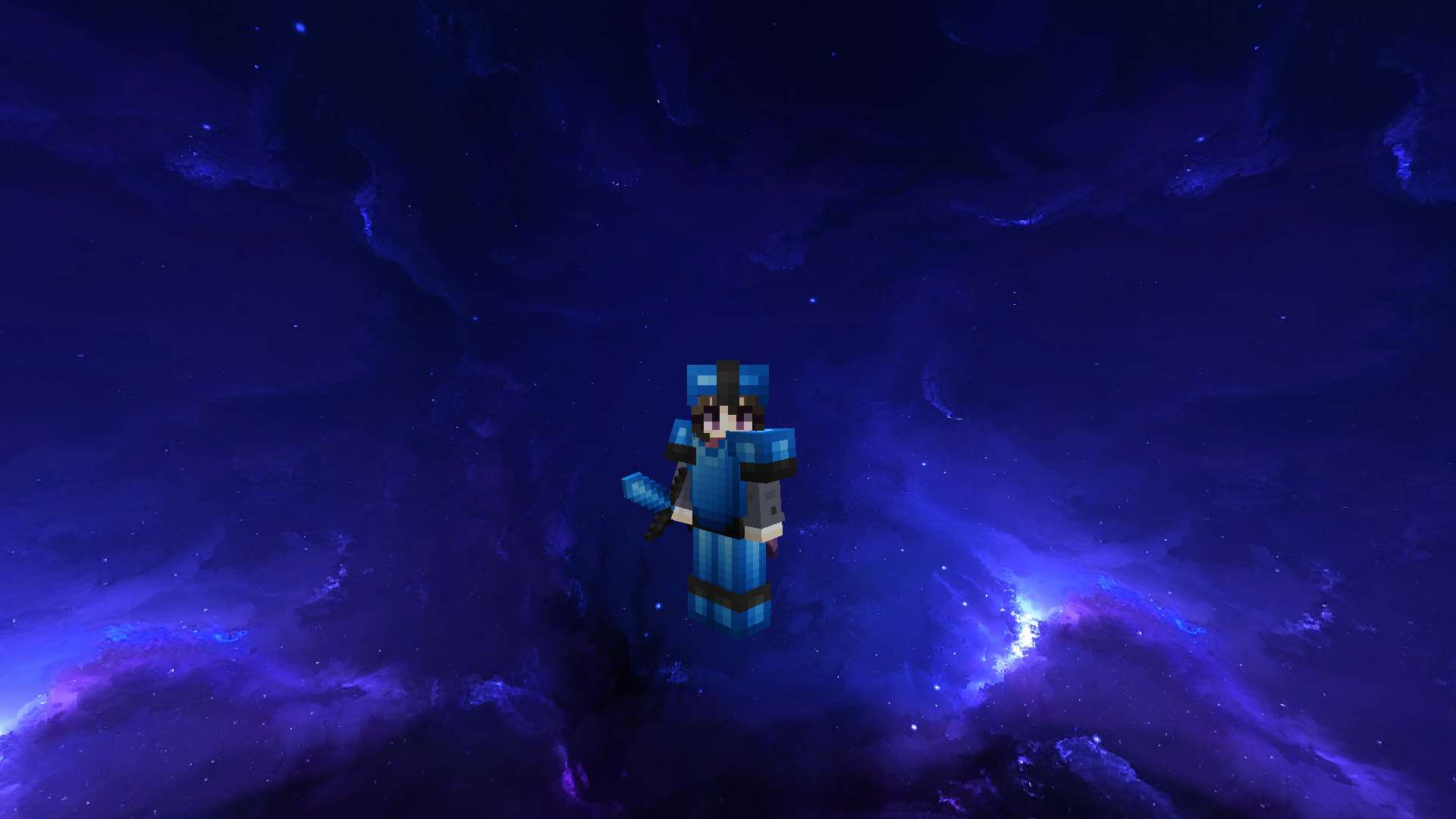
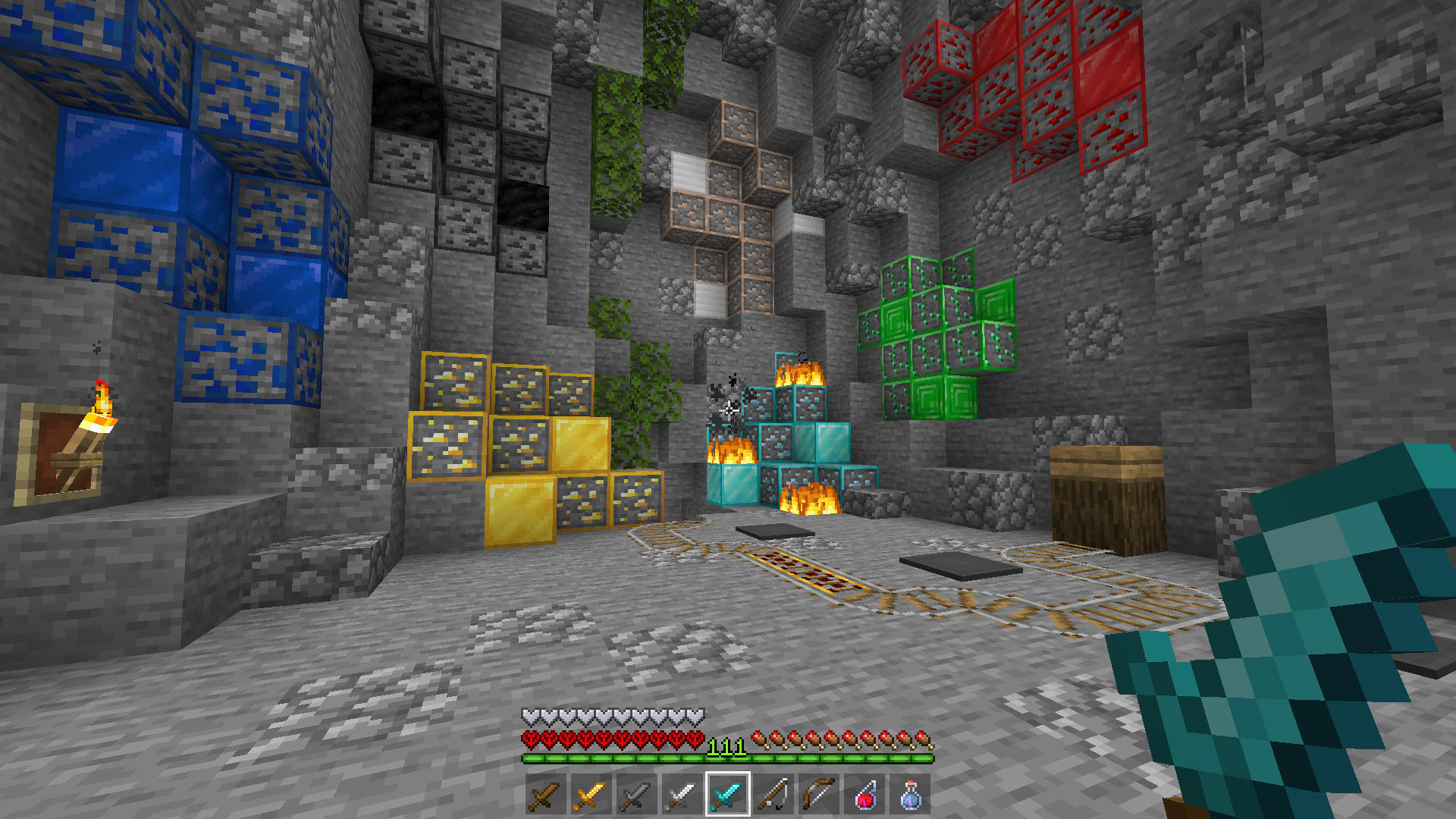
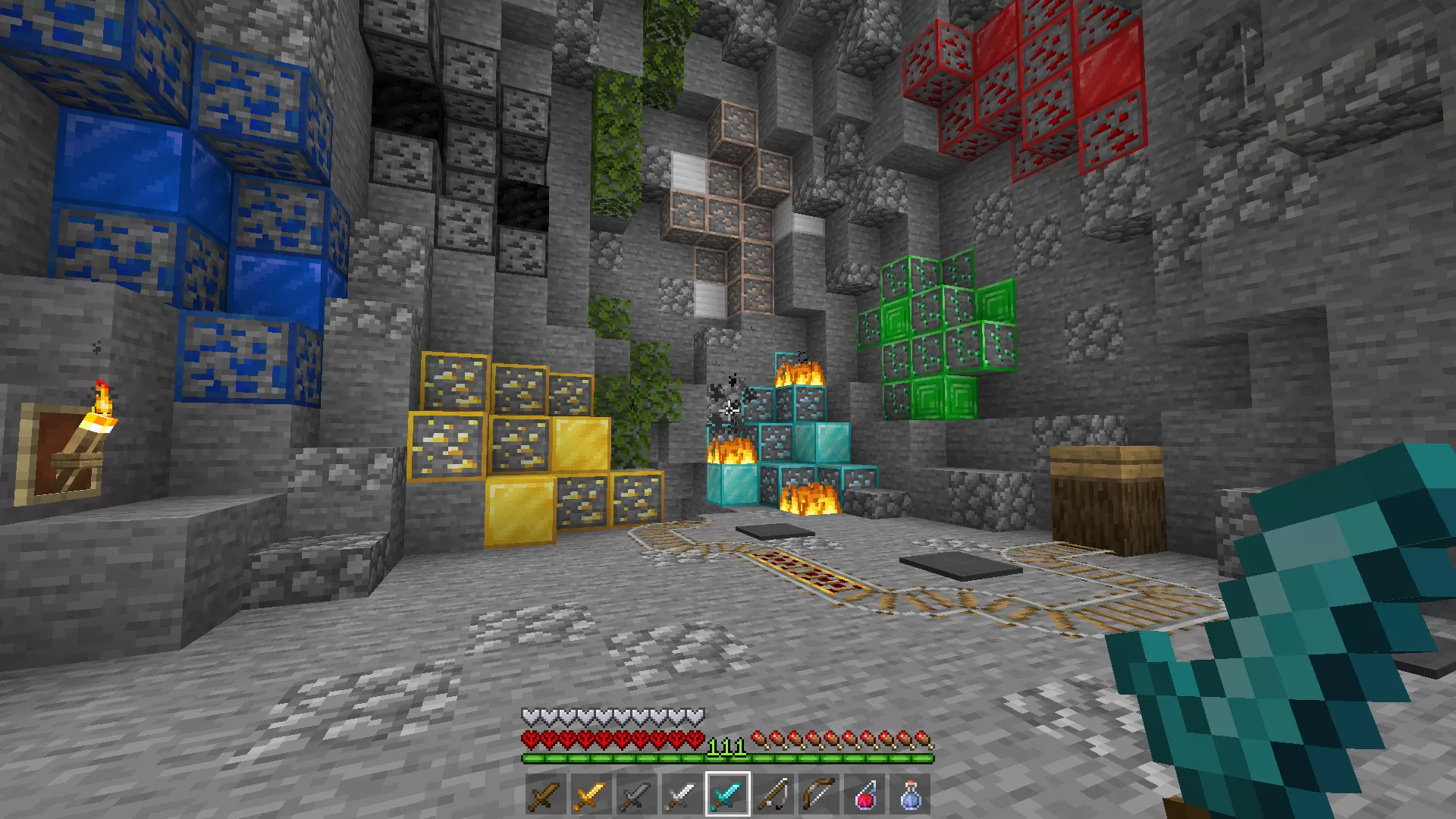
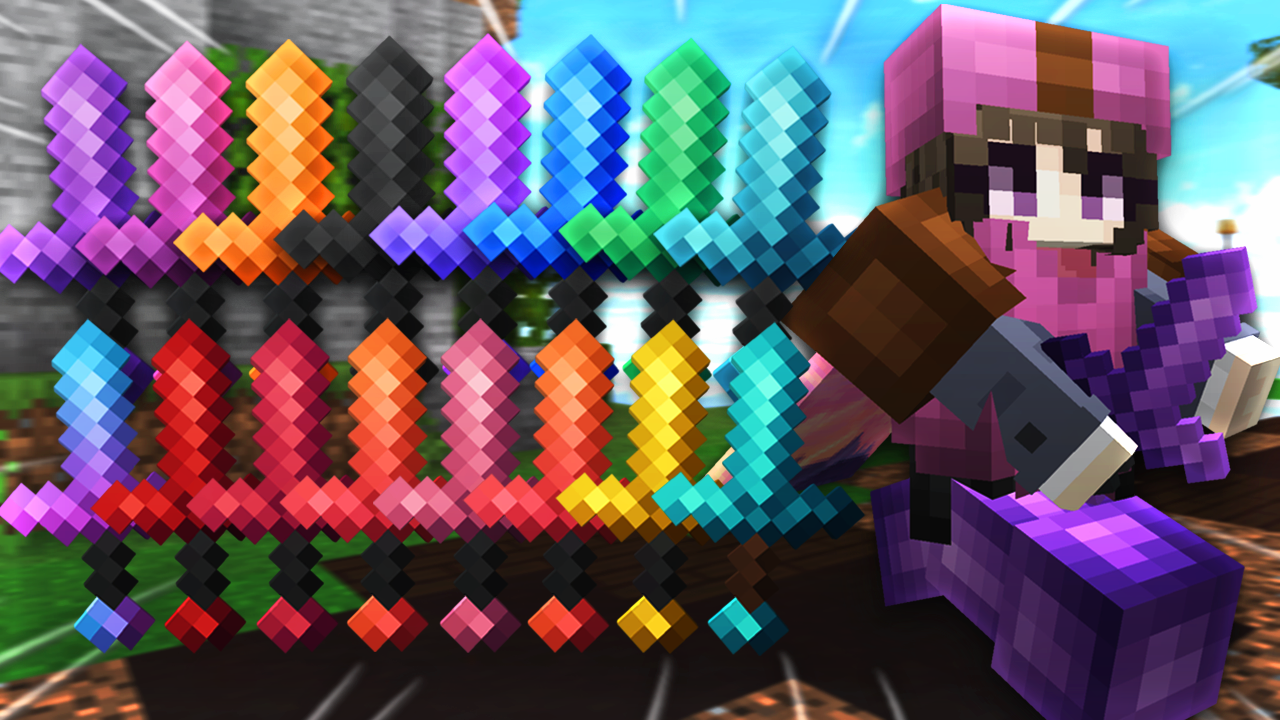
iSparkton's Luvonox 150K release is listed as a blue 16x Java 1.8 pack. Its banner shows a wider recolor set, so use the individual download details to confirm the variant.
Start with an 8x pack if you want fewer texture details, or compare the 16x alternatives for a more familiar Minecraft look. This low-end-PC shortlist begins with five 8x packs, followed by five 16x PvP options.
We have not benchmarked these packs on your hardware. An FPS label or thumbnail number is not a measured result: render distance, shaders, animations and custom skies can matter more than the base texture resolution. Test one pack at a time in the same world with the same settings.
For more choices, browse 16x texture packs and the FPS pack library. Our installation guide covers Java pack setup.
FAQ
Will an FPS texture pack increase my frame rate?
Not necessarily. We have not run a controlled benchmark of these packs. Lower-resolution textures can reduce texture memory needs, but frame rate also depends on hardware, render distance, shaders and other settings.
Is 8x better than 16x for a low-end PC?
8x has fewer pixels per base texture, but pack contents vary. Animated textures and high-resolution custom skies can add work even to an 8x pack. Compare both resolutions in the same scene and keep the one that runs and looks best for you.
How should I compare two packs?
Use the same Minecraft version, world, location and video settings. Let each pack finish loading, then compare frame rate and stuttering while moving through the same area. Avoid changing shaders or render distance between the two tests.



 16.2K
16.2K 44K
44K
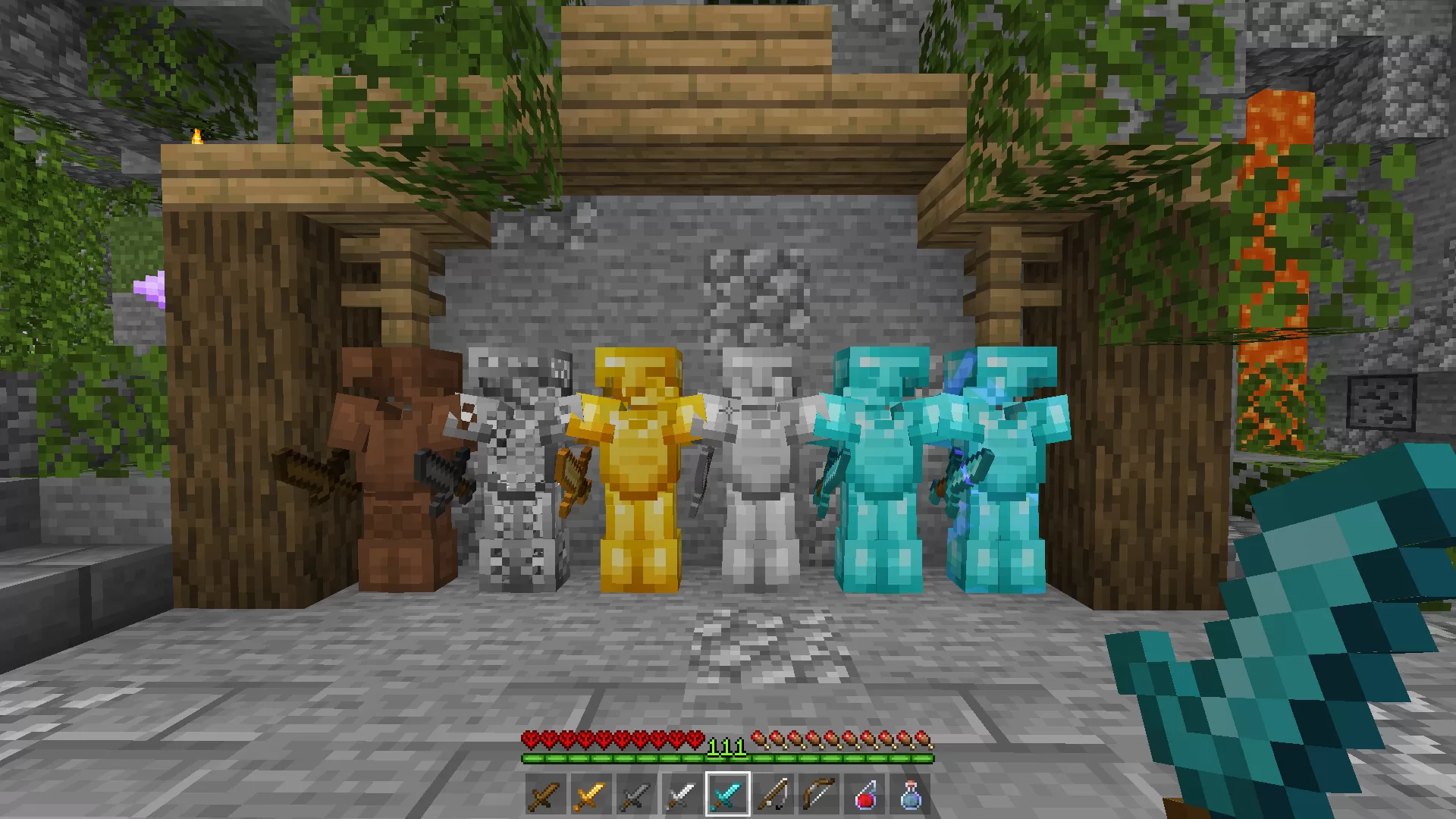
![Luvonox 150K FPS PvP Texture Pack [Blue] screenshot](https://pvprp.com/assets/packs/iSparkton/388/gallery/2021-05-22_15.21.37.png)
![Luvonox 150K FPS PvP Texture Pack [Blue] screenshot](https://pvprp.com/assets/packs/iSparkton/388/gallery/2021-05-22_15.21.37.png.webp)
![Luvonox 150K FPS PvP Texture Pack [Blue] screenshot](https://pvprp.com/assets/packs/iSparkton/388/gallery/2021-05-22_15.21.39.png)
![Luvonox 150K FPS PvP Texture Pack [Blue] screenshot](https://pvprp.com/assets/packs/iSparkton/388/gallery/2021-05-22_15.21.39.png.webp)


 Join Now