
- 1Add an imageUpload one or make one with AI
- 2Check itSee the sky in a Minecraft preview
- 3DownloadGet your sky pack
Describe it — AI builds your sky
or generate one with AI
Live preview — your sky in Minecraft
Options & download format
Describe it — AI builds your sky
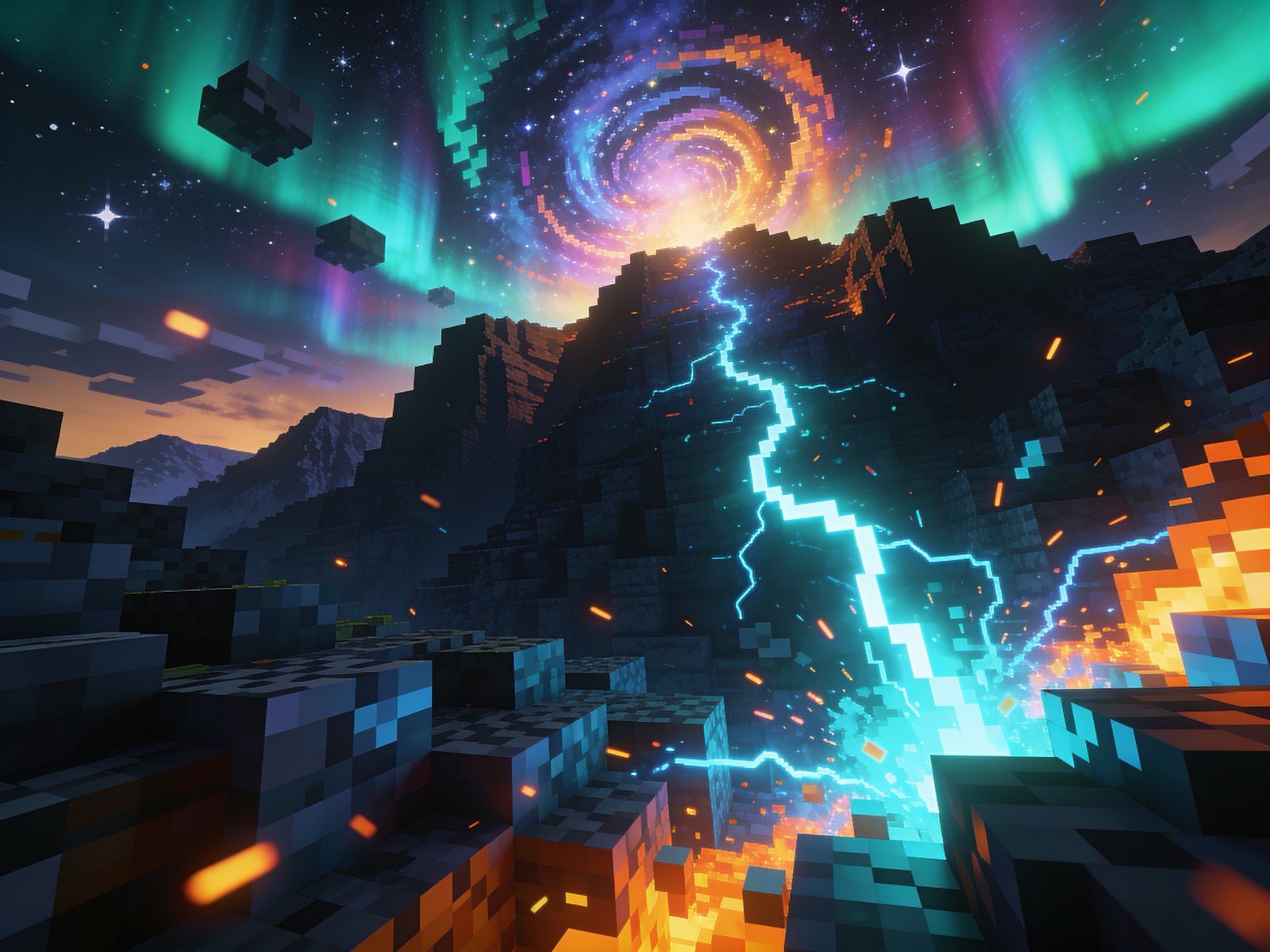
Type a vibe like “sunset over the clouds” or “teal aurora skyline.” AI creates the image and turns it into a sky pack you can download. No editing needed.
Three steps to your custom sky
Get your sky looking right
The Java sky does not show
Use OptiFine or a mod that supports OptiFine custom skies, and enable Custom Sky. Put the sky pack above other packs that replace the sky. Check that your chosen sky is visible at the current time of day.
Custom sky troubleshootingChoose the right download
Use the .zip resource pack for Java. For Bedrock on Windows, Android or iOS, open the .mcpack and activate it in Minecraft. A PNG download is an image, not an installable resource pack.
Bedrock installation guideStretched art or visible seams
The image wraps around you rather than sitting flat behind the world. Try a wide panorama with a level horizon, then use the preview to check the wrap before downloading. Keep important details away from the top and bottom edges.
Browse custom sky packsFAQ
Do I need OptiFine?
Java: yes, or use another mod that supports OptiFine custom skies. Bedrock: no. Import the .mcpack and enable it like any resource pack on 1.21+.
Is it free?
Uploading your own image is free with no signup. AI sky generation is included with PVPRP Plus.
Is my image stored?
No. It is turned into a pack and sent to your download, never kept.
Check out our social media

Discord
