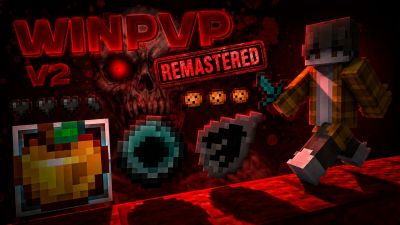
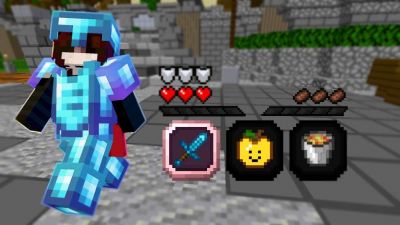
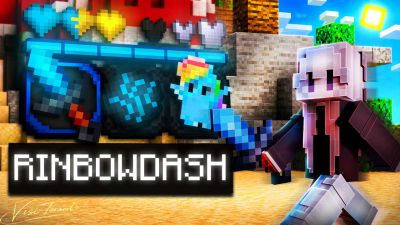
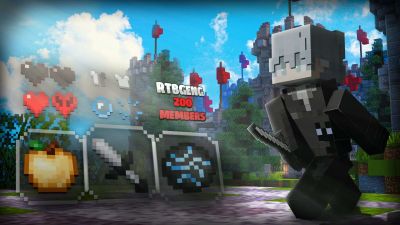
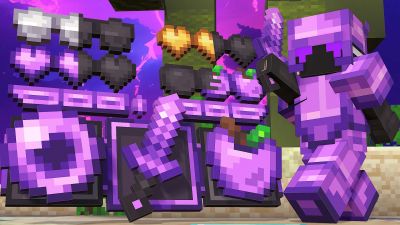
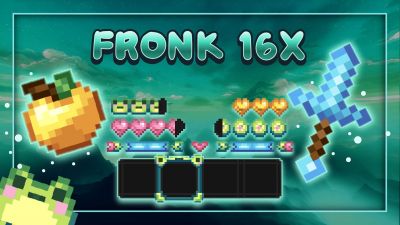
See the loadout, GUI & sky in 3D. No download needed.
Description
See-through menu backgrounds, subdued buttons and an outlined hotbar keep more of the world visible behind the interface. Status-effect panels and notification backgrounds follow the same transparent style. The crosshair and hunger bar shown in the source screenshot are not included.
Download versions: 1.20.2, 1.20.4, 1.21, 1.21.1, 1.21.2, 1.21.3, 1.21.4, 1.21.5, 1.21.6, 1.21.7, 1.21.8. Created by edeipici. Original release on Modrinth. Licensed under MIT.
Pick Bedrock or any Java version below to get a ready-to-use converted copy instantly. Your normal download stays untouched.Pick Bedrock or any Java Minecraft version below and get a converted copy ready to use instantly.
Bedrock Edition
Java versions
Finish the steps above to unlock your download first.
Sign in to rate this packAdd your stars and help the best packs rise.
0
Rate Pack
Enjoying this pack? Leave a rating and help other players discover it. Every rating you give also earns profile XP toward amazing leveling rewards you can unlock along the way.Enjoying this pack? Rate it to help other players find it. Ratings also earn profile XP toward leveling rewards
(0 ratings)
How to use a Texture Pack:
Downloaded the pack? Here's how to get it into your game:
Open Minecraft
Go to Options → Resource Packs
Click Open Pack Folder
Drag the .zip you just downloaded into the folder that opens
Back in the game, click the pack so it moves to the selected side
Press Done and let the textures load
That's it — your game has a brand new look! Stuck on a step? The video guide walks through it.






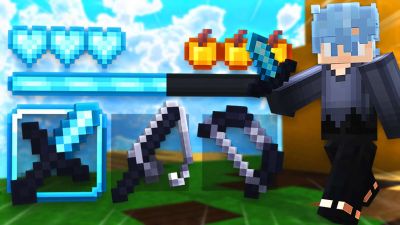





 PC/Java Edition