See the loadout, GUI & sky in 3D. No download needed.
Description
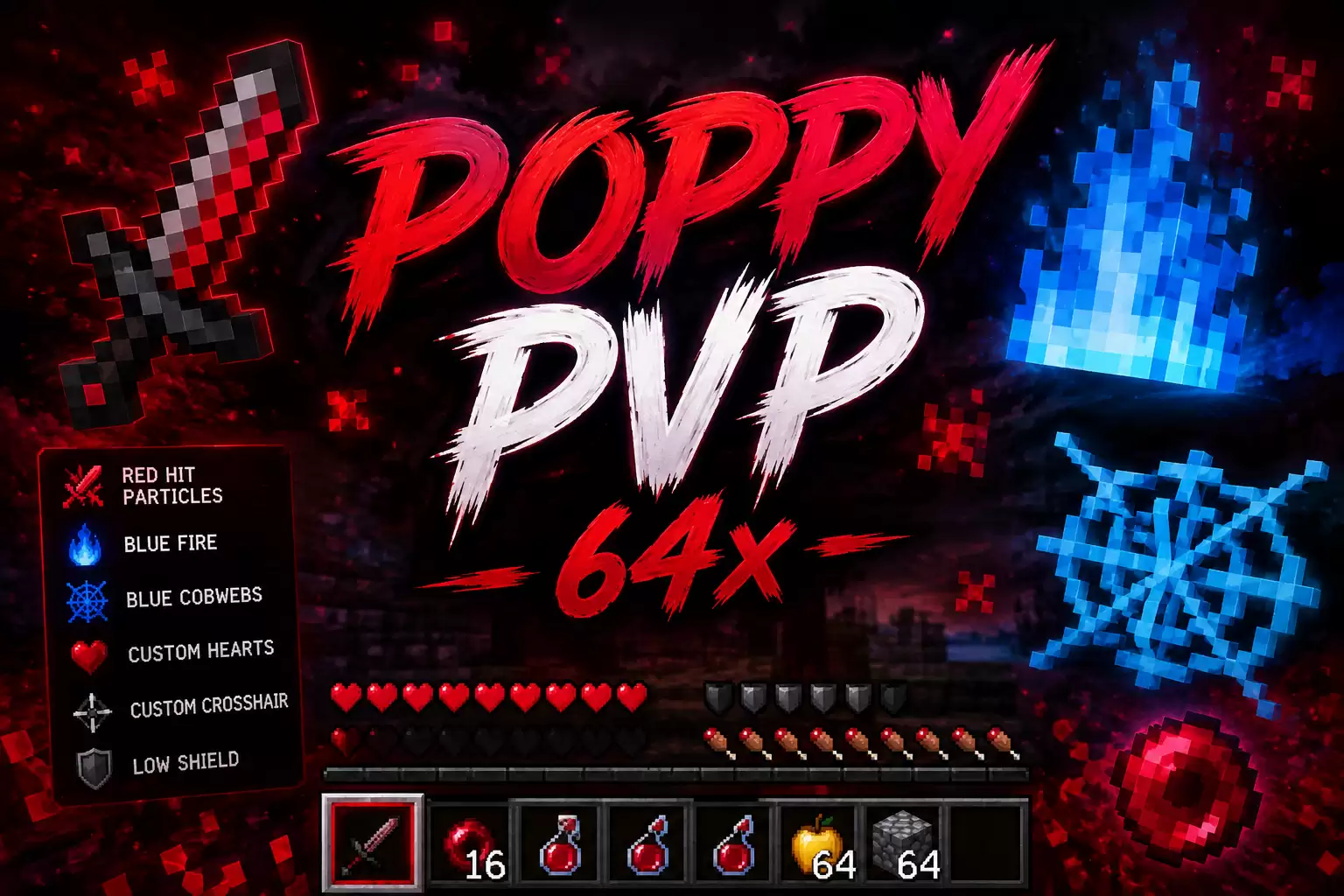
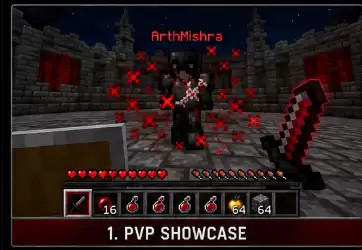
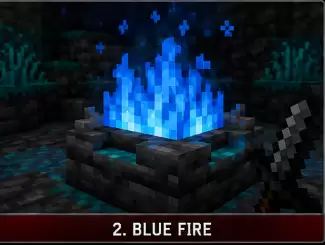
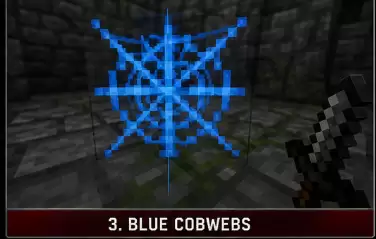
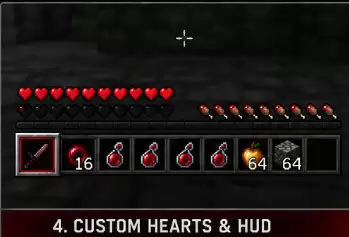
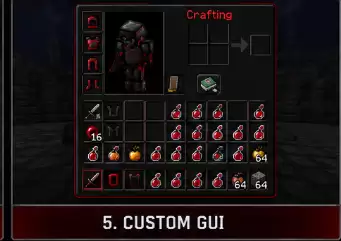
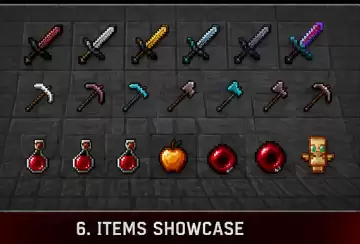
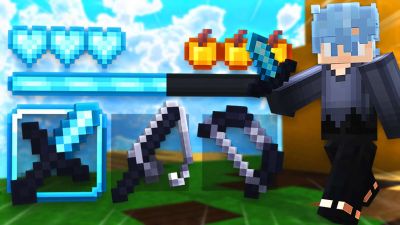
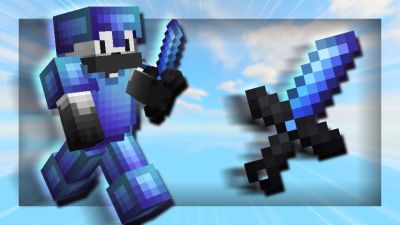
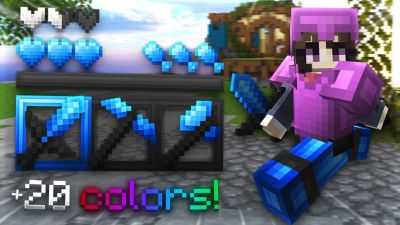
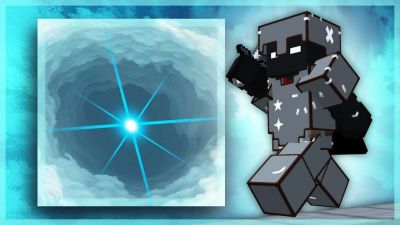
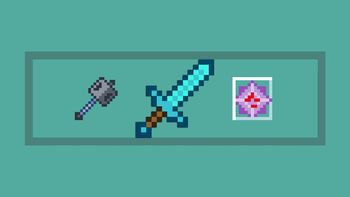
a dark red and blue aesthetic inspired by competitive PvP packs. The pack uses sharp 64x textures, red hit particles, bright blue fire, blue cobwebs, clean short weapons, custom hearts, and a minimal GUI. The design focuses on high visibility during fights while maintaining a stylish, modern appearance. The red-and-blue color scheme creates strong contrast, making PvP effects easy to see without cluttering the screen.
Pick Bedrock or any Java version below to get a ready-to-use converted copy instantly. Your normal download stays untouched.Pick Bedrock or any Java Minecraft version below and get a converted copy ready to use instantly.
Bedrock Edition
Java versions
Finish the steps above to unlock your download first.
Sign in to rate this packAdd your stars and help the best packs rise.
0
Rate Pack
Enjoying this pack? Leave a rating and help other players discover it. Every rating you give also earns profile XP toward amazing leveling rewards you can unlock along the way.Enjoying this pack? Rate it to help other players find it. Ratings also earn profile XP toward leveling rewards
(0 ratings)
How to use a Texture Pack:
Downloaded the pack? Here's how to get it into your game:
Open Minecraft
Go to Options → Resource Packs
Click Open Pack Folder
Drag the .zip you just downloaded into the folder that opens
Back in the game, click the pack so it moves to the selected side
Press Done and let the textures load
That's it — your game has a brand new look! Stuck on a step? The video guide walks through it.








 PC/Java Edition

![WAR [V2] PvP Texture Pack 64x by iSparkton on PvPRP](https://pvprp.com/thumb.php?src=assets/packs/iSparkton/163/banner.png&w=400)