

 PVPRP
PVPRP
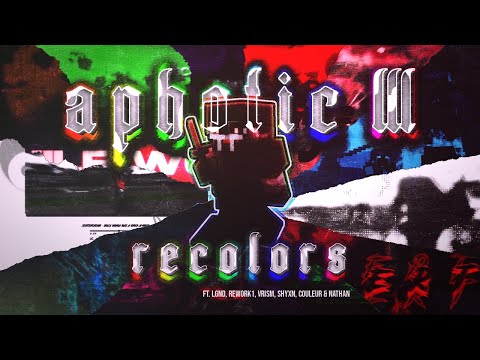 Pack Video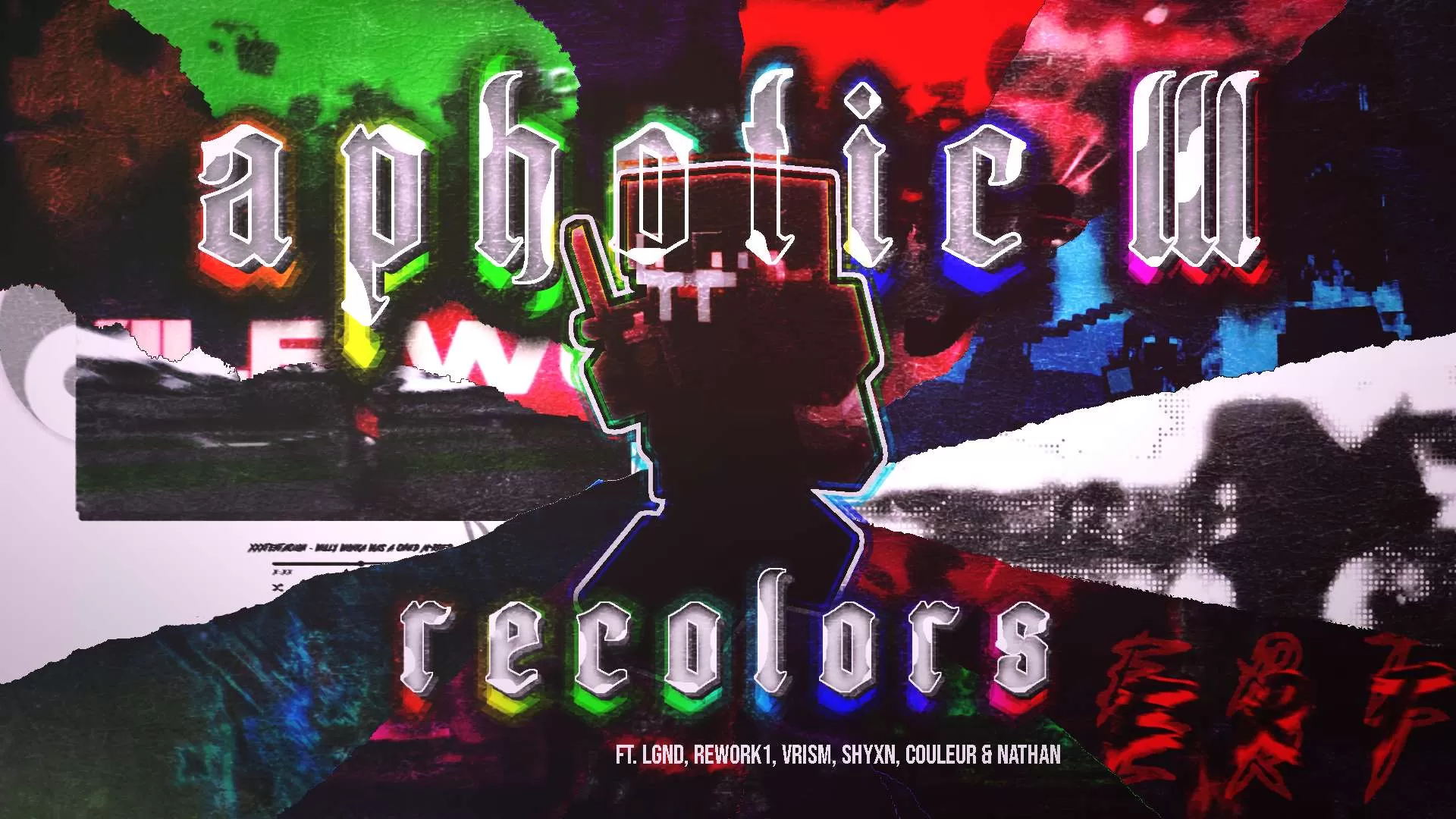
Pick Bedrock or any Java version below to get a ready-to-use converted copy instantly. Your normal download stays untouched.Pick Bedrock or any Java Minecraft version below and get a converted copy ready to use instantly.


Downloaded the pack? Here's how to get it into your game:
That's it — your game has a brand new look! Stuck on a step? The video guide walks through it.
Explore more pack collections
Find your next look — browse the library, download in one click, and wear it in game.
Browse Skins or upload your own →






 PC/Java Edition





![xD.fault [1.21] 32x by xSkadush & Zova on PvPRP](https://pvprp.com/thumb.php?src=assets/packs/xSkadush/17521/banner.png&w=400)
![jumpman 23. [v2] 64x by xSkadush on PvPRP](https://pvprp.com/thumb.php?src=assets/packs/xSkadush/1010/banner.png&w=400)
![levi ackerman [1.21] 32x by xSkadush on PvPRP](https://pvprp.com/thumb.php?src=assets/packs/xSkadush/17489/banner.png&w=400)


