

 PVPRP
PVPRP
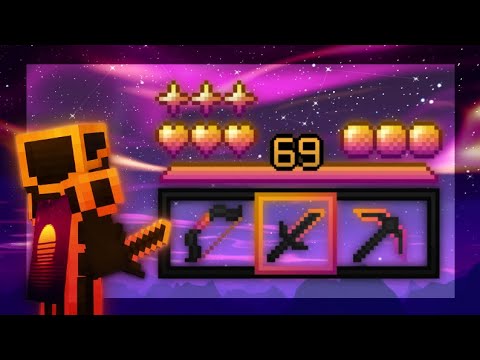 Pack Video



After downloading your pack, follow these steps to get it working in your game:
If the file is a .zip, rename it to .mcpack before opening it.
Explore more pack collections
Find your next look — browse the library, download in one click, and wear it in game.
Browse Skins or upload your own →






 Bedrock Edition




![Furious [Bedrock] 16x by xPqngu on PvPRP](https://pvprp.com/thumb.php?src=assets/packs/xPqngu/11139/banner.png&w=400)
![[BEDROCK] Gradients PvP Pack Release 16x by Konkov on PvPRP](https://pvprp.com/thumb.php?src=assets/packs/Konkov/16464/banner.png&w=400)


