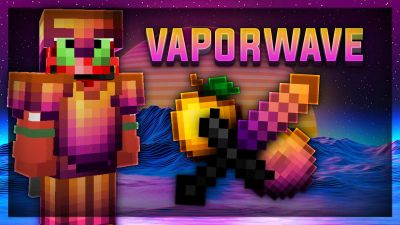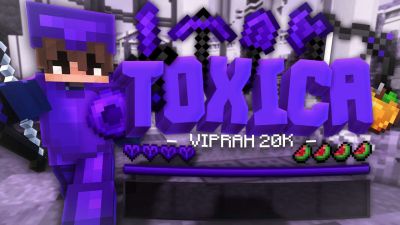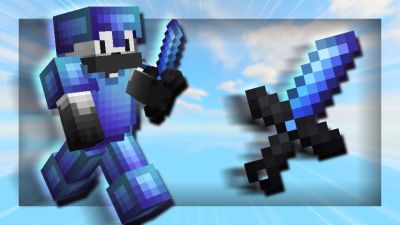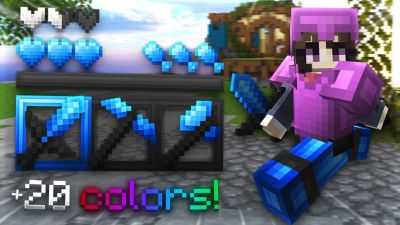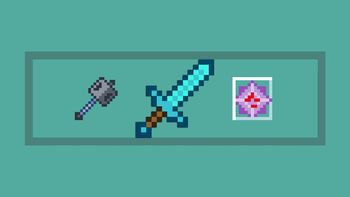

See the loadout, GUI & sky in 3D. No download needed.
Description
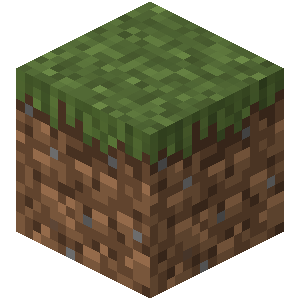
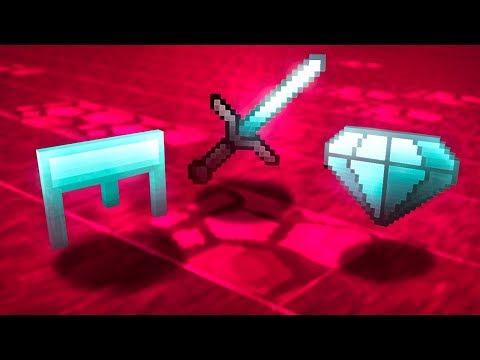
The Joshua 32× texture pack is a Minecraft resource pack that replaces the game’s default visuals with cleaner, sharper graphics at a 32×32 resolution. This means every block, item, and texture is made with 32 pixels by 32 pixels, giving more detail than the original 16×16 art without being too heavy on performance.
👤 Creator Info
At this time, there’s no widely documented official creator name or page for a pack specifically called “Joshua 32×” on major Minecraft resource sites. It’s likely made by a community creator (possibly someone named Joshua) and shared among players online.
Add your stars, save your profile, and help other players find the good stuff.
0
Rate Pack
Enjoying this pack? Leave a rating and help other players discover it. Every rating you give also earns profile XP toward amazing leveling rewards you can unlock along the way.
(0 Ratings)
How to use a Texture Pack:
Downloaded the pack? Here's how to get it into your game:
1. Open Minecraft
2. Go to Options → Resource Packs
3. Click Open Pack Folder
4. Drag the .zip you just downloaded into the folder that opens
5. Back in the game, click the pack so it moves to the selected side
6. Press Done and let the textures load
That's it — your game has a brand new look! Stuck on a step? The video guide walks through it.