See the loadout, GUI & sky in 3D. No download needed.
Description
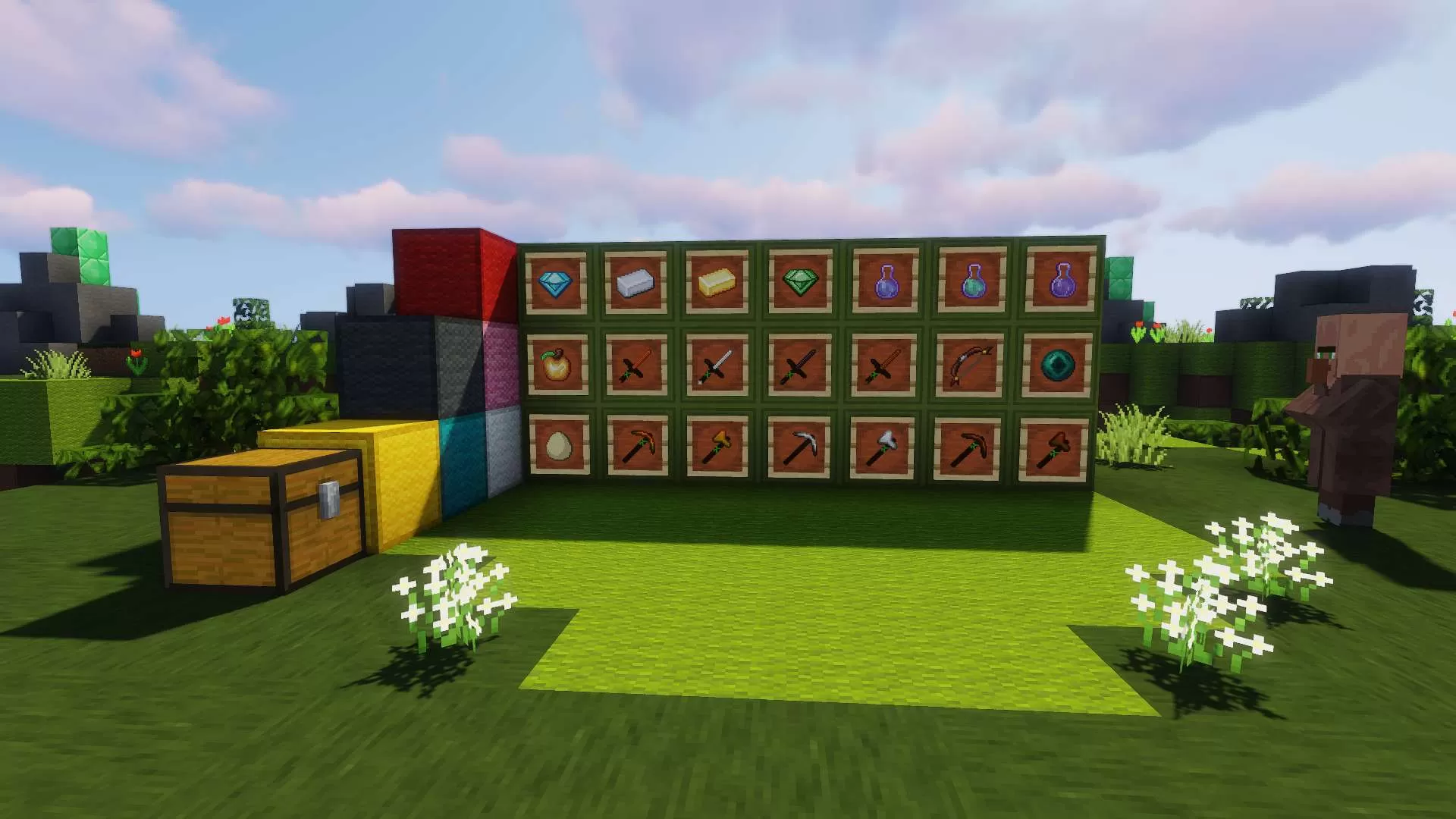
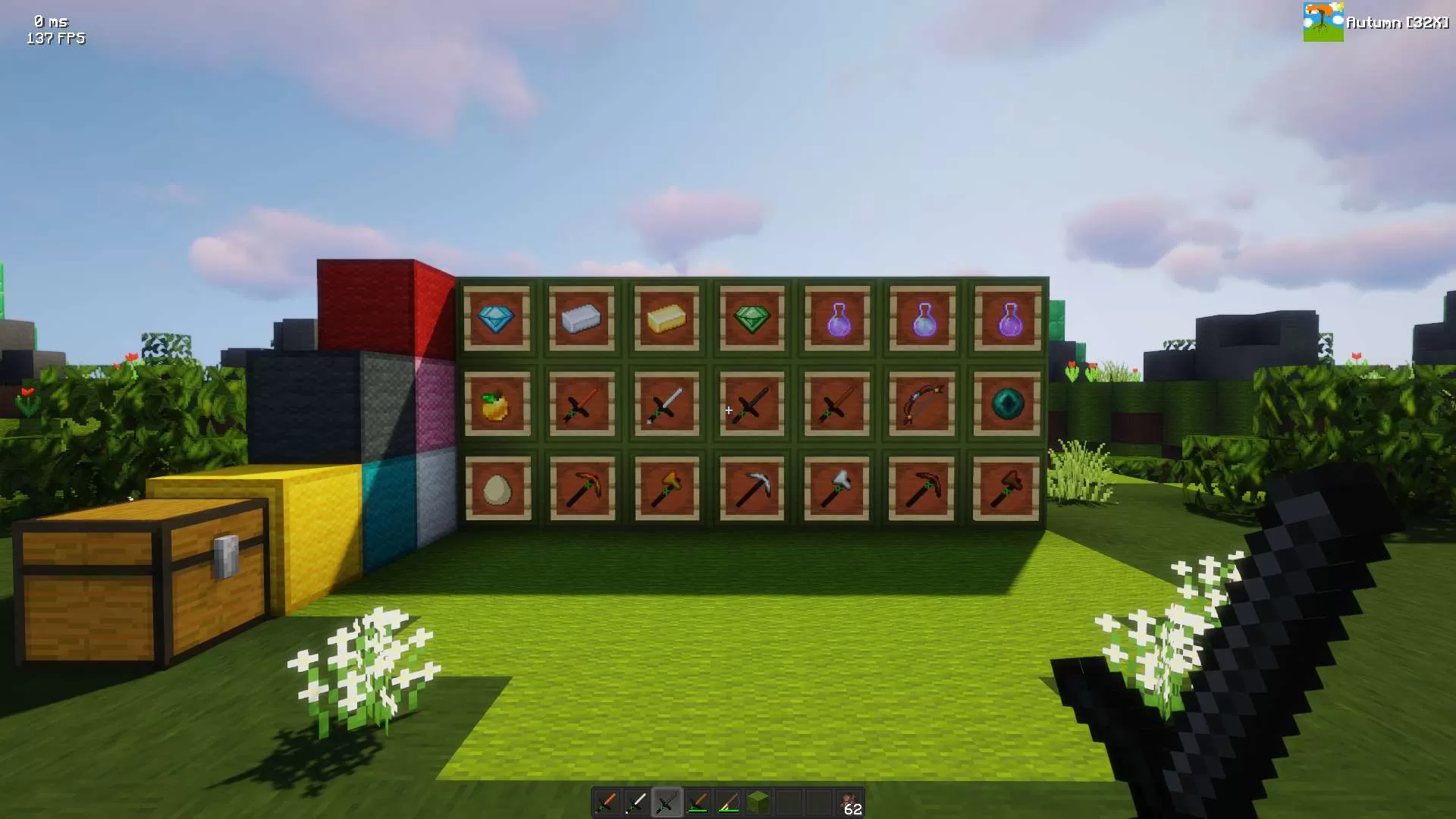
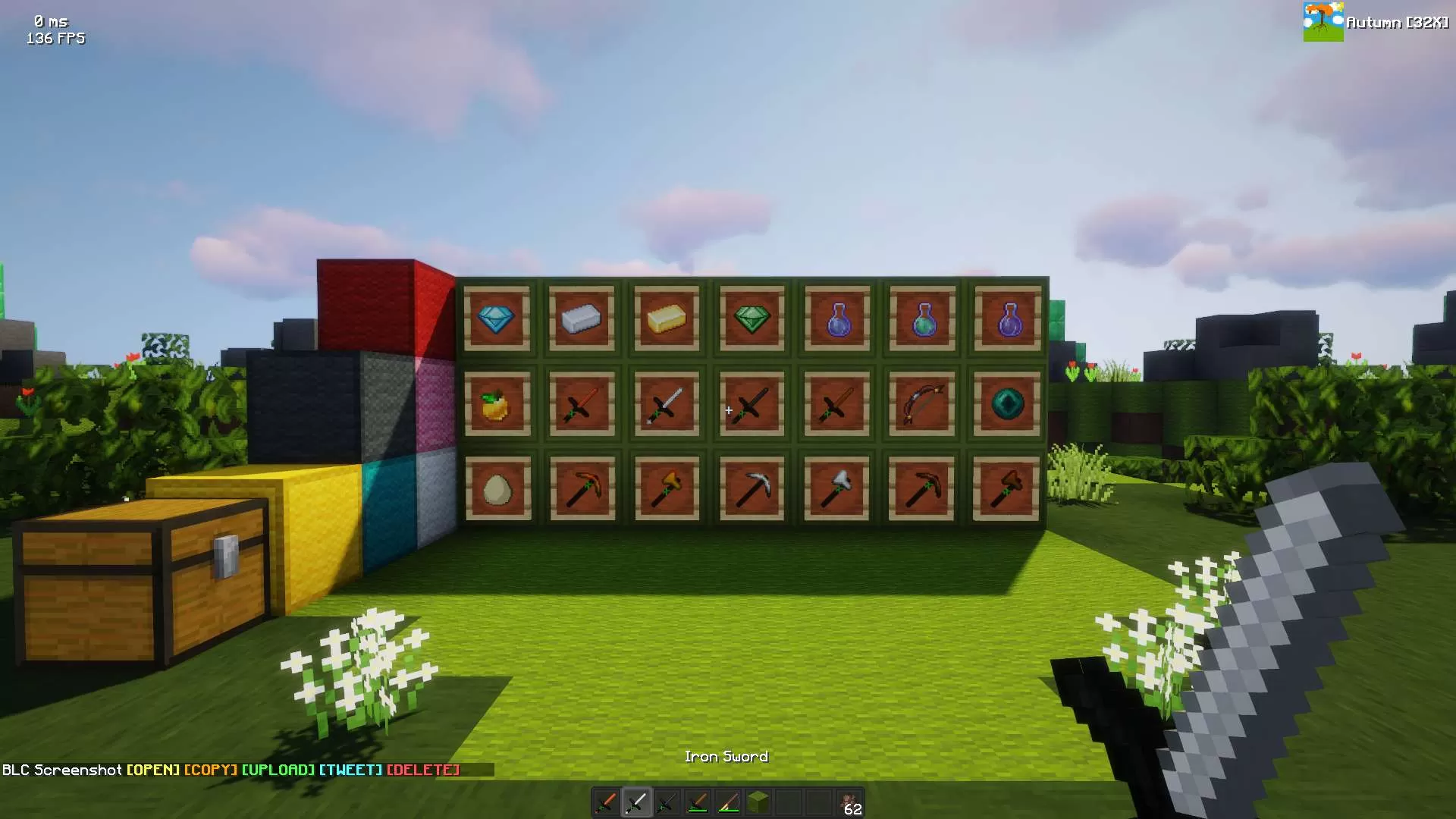
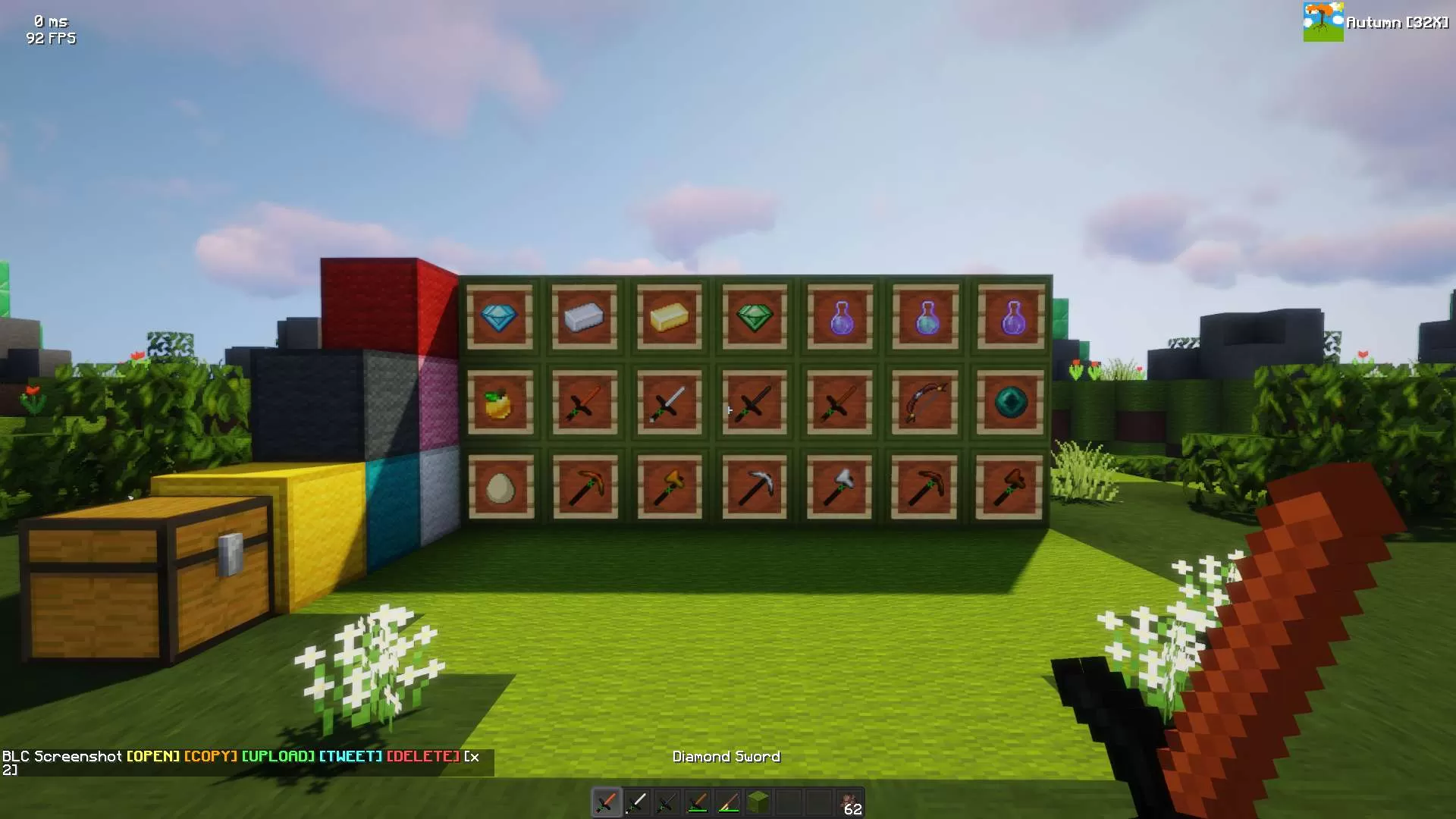
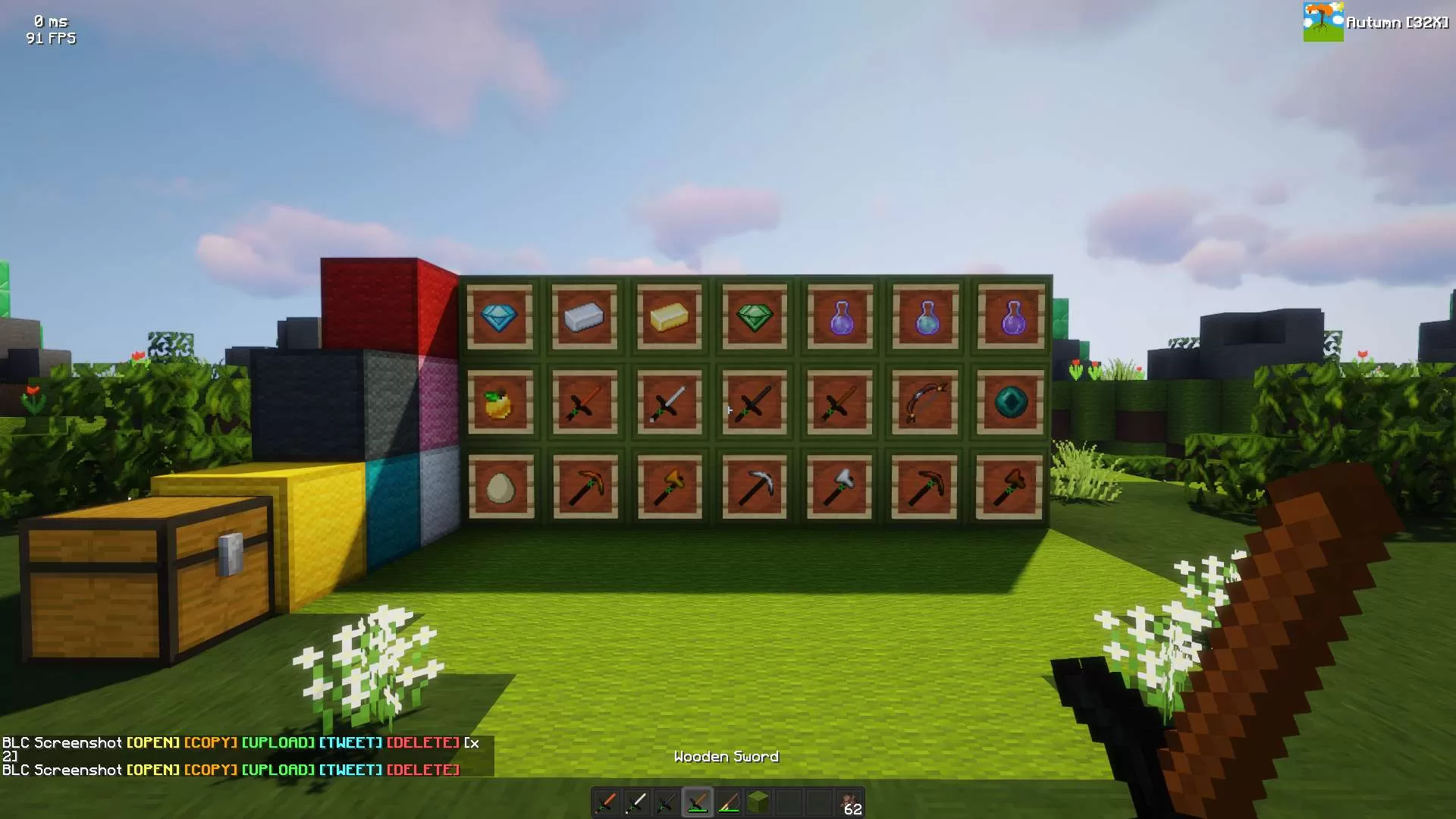
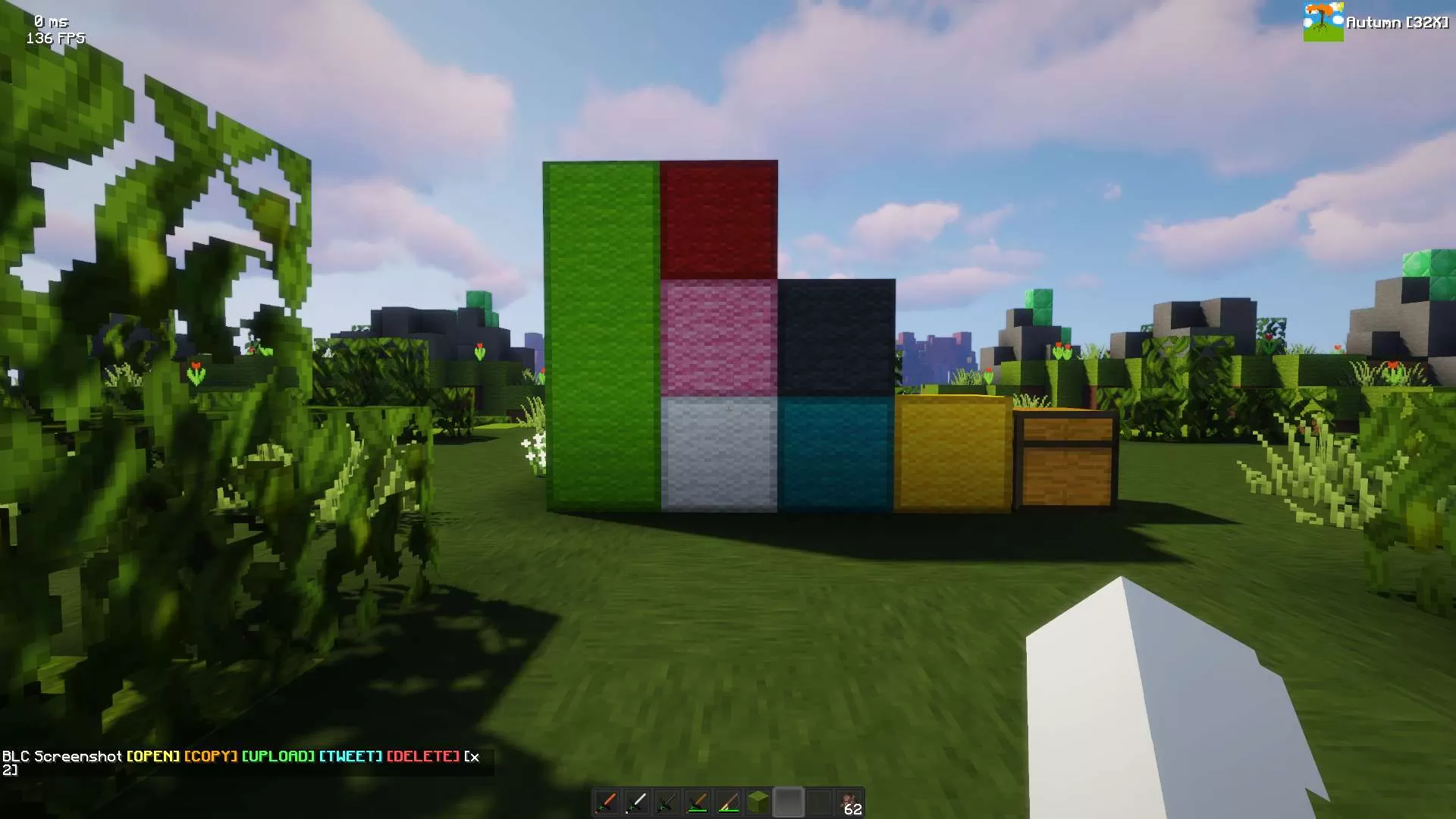
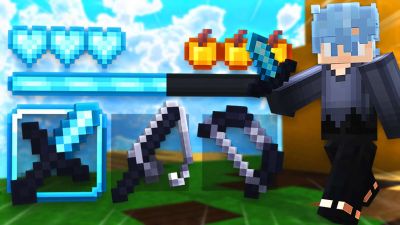
Prepare for intense battles and fierce pvp action with my Autumn 32x texture pack. This pack combines the beauty of the fall season with the adrenaline of player-versus-player combat, creating an immersive and visually stunning experience for competitive Minecraft gameplay.
Key Features:
Immersive PvP Environment: The textures in this pack create an autumn battlefield like no other. Engage in thrilling PvP battles amid colorful forests and foliage, adding a touch of beauty to the intensity.
Enhanced Weapons and Tools: Your weapons, armor, and tools have been redesigned to look sleek and battle-ready. Sharpen your swords, fortify your armor, and gear up for epic clashes.
Custom GUI and HUD: The user interface elements have been revamped to provide a clean and intuitive PvP experience. Keep track of your health, hunger, and armor durability with style.
Distinctive Projectile Textures: Arrows, potions, and projectiles have been customized to make them visually distinct, helping you strategize during combat.
Unique Status Effects: Buffs and debuffs come alive with unique icons and animations, making it easier to identify and respond to changing conditions in the heat of battle.
Dynamic Animations: Enjoy smooth and dynamic animations that add depth to your PvP encounters. Block hitting, bow drawing, and other actions are more immersive than ever.
Custom Crosshairs: Choose from a variety of crosshair options to suit your aiming preferences. Find the crosshair that helps you land those critical shots.
(not ai generated lol)
Pick Bedrock or any Java version below to get a ready-to-use converted copy instantly. Your normal download stays untouched.Pick Bedrock or any Java Minecraft version below and get a converted copy ready to use instantly.
Bedrock Edition
Java versions
Finish the steps above to unlock your download first.
Sign in to rate this packAdd your stars and help the best packs rise.
5
Rate Pack
Enjoying this pack? Leave a rating and help other players discover it. Every rating you give also earns profile XP toward amazing leveling rewards you can unlock along the way.Enjoying this pack? Rate it to help other players find it. Ratings also earn profile XP toward leveling rewards
(1 rating)
How to use a Texture Pack:
Downloaded the pack? Here's how to get it into your game:
Open Minecraft
Go to Options → Resource Packs
Click Open Pack Folder
Drag the .zip you just downloaded into the folder that opens
Back in the game, click the pack so it moves to the selected side
Press Done and let the textures load
That's it — your game has a brand new look! Stuck on a step? The video guide walks through it.








 PC/Java Edition