

Quick start · Java Edition
- Download a texture pack from PVPRP as a
.zipfile. - Open Minecraft, then go to Options - Resource Packs - Open Pack Folder.
- Move the downloaded
.zipinto the resourcepacks folder. Do not unzip it. - Go back to Minecraft, move the pack to the active side, and click Done.
Use the steps for your edition: Java on PC uses a resource-pack folder; Bedrock on Windows or mobile imports a .mcpack. Download the version made for the Minecraft edition you play.
This guide covers the normal Java install method first, then Bedrock, Lunar Client, Badlion, and the common fixes when a pack does not appear in Minecraft.
Java Edition Install Steps
Java Edition uses .zip resource pack files. You usually do not need to extract anything. Minecraft reads the zip directly from the resourcepacks folder.
Download The Pack
Choose a pack on PVPRP and download the Java version. Keep the file as a .zip.
Open Pack Folder
In Minecraft, open Options, then Resource Packs, then click Open Pack Folder.
Move The Zip
Drag the downloaded .zip into the resourcepacks folder that Minecraft opened.
Enable It
Return to Minecraft, move the pack to the active side, then click Done to reload textures.
Where Is The Resource Packs Folder?
If the in-game button does not open the folder, you can open it manually. These are the usual paths:
Windows
Press Win + R, paste this path, then press Enter.
%appdata%\.minecraft\resourcepacks
macOS
Open Finder, choose Go to Folder, then paste this path.
~/Library/Application Support/minecraft/resourcepacks
pack.mcmeta and assets, the zip is probably correct.
Bedrock Edition Install Steps
On Windows, Android, or iPhone/iPad, open a Bedrock .mcpack with Minecraft, then activate it. Consoles do not have the same direct file-import workflow. See the Bedrock guide for device-specific options.
Download Bedrock File
Look for a Bedrock-compatible file, usually ending in .mcpack.
Open The File
Double-click or tap the .mcpack. Minecraft should open and import it automatically.
Activate The Pack
Go to Settings or a world settings page, then enable the pack under Resource Packs.
Restart If Needed
If textures do not change right away, restart Minecraft and check the active pack list again.
Lunar Client And Badlion
Open Options → Resource Packs → Open Pack Folder inside the client you actually play on. Put the Java .zip there, then enable it. A launcher or separate game installation can use a different folder from vanilla Minecraft.
If a PvP pack has custom skies, connected textures, or extra visual effects, you may need OptiFine or the client setting that supports those features. Basic textures, swords, blocks, armor, and GUI usually work without extra setup.
Common Problems And Fixes
Pack Does Not Show Up
The file is probably unzipped wrong or inside an extra folder. Open it and check that pack.mcmeta is near the top level.
Pack Has A Red Warning
Version warnings are common. Many packs still work on newer versions even if Minecraft says they were made for an older version.
Downloaded The Wrong Edition
Java packs and Bedrock packs are not always interchangeable. Java usually uses .zip; Bedrock usually uses .mcpack.
Only Some Textures Changed
The pack may not cover every block or item. Put the pack higher in the active list so it overrides packs below it.
What Pack Should You Try First?
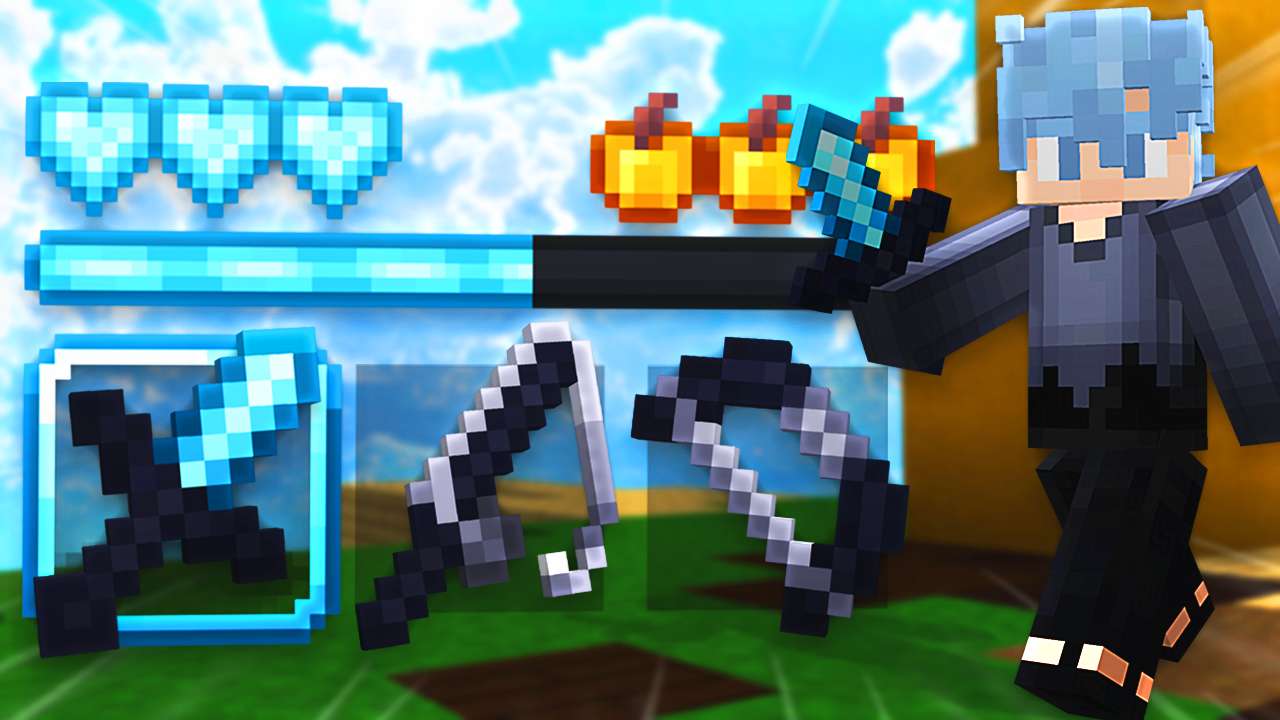
If you are new to texture packs, start with a 16x pack. It is close to default Minecraft, easy to run, and usually safe for PvP. Once you know the install process works, you can try 32x, 64x, themed packs, or game-mode specific packs.


 516K
516K 1.1M
1.1MFind more packs on PVPRP
Search by resolution, style, creator, or tag. If you are installing your first pack, 16x and FPS Boost are the safest starting points.
 Join Now