See the loadout, GUI & sky in 3D. No download needed.
Description
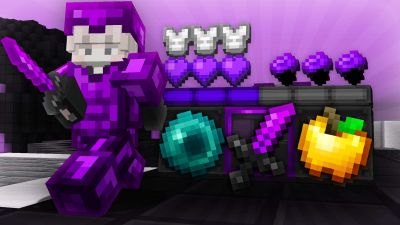
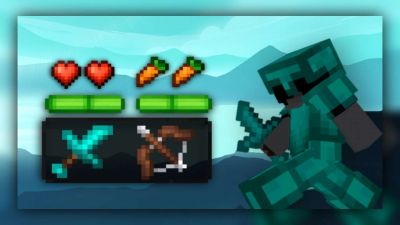
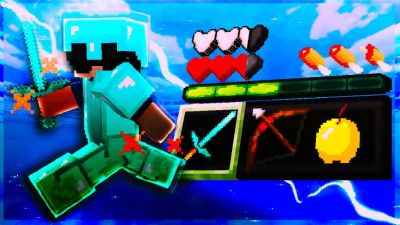
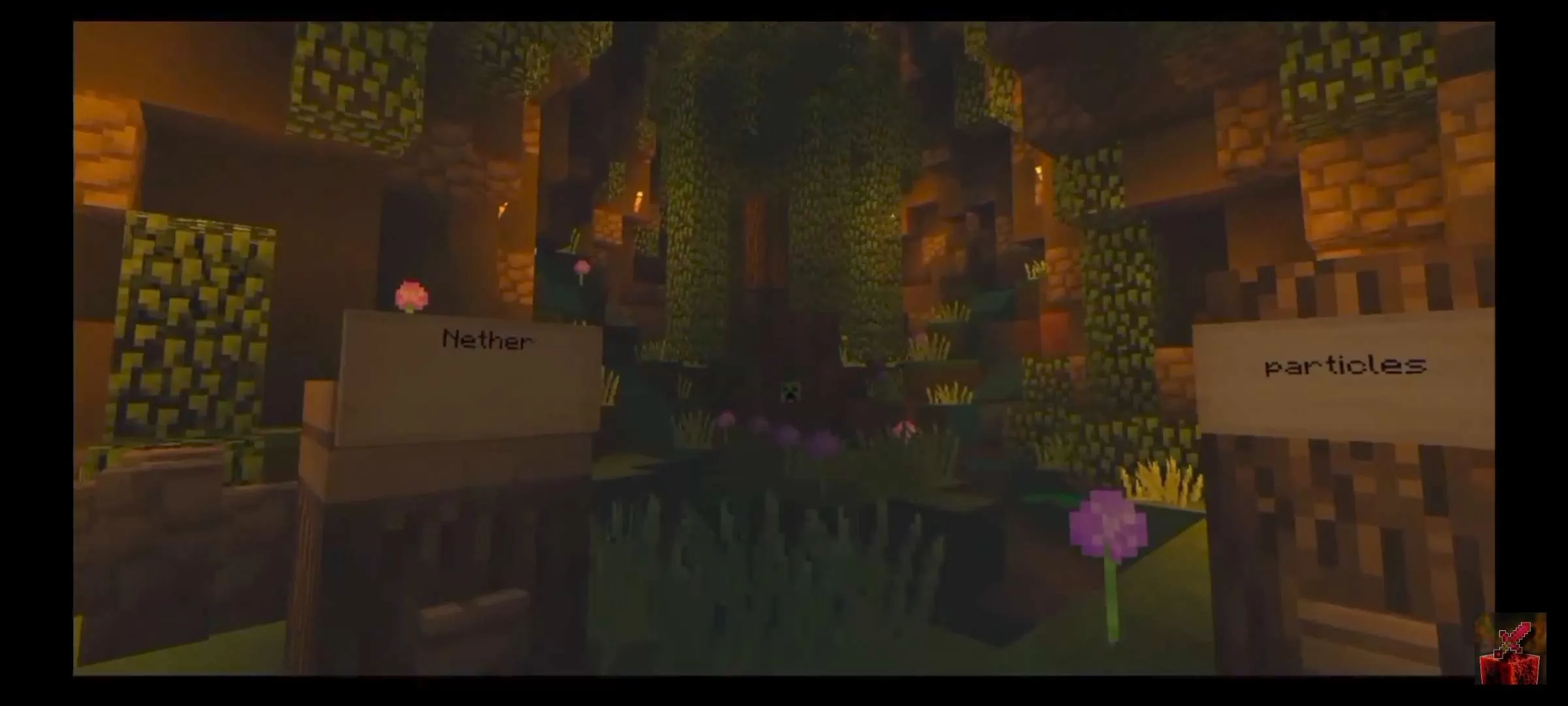
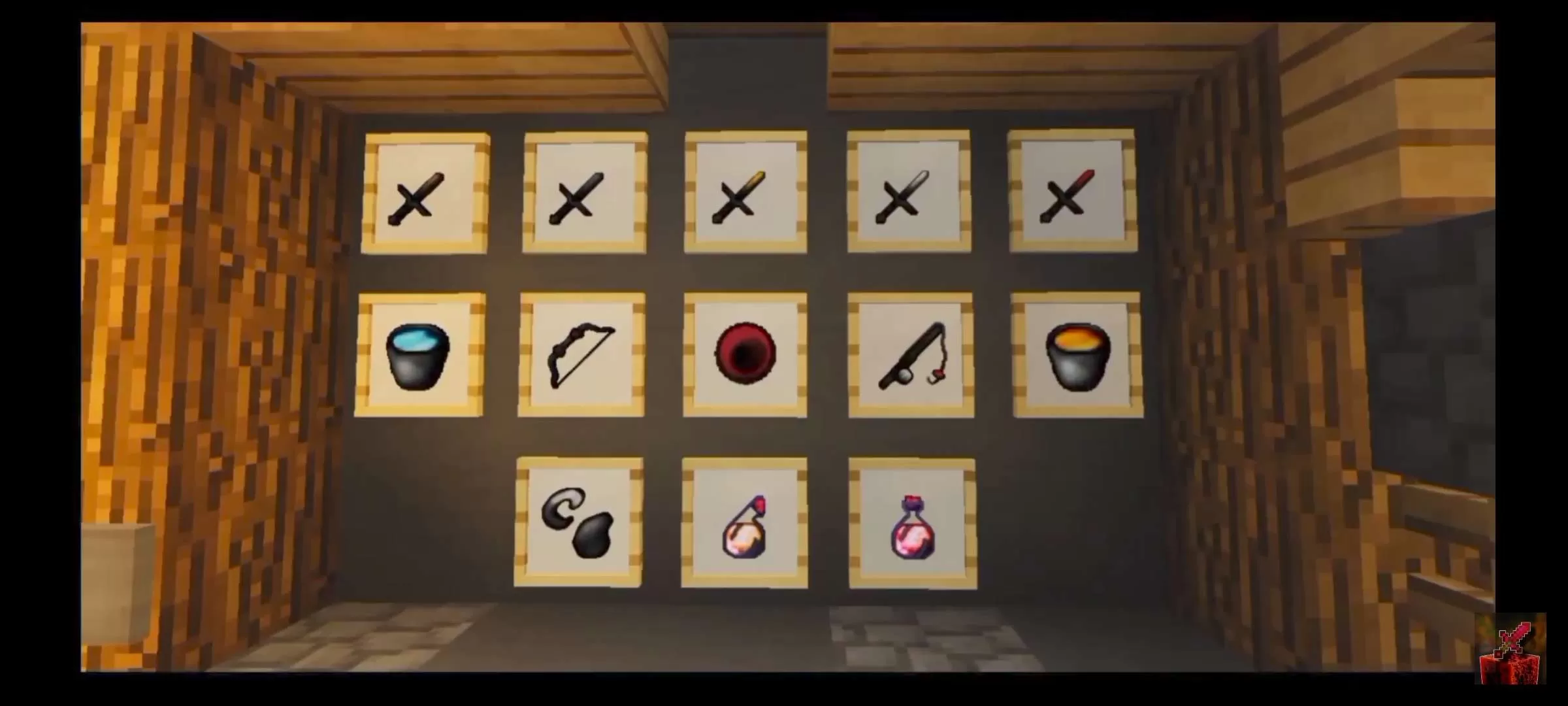
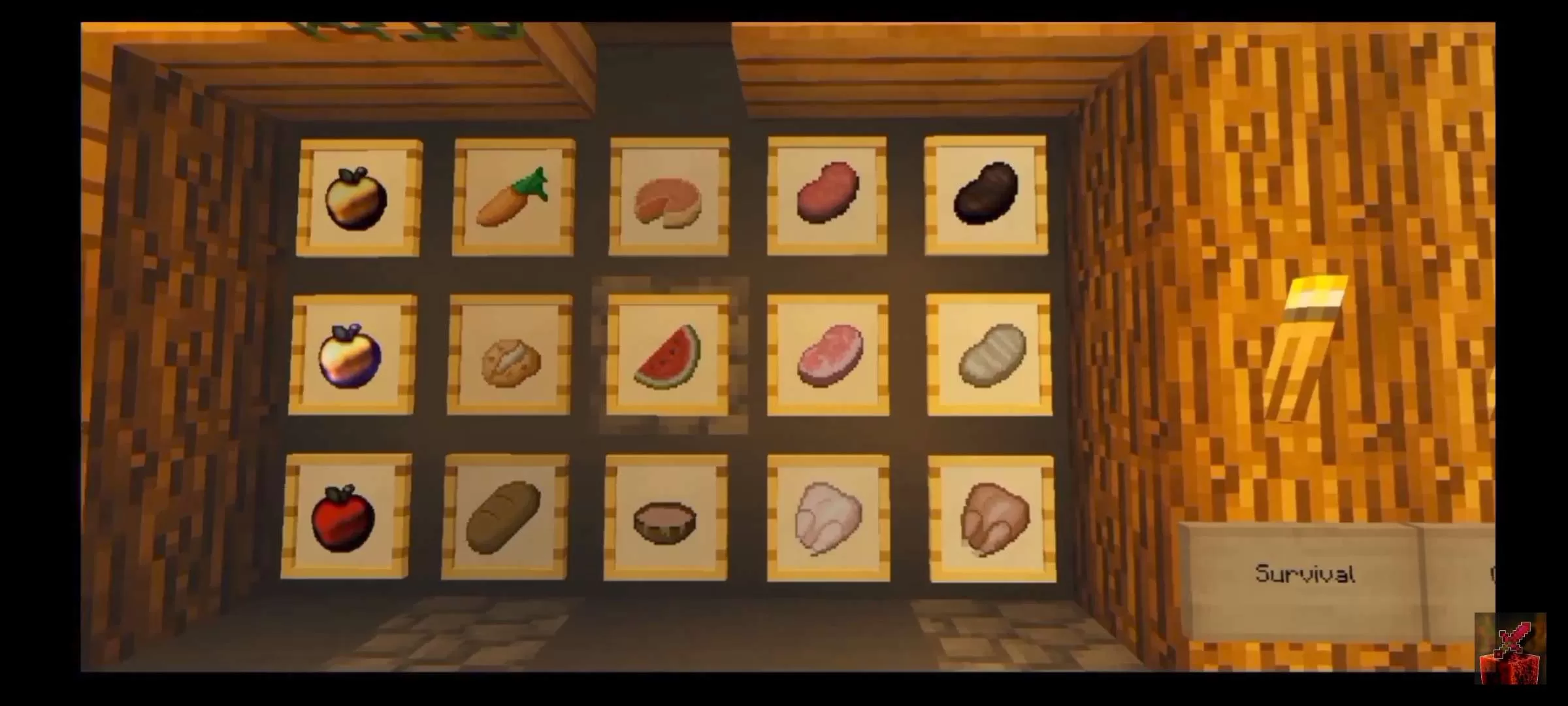
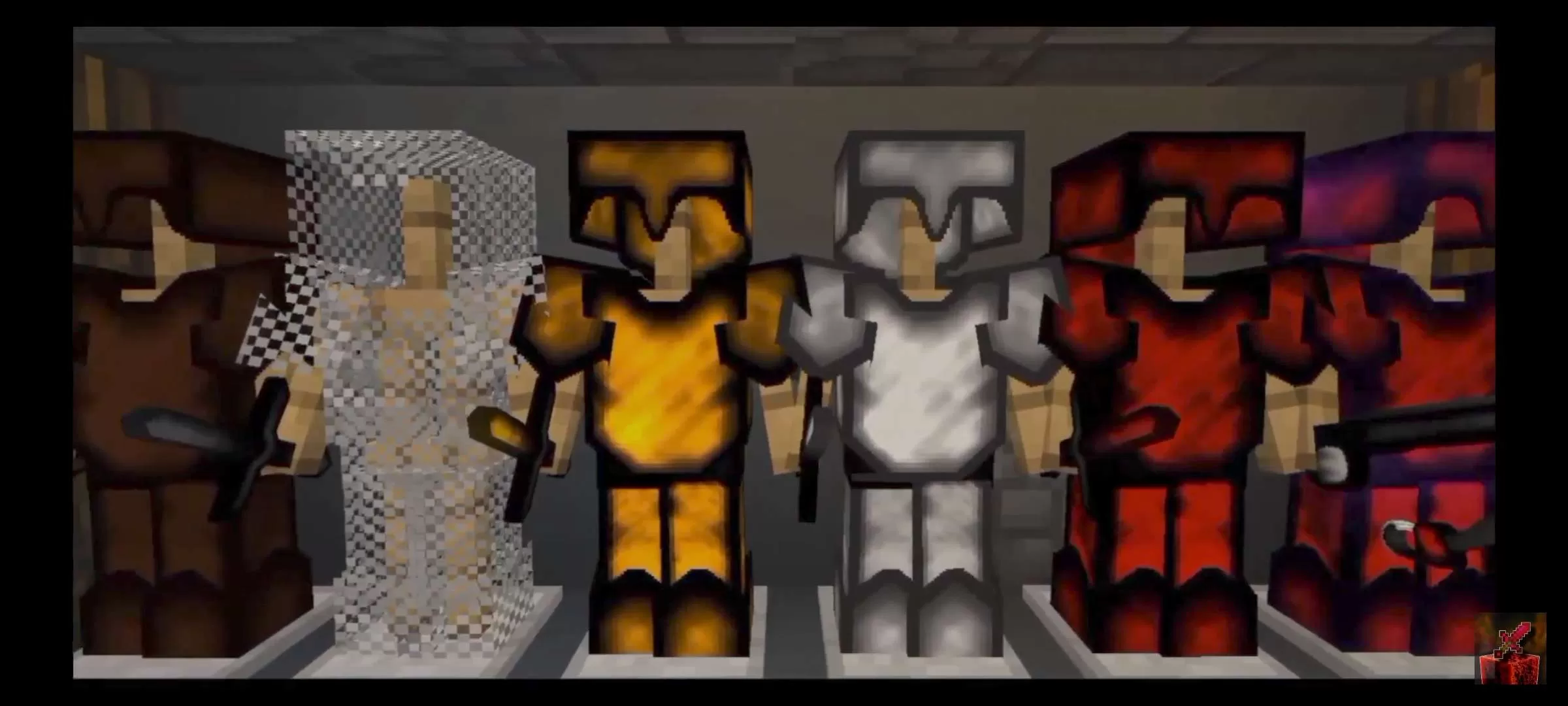
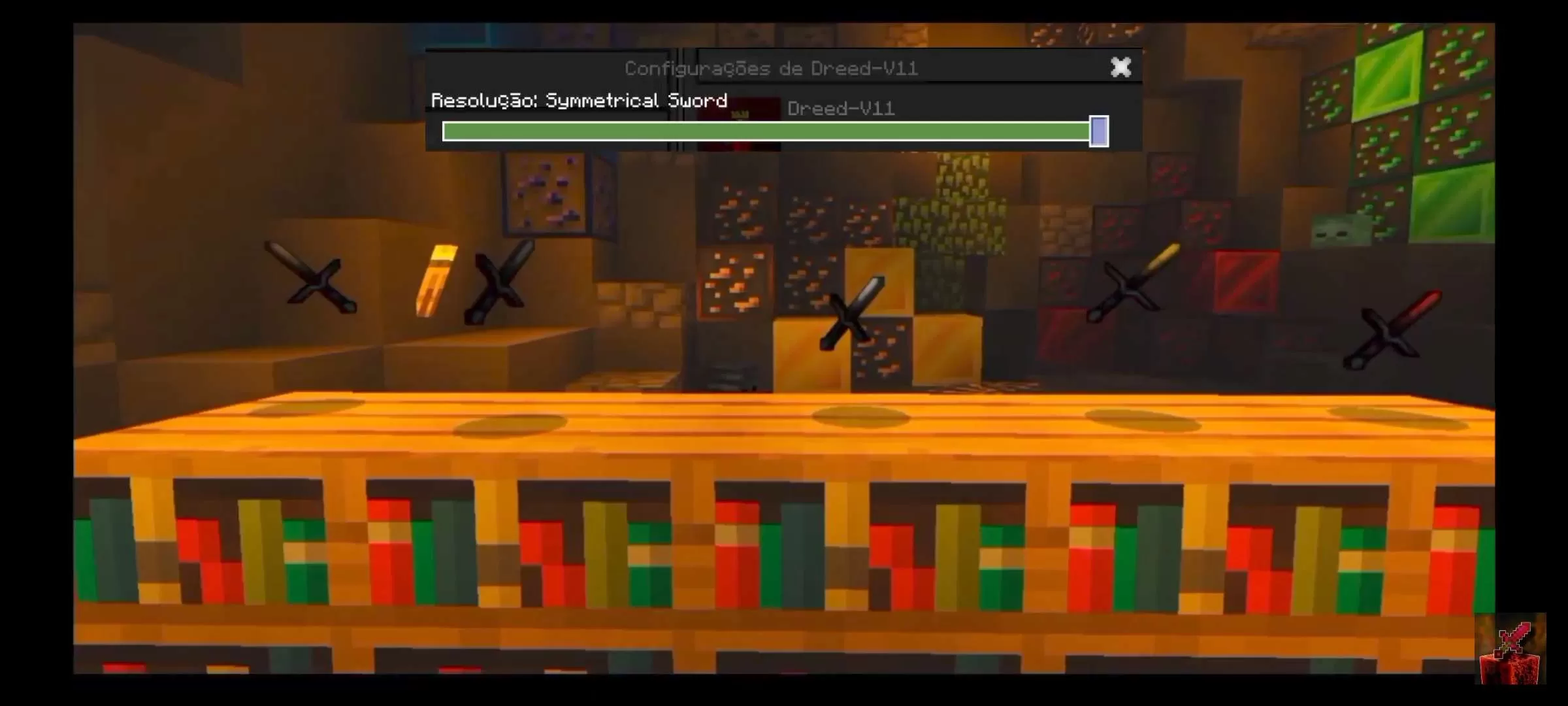
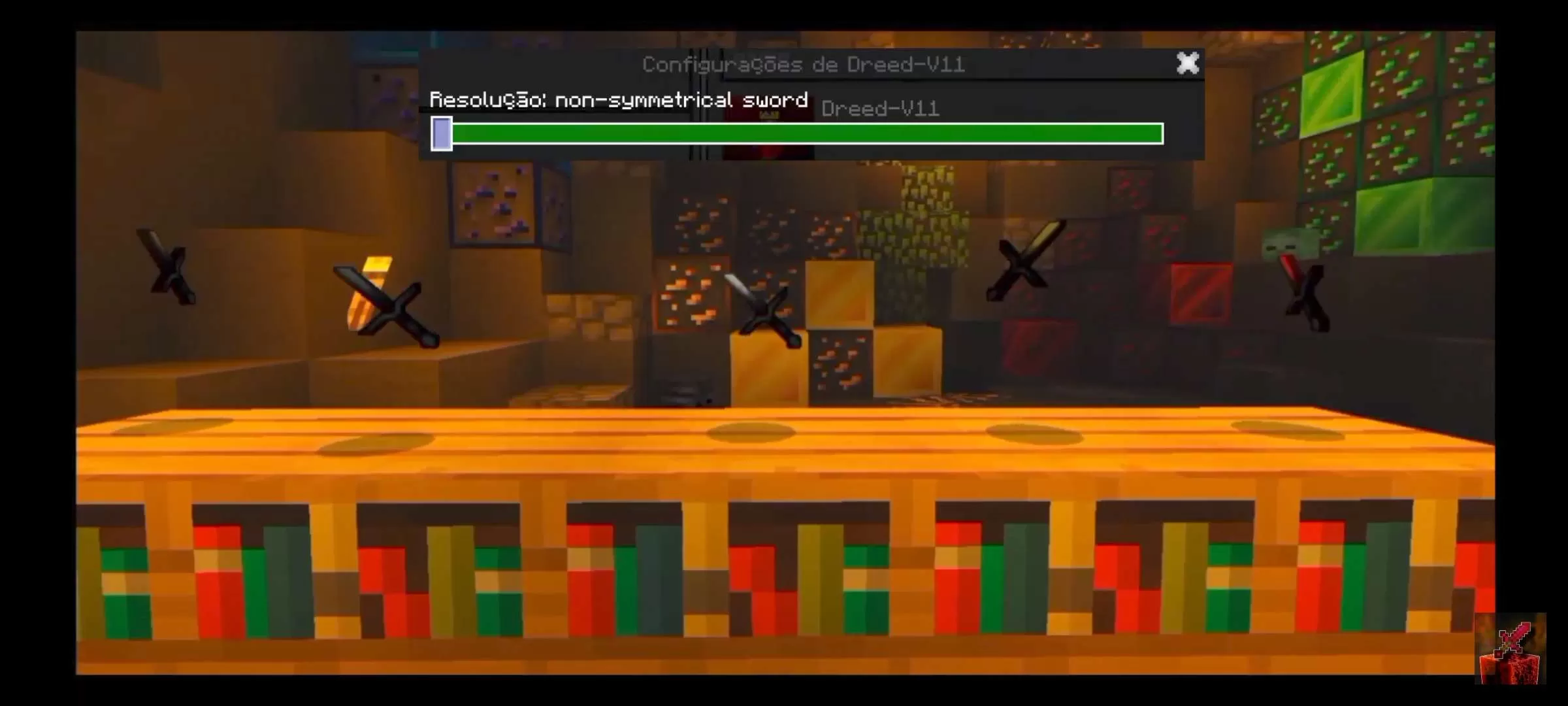
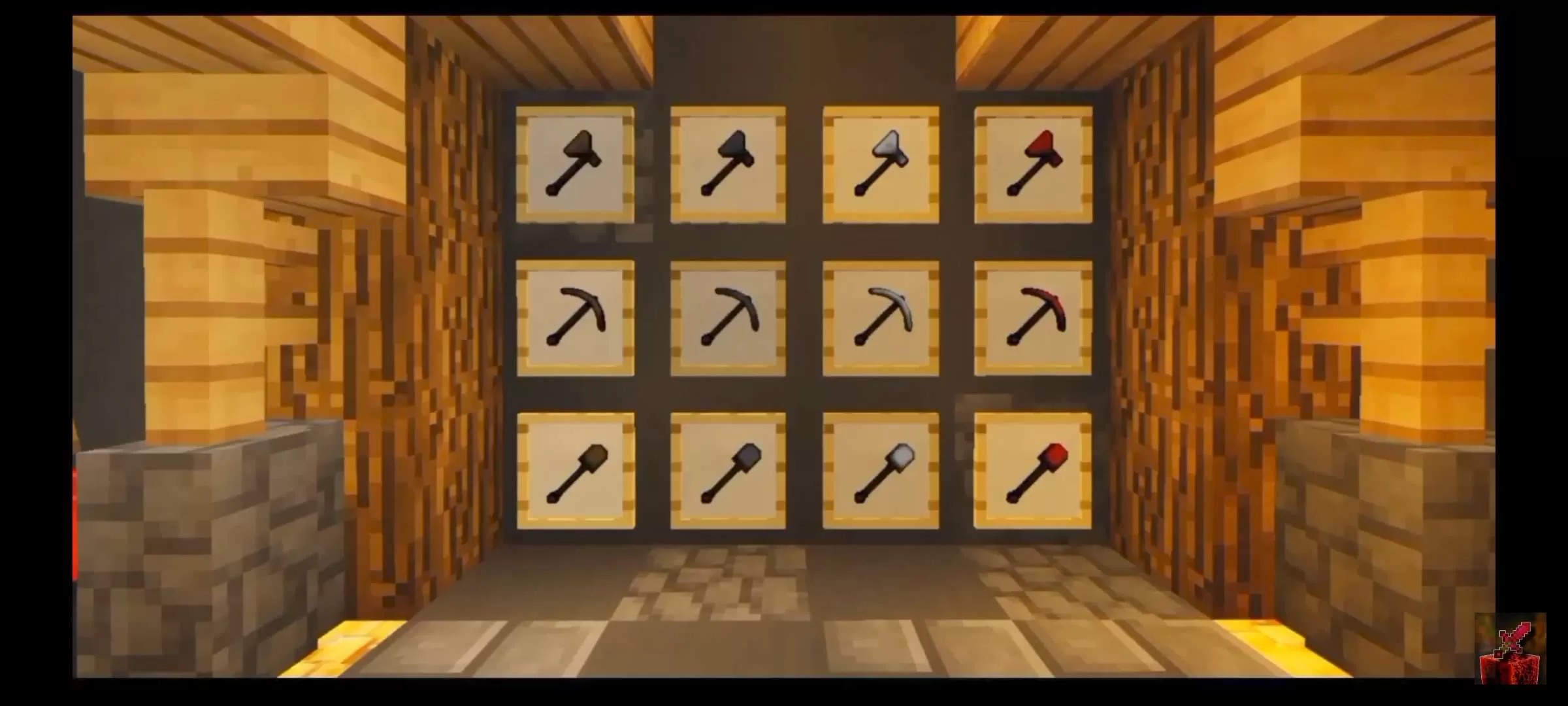
talk guys all right with you? so today I'm showing Dreed V11, and man this texture is very beautiful, I thought it was cool and very good for playing bedwars and UHC duels,I just love it and it's really exciting to play with this beautiful texture, I hope you like it as much as I did, thank you all for subscribing to my channel and leaving a like,Love you so much :)
fala galera tudo bem com vocês? então hoje estou mostrando o Dreed V11, e cara essa textura é muito bonita, achei legal e muito boa para jogar bedwars e duelos UHC, simplesmente amei e é muito emocionante jogar com essa textura linda, espero vocês gostei tanto quanto eu, obrigado a todos por se inscreverem no meu canal e deixarem um like, amo muito vocês :)
she was inspired and some items taken from Kakuja 256x
Sign in to rate this packAdd your stars and help the best packs rise.
0
Rate Pack
Enjoying this pack? Leave a rating and help other players discover it. Every rating you give also earns profile XP toward amazing leveling rewards you can unlock along the way.Enjoying this pack? Rate it to help other players find it. Ratings also earn profile XP toward leveling rewards
(0 ratings)
How to use a Texture Pack:
After downloading your pack, follow these steps to get it working in your game:
Download the .mcpack file from PVPRP
Open the downloaded file and let it import into Minecraft
Go to Settings in Minecraft
Open Global Resources, or open a world and select Resource Packs
Find the pack and click Activate
Press Done and enjoy your new textures
If the file is a .zip, rename it to .mcpack before opening it.



 Pack Video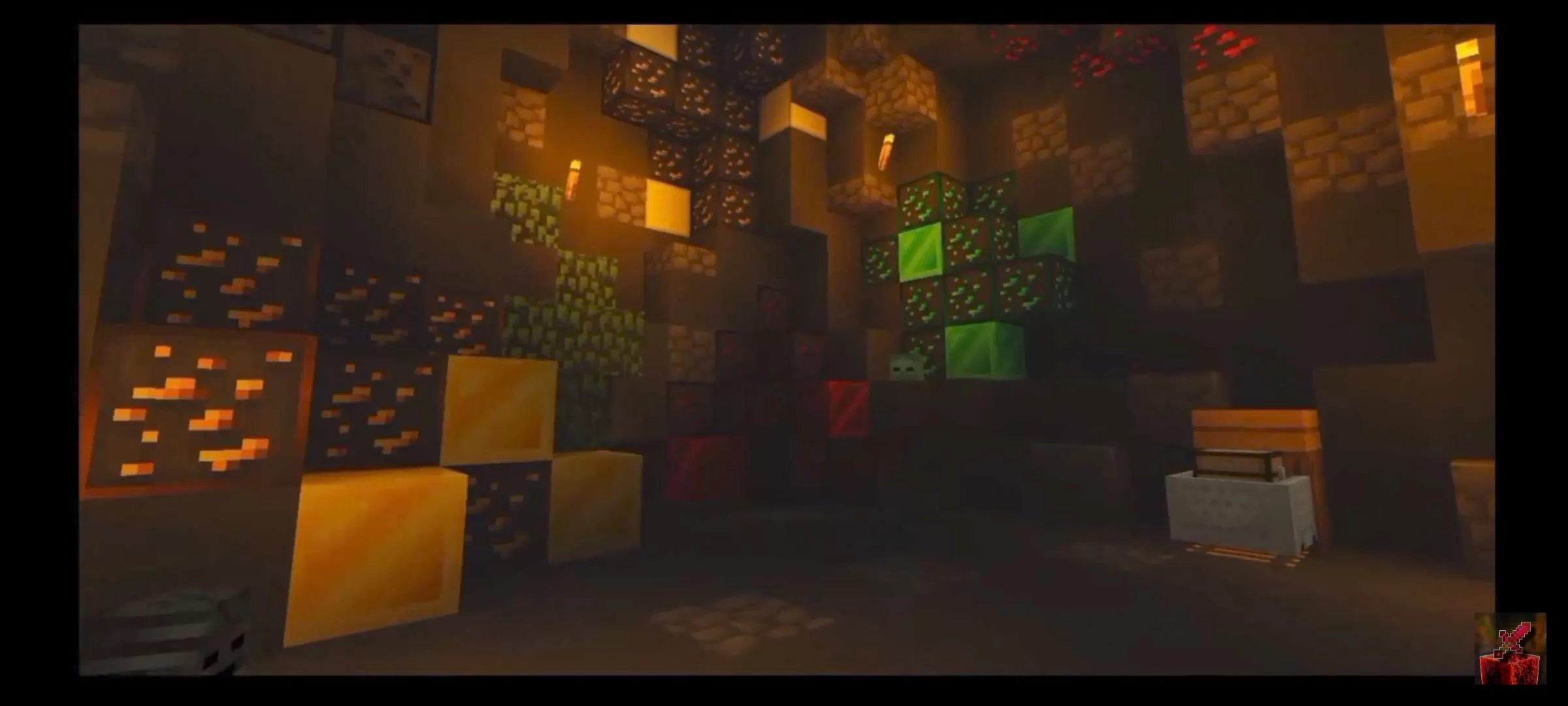








 Bedrock Edition

![Tashi [bedrock] 32x by SpacyLmao on PvPRP](https://pvprp.com/thumb.php?src=assets/packs/SpacyLmao/1760/banner.png&w=400)