
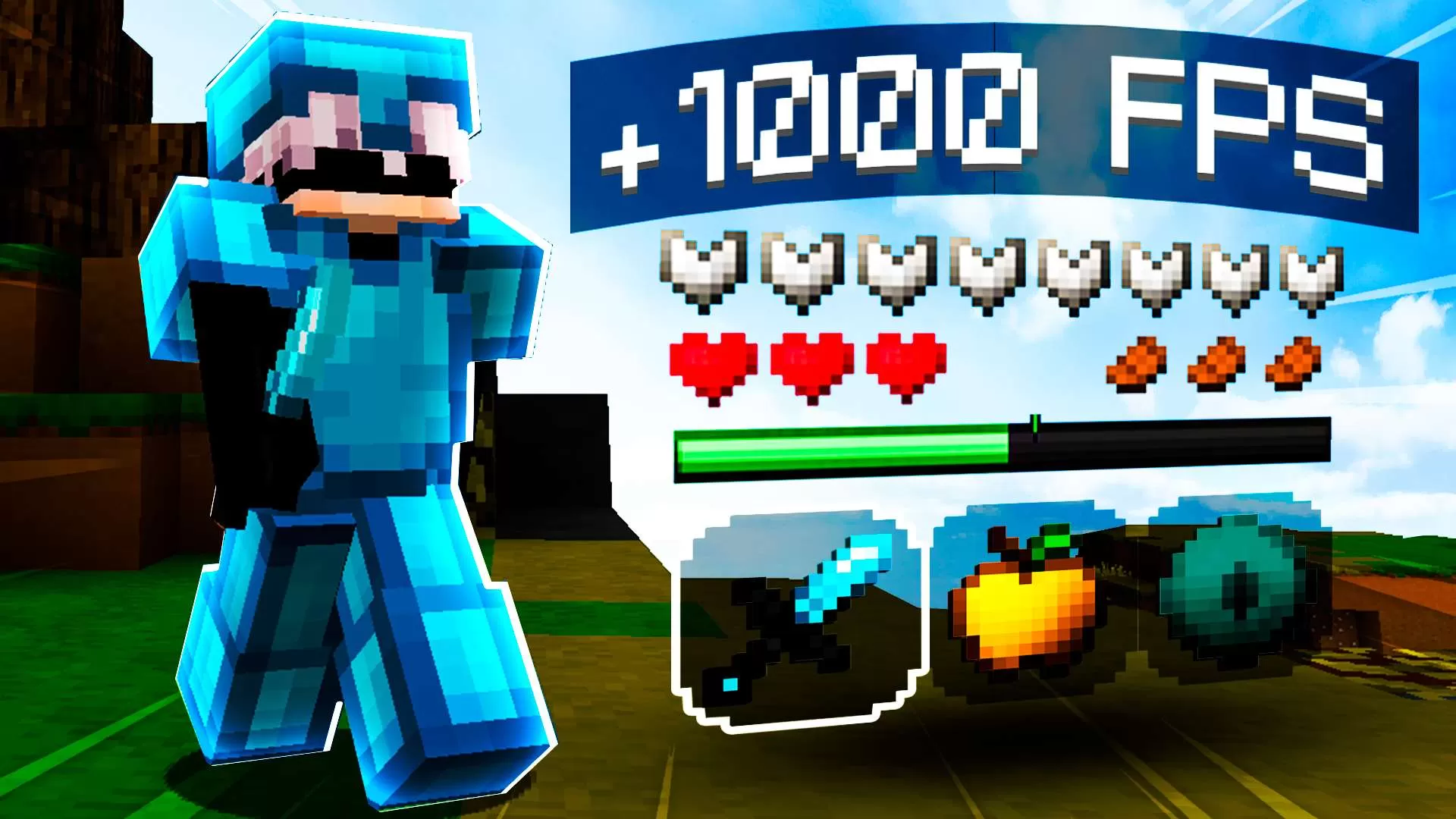


See the loadout, GUI & sky in 3D. No download needed.
Description
Espero que todos lo disfruten :)
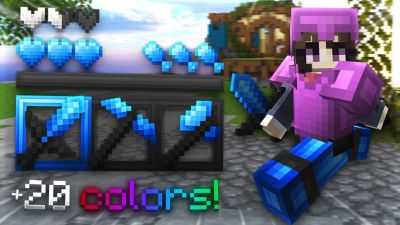
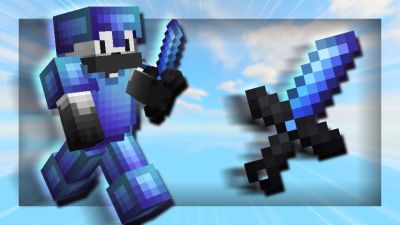
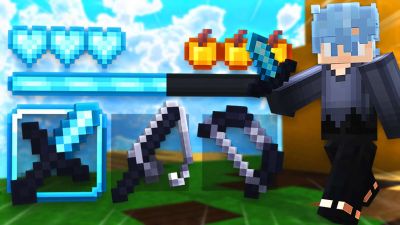
Hoy voy a lanzar mi primer texture pack personal zPack x16, estoy muy orgulloso de este paquete y espero que ustedes también lo disfruten.
Mis redes sociales:
Twitter: https://twitter.com/zdinax_
Twitch: https://www.twitch.tv/zdinaxxx
Minecraft nick: zDinax / zDinaxV2
Add your stars, save your profile, and help other players find the good stuff.
5
Rate Pack
Enjoying this pack? Leave a rating and help other players discover it. Every rating you give also earns profile XP toward amazing leveling rewards you can unlock along the way.
(1 Ratings)
How to use a Texture Pack:
Downloaded the pack? Here's how to get it into your game:
1. Open Minecraft
2. Go to Options → Resource Packs
3. Click Open Pack Folder
4. Drag the .zip you just downloaded into the folder that opens
5. Back in the game, click the pack so it moves to the selected side
6. Press Done and let the textures load
That's it — your game has a brand new look! Stuck on a step? The video guide walks through it.