

 PVPRP
PVPRP
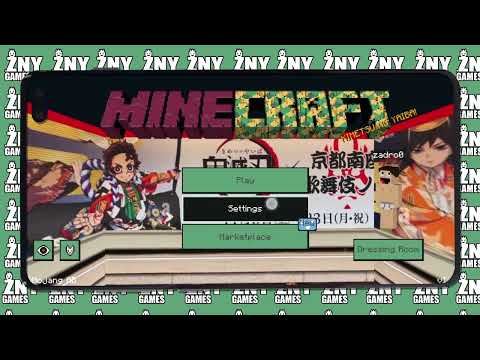 Pack Video
![Gallery Image 1 for Demon Slayer [BEDROCK] on PVPRP](assets/packs/znygames/14914/gallery/armor.jpg.webp)
![Gallery Image 2 for Demon Slayer [BEDROCK] on PVPRP](assets/packs/znygames/14914/gallery/crafting.png.webp)
![Gallery Image 3 for Demon Slayer [BEDROCK] on PVPRP](assets/packs/znygames/14914/gallery/creative.png.webp)
![Gallery Image 4 for Demon Slayer [BEDROCK] on PVPRP](assets/packs/znygames/14914/gallery/emots.jpg.webp)
![Gallery Image 5 for Demon Slayer [BEDROCK] on PVPRP](assets/packs/znygames/14914/gallery/gui.jpg.webp)
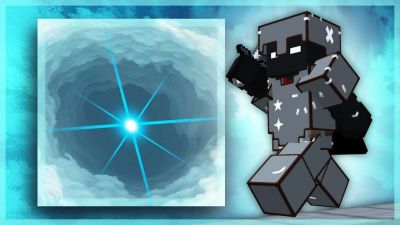
![Gallery Image 6 for Demon Slayer [BEDROCK] on PVPRP](assets/packs/znygames/14914/gallery/guicover.jpg.webp)
![Gallery Image 7 for Demon Slayer [BEDROCK] on PVPRP](assets/packs/znygames/14914/gallery/startscreen.jpg.webp)


After downloading your pack, follow these steps to get it working in your game:
If the file is a .zip, rename it to .mcpack before opening it.
Explore more pack collections
Find your next look — browse the library, download in one click, and wear it in game.
Browse Skins or upload your own →

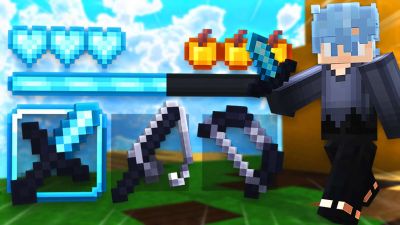
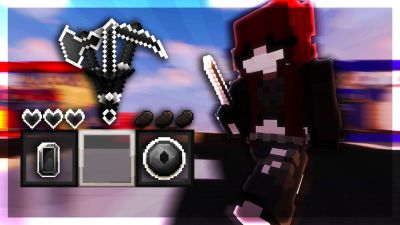

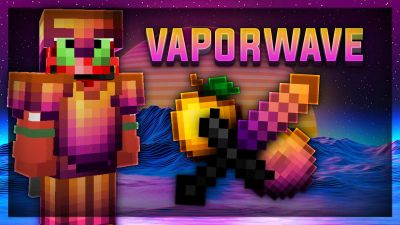




 Bedrock Edition


![Attack On Titan [BEDROCK] 16x by znygames on PvPRP](https://pvprp.com/thumb.php?src=assets/packs/znygames/14946/banner.png&w=400)


![Tokyo Ghoul [BEDROCK] 16x by znygames & zny games on PvPRP](https://pvprp.com/thumb.php?src=assets/packs/znygames/15360/banner.png&w=400)
![BLACK CLOVER [BEDROCK] 16x by znygames & zny games on PvPRP](https://pvprp.com/thumb.php?src=assets/packs/znygames/15577/banner.png&w=400)
![SPIDERMAN [BEDROCK] 16x by znygames on PvPRP](https://pvprp.com/thumb.php?src=assets/packs/znygames/15420/banner.png&w=400)
![LADYBUG [BEDROCK] 16x by znygames & zny games on PvPRP](https://pvprp.com/thumb.php?src=assets/packs/znygames/15396/banner.png&w=400)
![Chainsaw Man [BEDROCK] 16x by znygames & zny games on PvPRP](https://pvprp.com/thumb.php?src=assets/packs/znygames/15376/banner.png&w=400)


