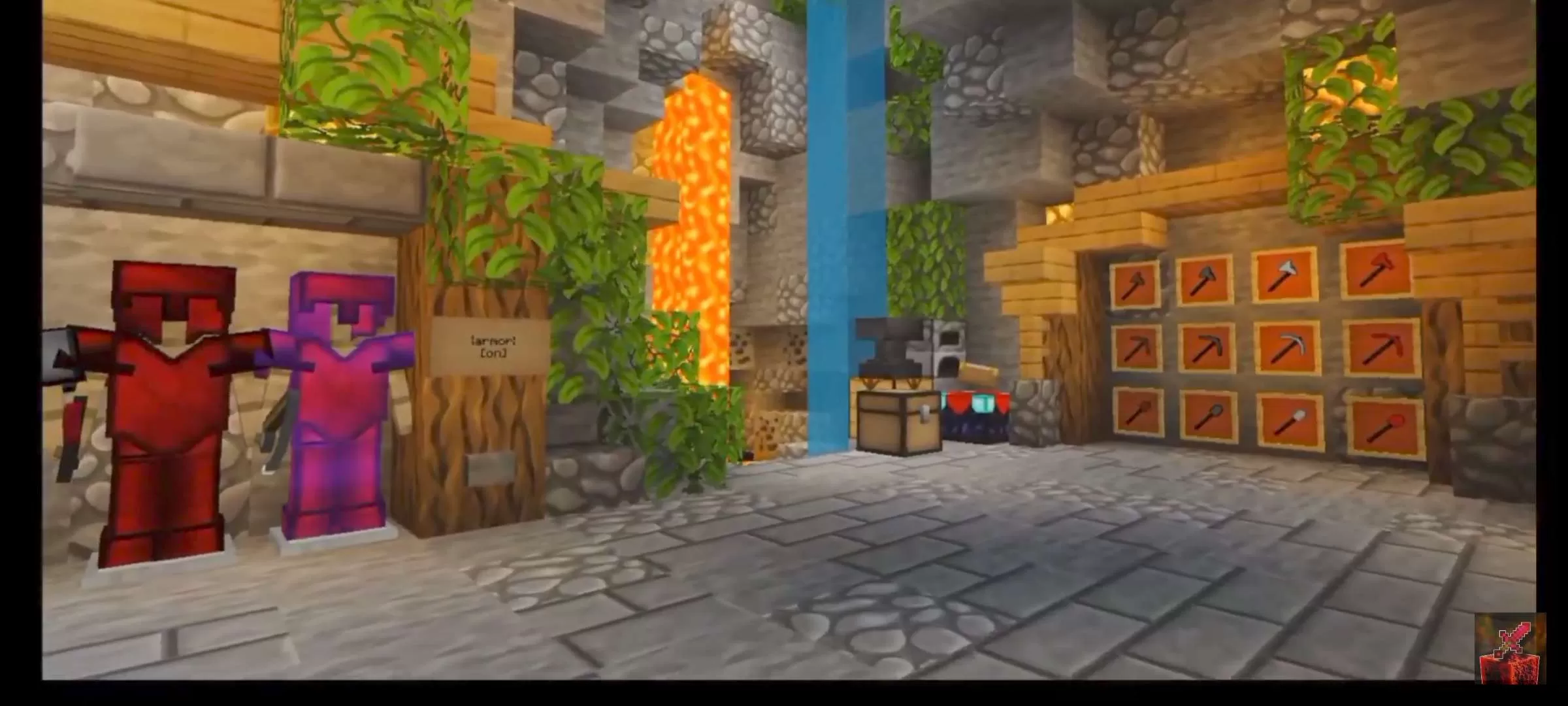
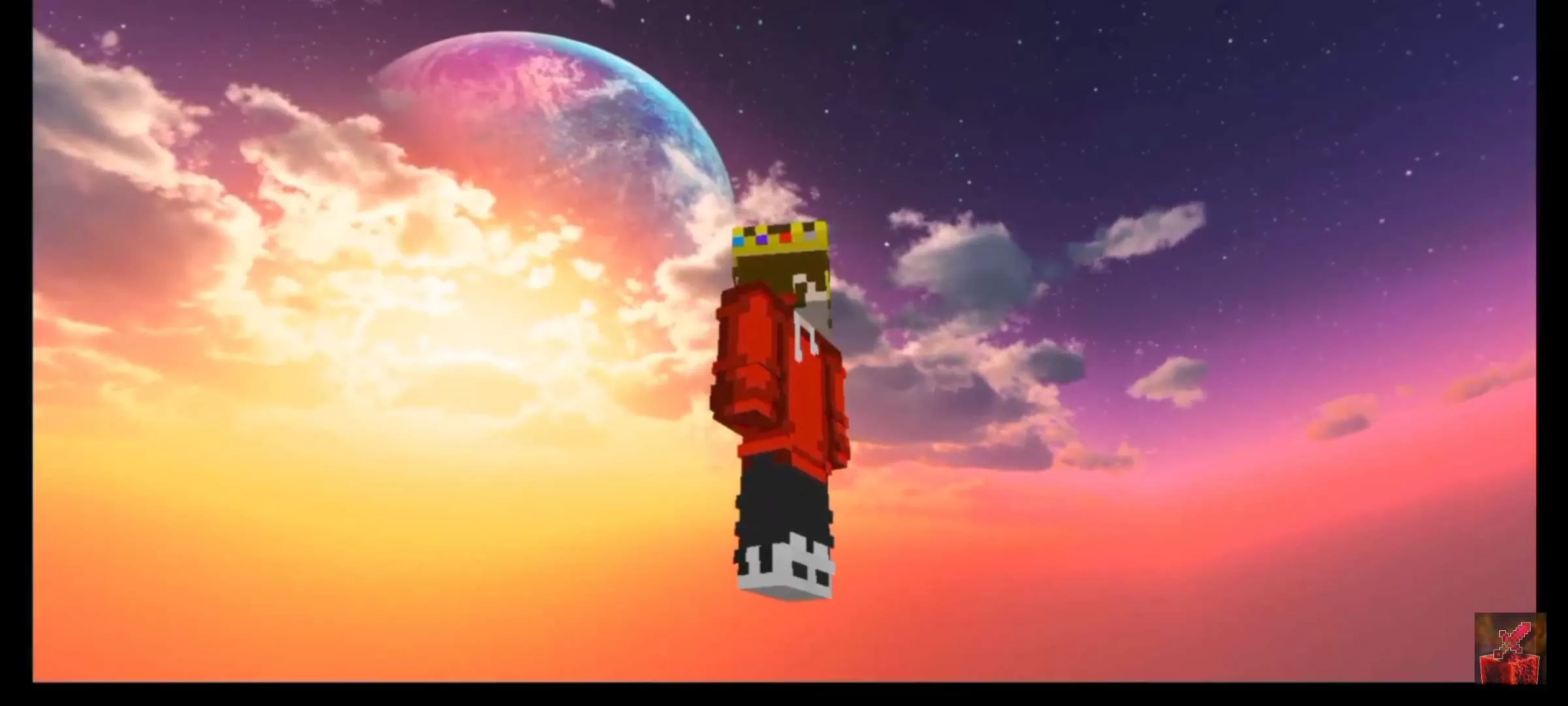
See the loadout, GUI & sky in 3D. No download needed.
Description
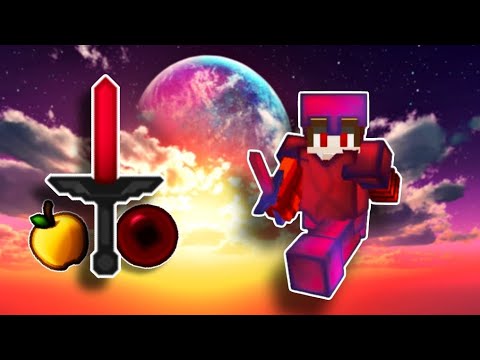
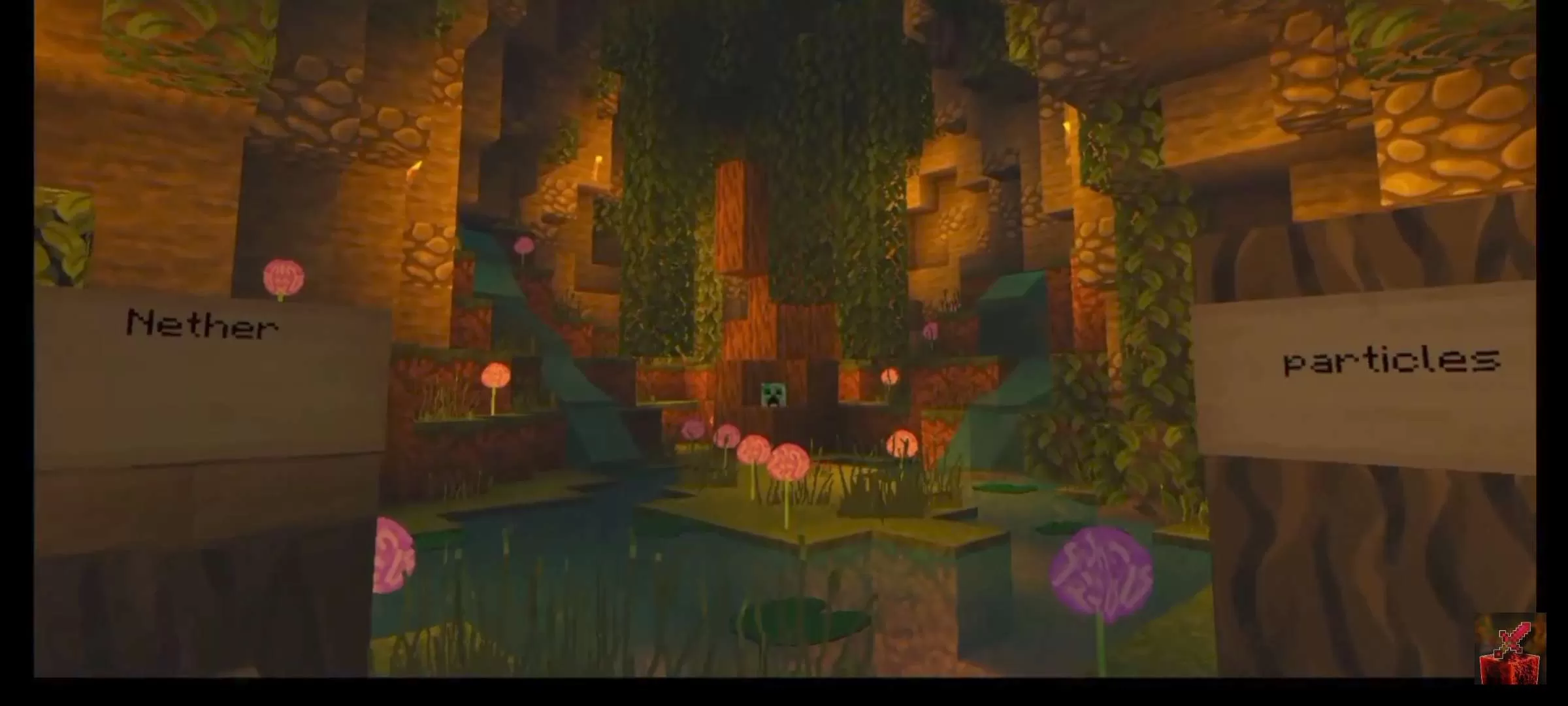
Hello everyone, everything good? so i released this texture for 1000 subscribers, and thank you so much to all of you for helping me reach this goal. about the texture, some items were taken from Red 128x Sapphire and other Textures, it was also inspired by Dreed V6 and V5. Finally, thank you to all of you, may you also reach your goals, see you later.
Olá a todos, tudo bem? então liberei essa textura para 1000 inscritos, e muito obrigado a todos vocês por me ajudarem a atingir essa meta. sobre a textura, alguns itens foram retirados do Red 128x Sapphire e outros Textures, também foi inspirado no Dreed V6 e V5. Por fim, obrigado a todos vocês, que também alcancem seus objetivos, até logo.
Sign in to rate this packAdd your stars and help the best packs rise.
3
Rate Pack
Enjoying this pack? Leave a rating and help other players discover it. Every rating you give also earns profile XP toward amazing leveling rewards you can unlock along the way.Enjoying this pack? Rate it to help other players find it. Ratings also earn profile XP toward leveling rewards
(2 ratings)
How to use a Texture Pack:
After downloading your pack, follow these steps to get it working in your game:
Download the .mcpack file from PVPRP
Open the downloaded file and let it import into Minecraft
Go to Settings in Minecraft
Open Global Resources, or open a world and select Resource Packs
Find the pack and click Activate
Press Done and enjoy your new textures
If the file is a .zip, rename it to .mcpack before opening it.



 Pack Video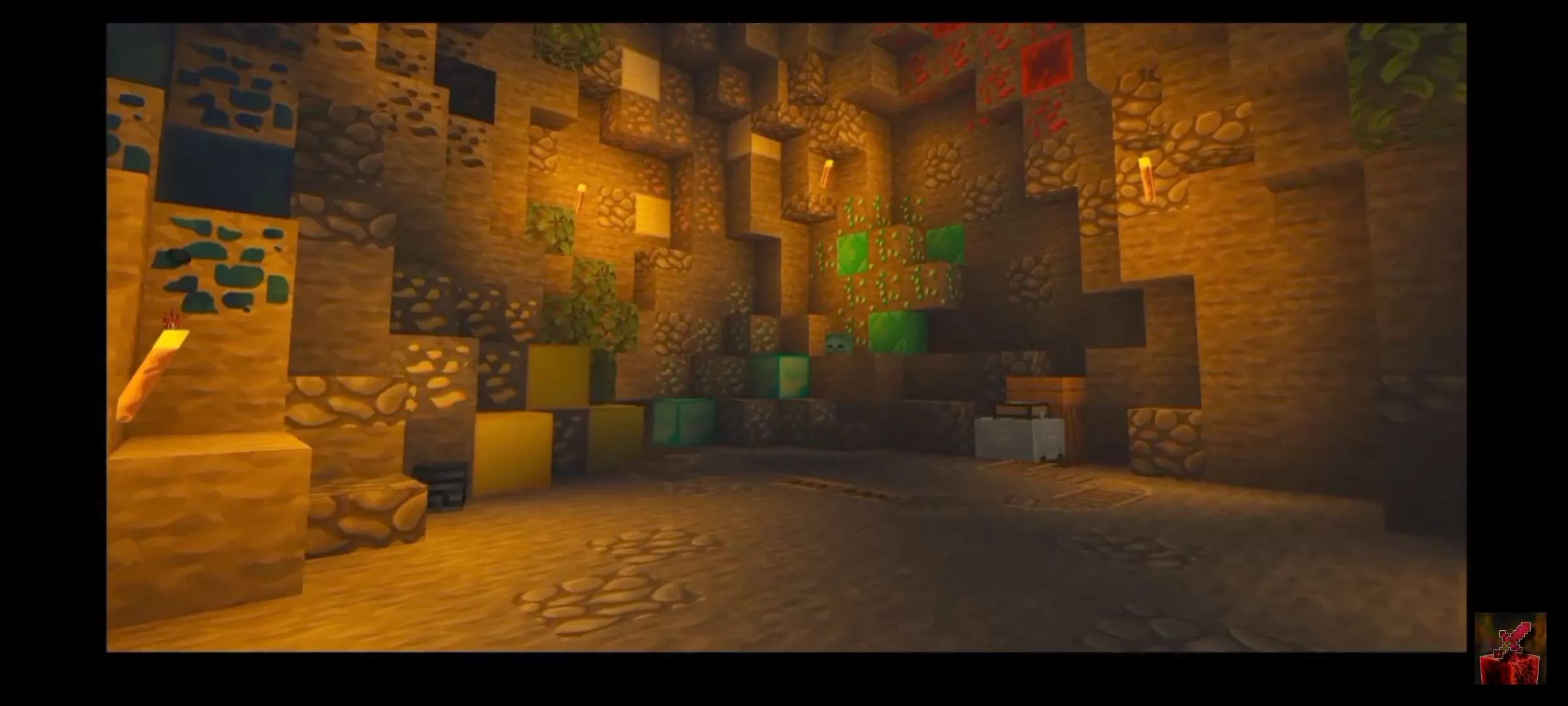
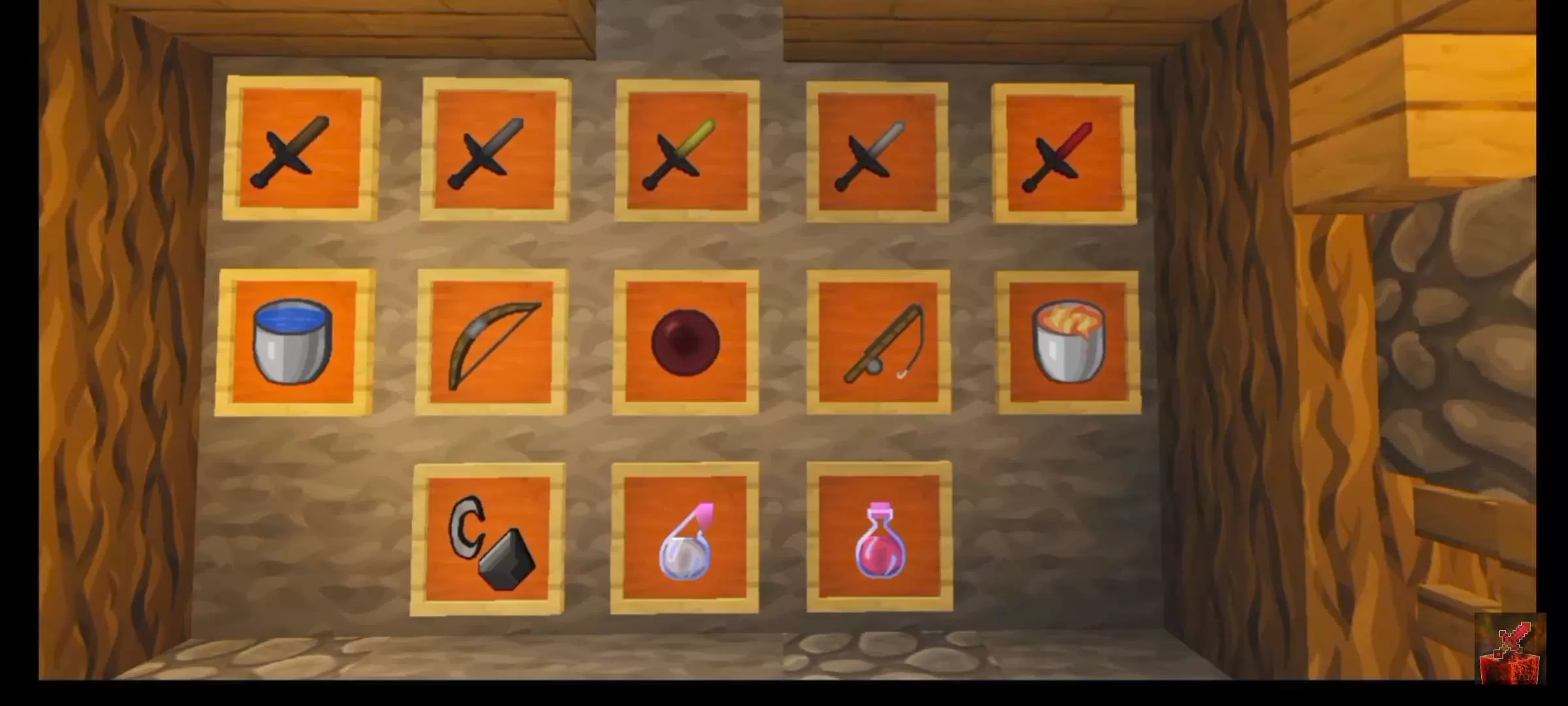
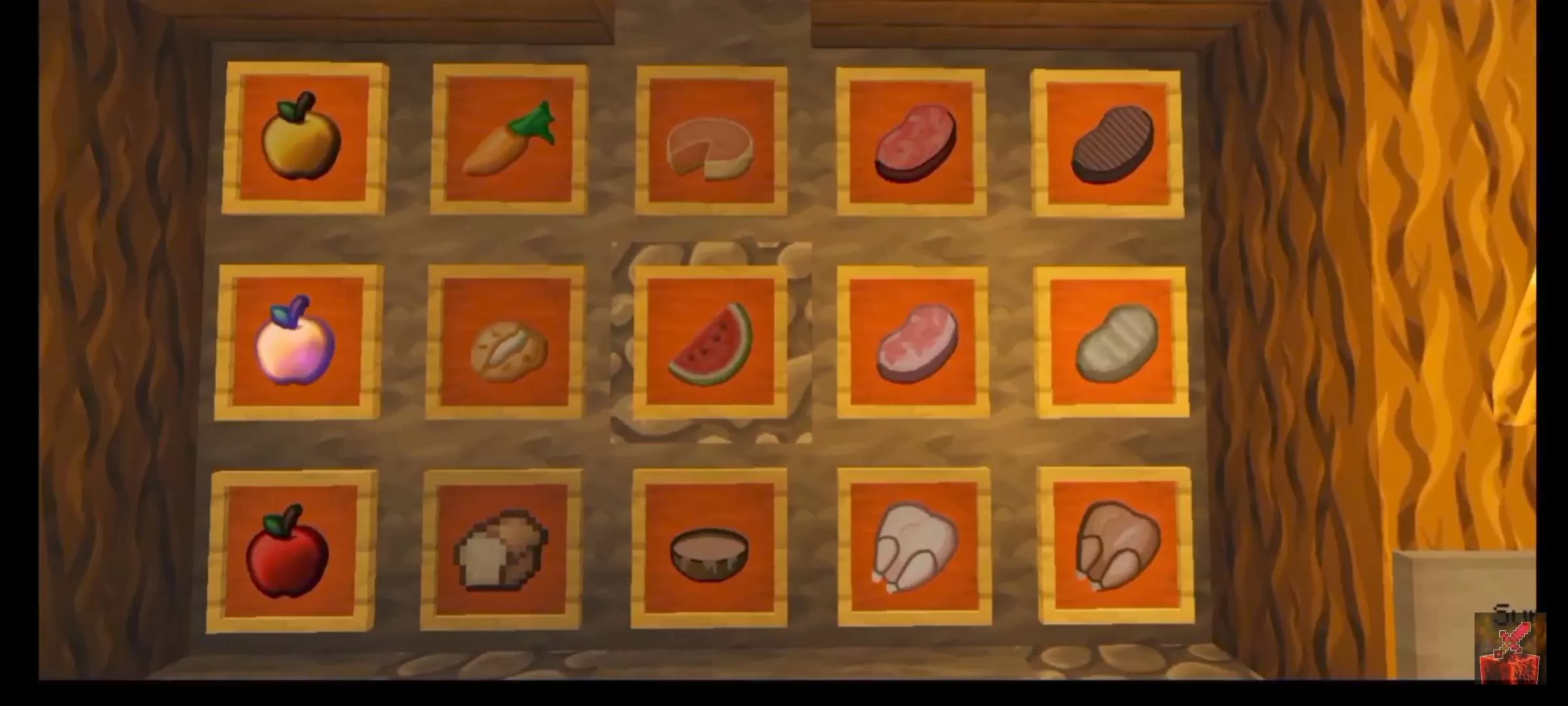
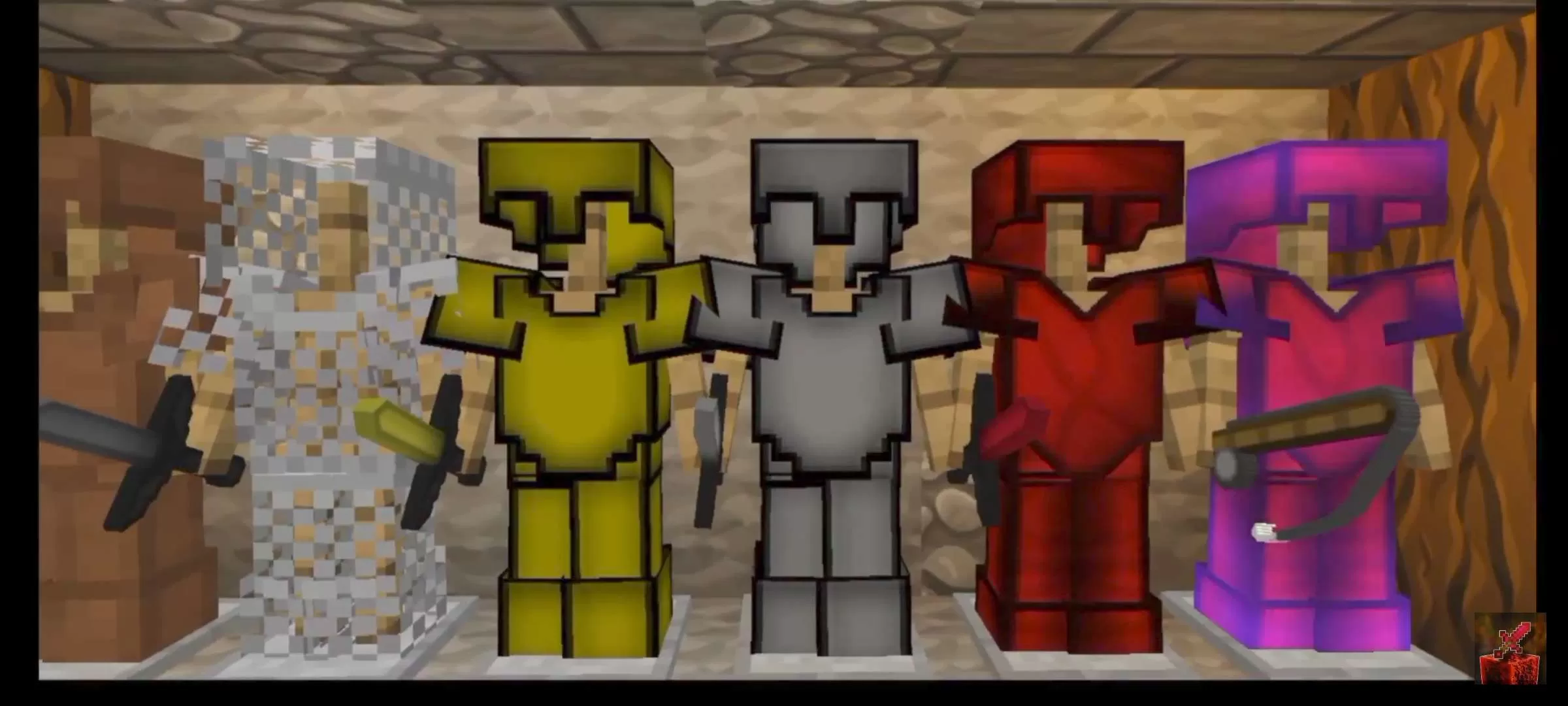
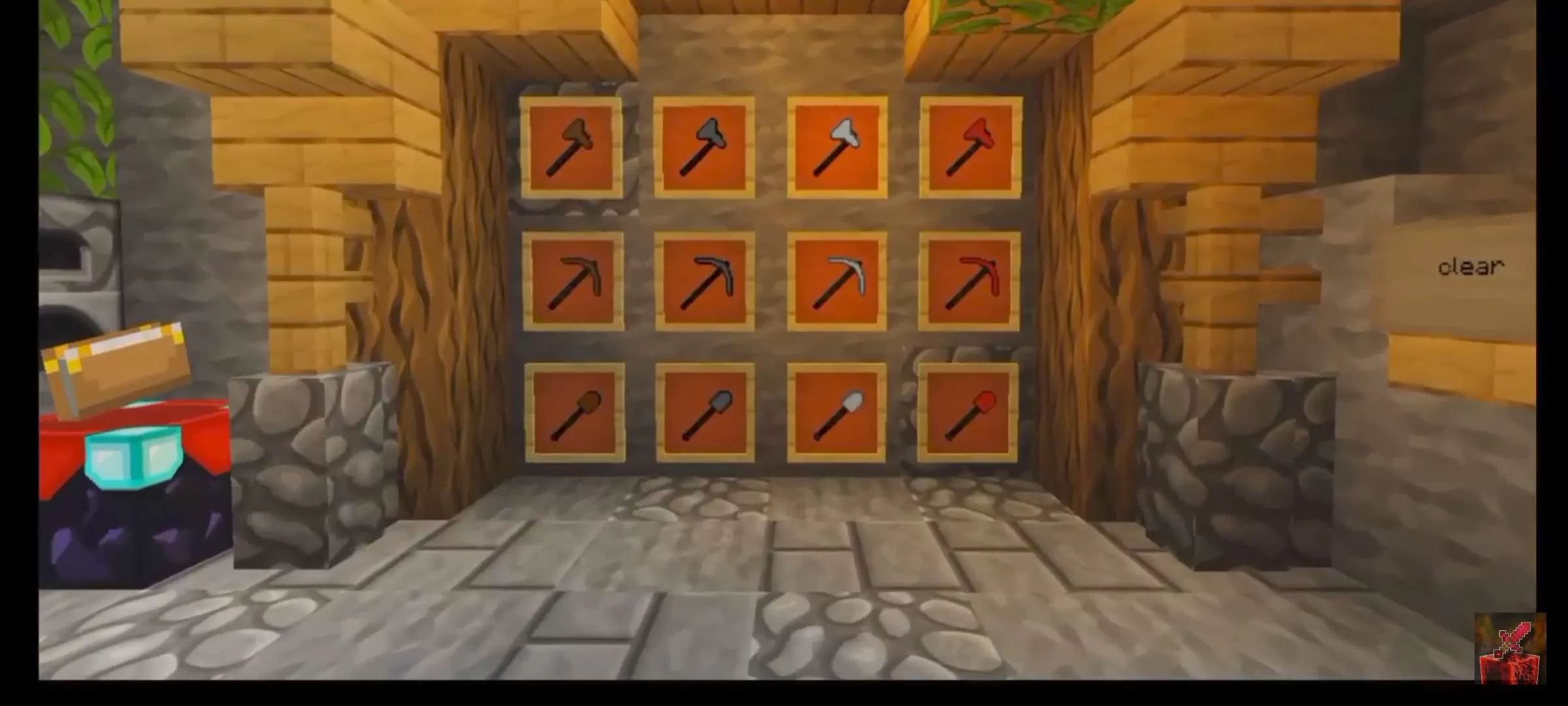






 Bedrock Edition



![Tashi [bedrock] 32x by SpacyLmao on PvPRP](https://pvprp.com/thumb.php?src=assets/packs/SpacyLmao/1760/banner.png&w=400)


