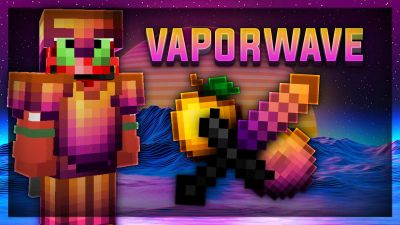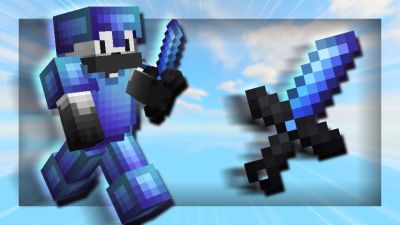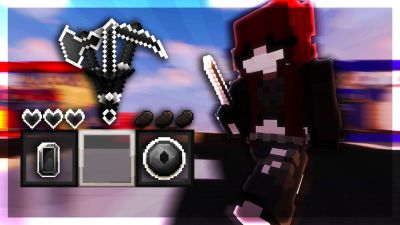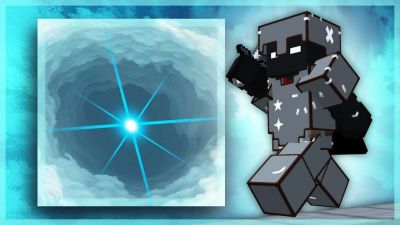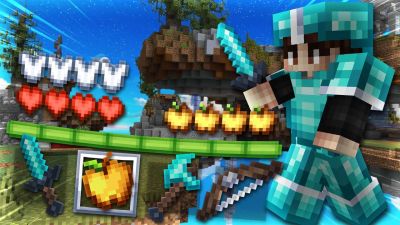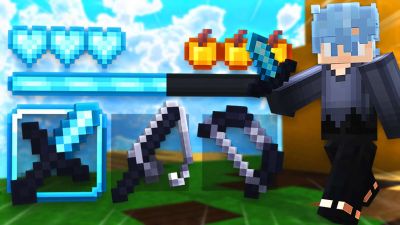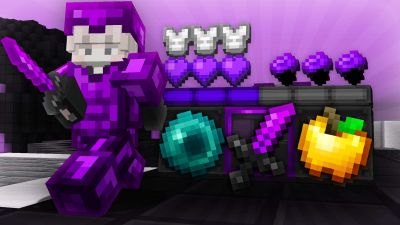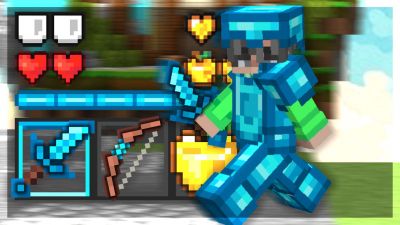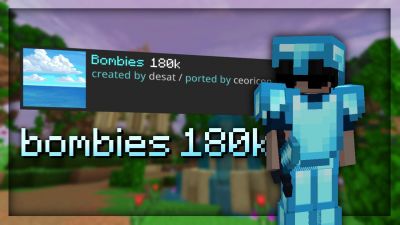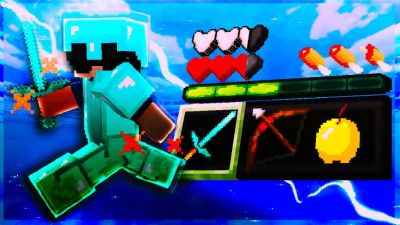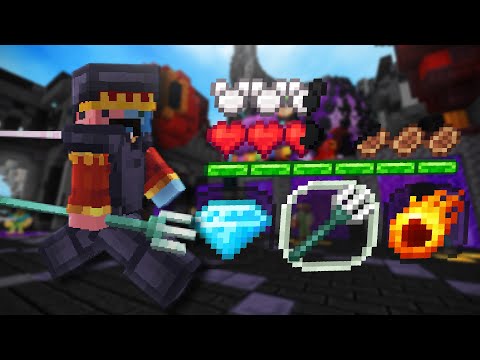
After looking for many beautiful and colorful pvp textures for Minecraft Bedrock, I couldn´t find one that I liked, so the JeancyFault texture was born, which brings several things that could only be seen in Java pvp textures.In this texture I have saturated each of the blocks and some have animation like mineral blocks, some items have animations like fireballs, the ingots have little sparkles and more.This texture is fully updated to 1.20 with some blocks and pvp from this update so it can be enjoyed in any version that is the most current.
Help others to discover this pack by rating it based on your opinions! By rating it you will also gain profile XP and with it amazing leveling rewards that you can find here.
(0 Ratings)
How to use a Texture Pack:
After downloading your pack follow this step guide to get it working in your game
1. Download the .mcpack file from PVPRP 2. Open the downloaded file and it will automatically import into Minecraft 3. Go to Settings in Minecraft 4. Click on Global Resources or go to a world and click Resource Packs 5. Find the pack and click Activate 6. Press Done and enjoy your new textures!
If the file is a .zip rename it to .mcpack before opening it.
Texture Pack Guides
Install help, fixes, and texture pack tips for PVPRP packs.