

Quick Answer
For most Minecraft 1.21 PvP players, the best starting point is a clean 16x pack with short swords, clear armor colors, low visual clutter, and stable FPS. After that, choose based on your game mode: Bedwars, bridge, crystal PvP, UHC, or general sword PvP.
Choose a pack for the Minecraft version and PvP mode you actually play. Clear items, readable blocks, and a hotbar you can scan quickly matter more than how detailed the screenshots look.
This guide explains what to look for, how different pack styles affect gameplay, and how to use PVPRP Search and Discover to find packs that match how you actually play.
PVPRP added 1.20 and 1.21 tagging later than the older Java versions. Some creators uploaded newer-client packs under 1.19 before those options existed, so check 1.19 alongside 1.20 and 1.21 instead of relying on old 1.8-only picks.
What Makes A Good PvP Pack?
Clean Visibility
- Clear blocks and ores
- Less noisy terrain
- Readable armor colors
Better Combat Feel
- Short swords
- Simple particles
- Clear hit feedback
Stable FPS
- 16x or optimized 32x
- Lightweight textures
- No heavy effects
Resolution: 16x, 32x, Or Higher?
Resolution controls how detailed the textures are. A 16x pack is closest to default Minecraft and usually gives the best FPS. A 32x pack can look sharper while still being playable on most PCs. Higher resolutions can look nice, but they are not always better for PvP because they can add visual clutter and extra load.
16x
Best for FPS, Bedwars, bridge, and players who want a clean default-like feel.
32x
Good if you want sharper items and blocks without making the game feel too heavy.
Short Swords Are Popular For A Reason
Short swords do not change your reach or hitbox, but they make the screen feel less blocked during fights. That makes it easier to see movement, blocks, particles, and the other player. For fast PvP modes, that visual space is useful.
Choose By Game Mode
Bedwars
Look for clear wool, simple blocks, visible tools, and bright items. Fast recognition matters more than realism.
Bridge
Choose packs with clean blocks, clear crosshair visibility, and low clutter around the screen edges.
Sword PvP
Short swords, simple particles, and easy armor reading help most in classic duels and practice servers.
FPS Boost
If your FPS drops in fights, start with 16x and avoid packs with heavy sky, animation, or high-res textures.
Example Packs To Compare
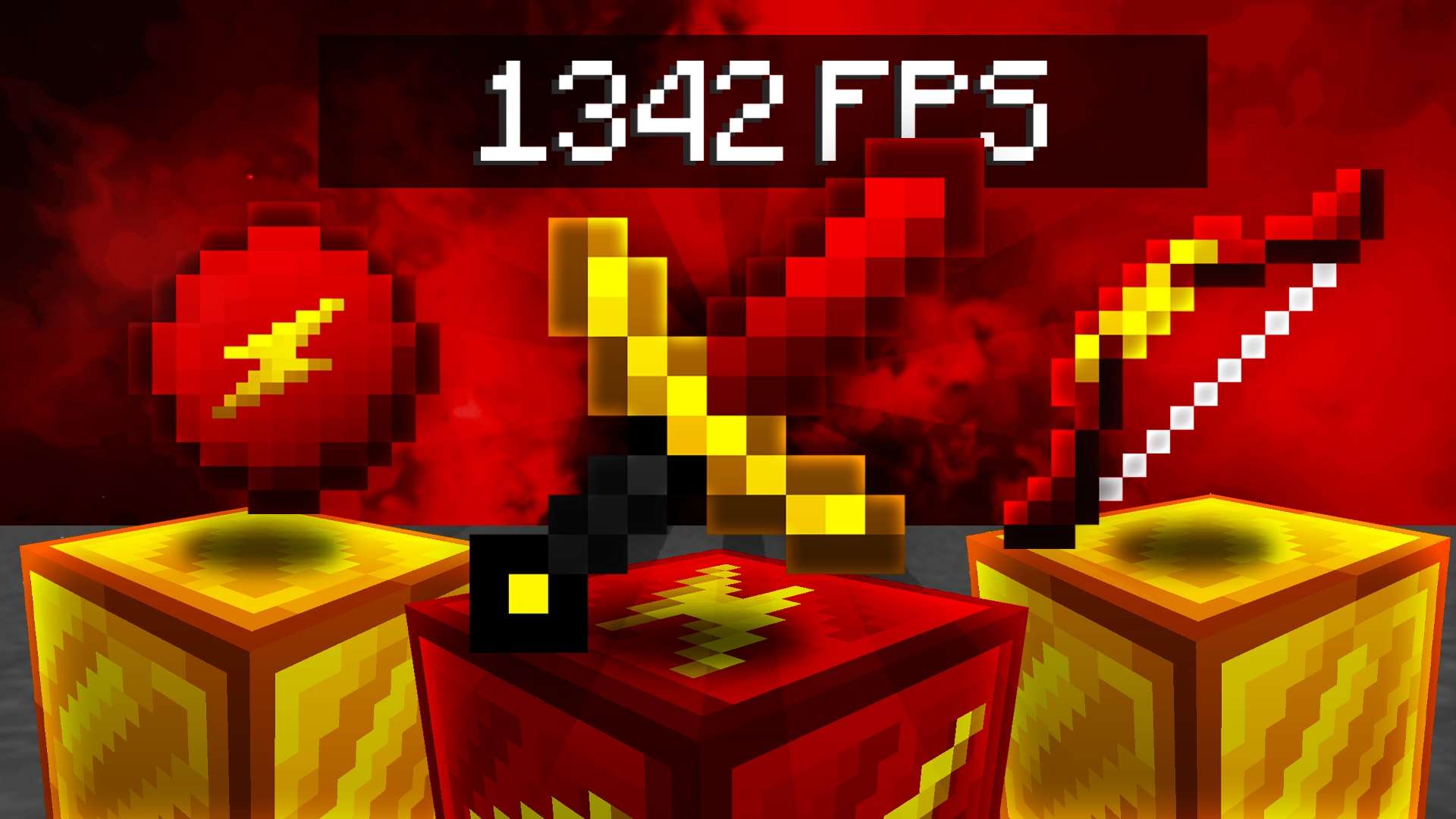
Use these higher-signal examples to compare established newer-version picks with real downloads, readable swords, and clean PvP visibility. Still check the version tags before you install.
![Mori [1.21] 16x](https://pvprp.com/assets/packs/xswetz/17186/banner.png)

 9.3K
9.3K 34.5K
34.5K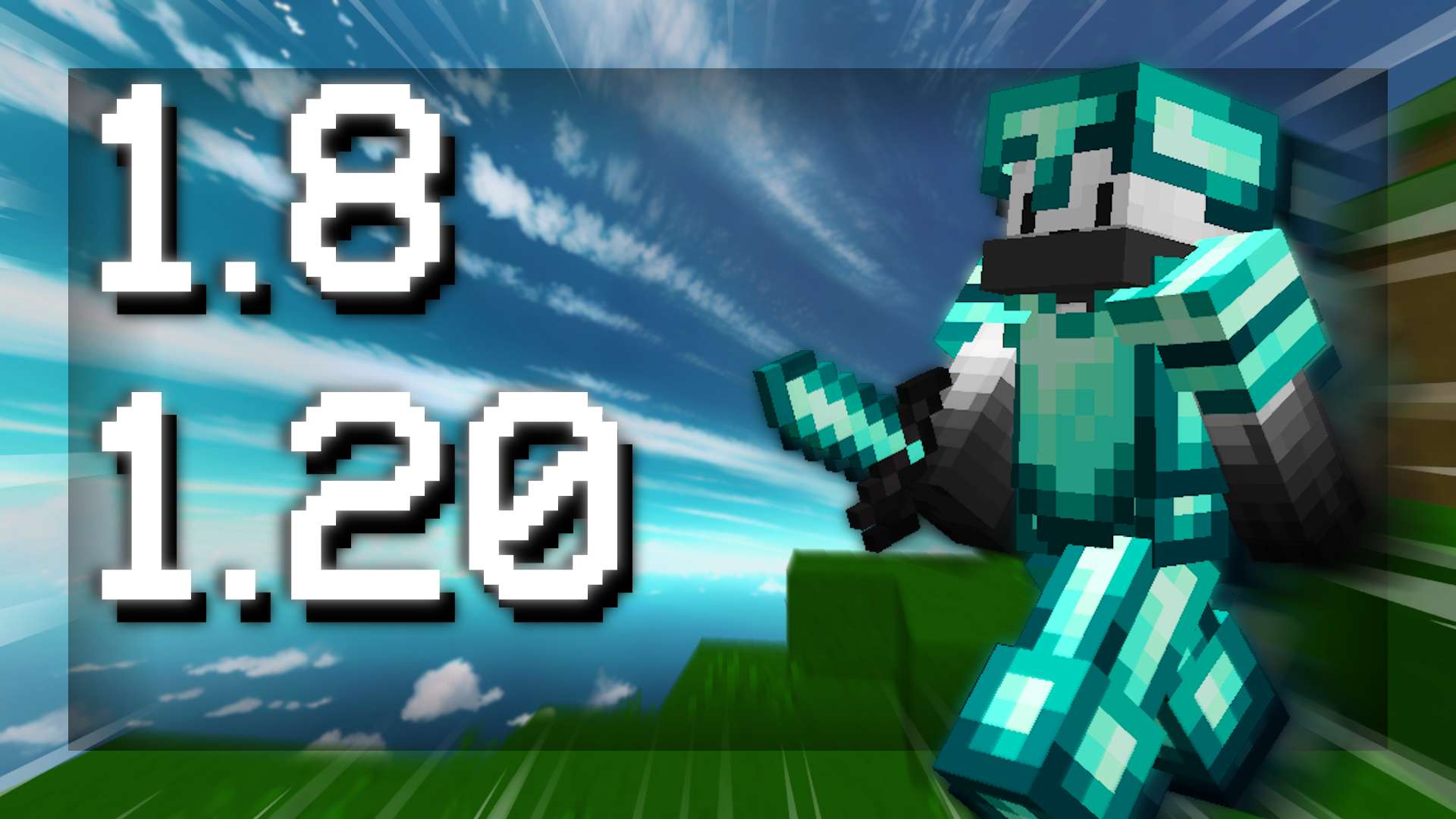

How To Find Better Matches On PVPRP
The fastest way is to search by what you care about first, then filter down. For example, search looshy if you want a creator style, use 16x if you want performance, or browse Discover if you want curated lists by game mode or color.
Search By Creator
If you like a creator's style, search their name on PVPRP and compare their packs directly.
Search By Tag
Tags like PvP, FPS Boost, Bedwars, and 16x are useful when you know the type of pack you want.
Use Discover
Discover is better when you want curated lists instead of searching from scratch.
Test In-Game
The screenshots help, but the best pack is the one that feels clear while you are actually fighting.
Keep comparing packs
Start broad, then narrow it down. Try one 16x pack, one FPS boost pack, and one creator pack before deciding what feels best.

 Join Now