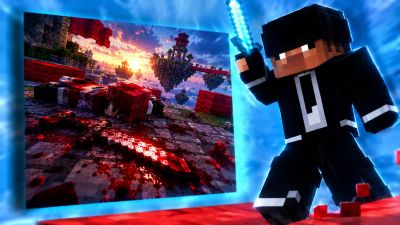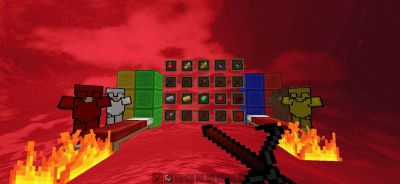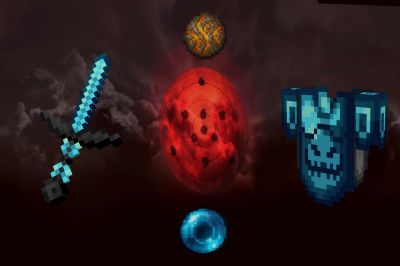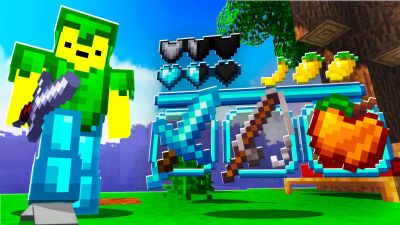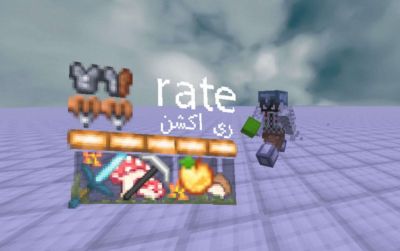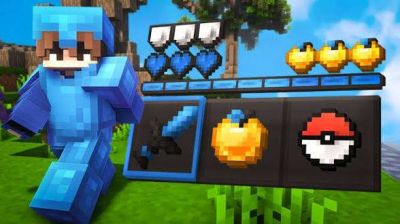





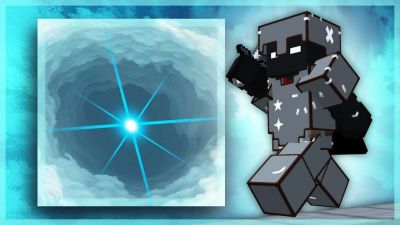


Wool Overlays
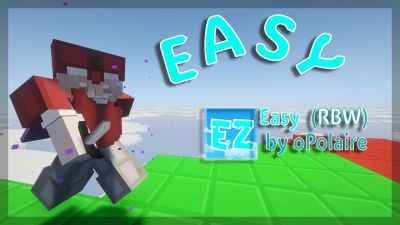
Cleaner wool that is easier to read for bridging and Bedwars.
 PVPRP
PVPRP
Find Minecraft overlay packs: small packs that change only a few things, like wool, swords, the sky, fire or your HUD, and go on top of your main pack. Browse the most downloaded overlays, fresh uploads and 1.8.9 or 1.21 overlays, or make your own with the free Overlay Maker.
 1.8.9Classic overlays Overlay MakerMake your own
  Custom SkySky packs
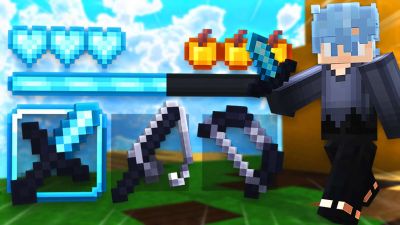
  Short SwordsSword packs
  BedwarsRush packs
  PvPCombat packs
 An overlay is a small resource pack that changes only a few textures, like the wool, your sword, the sky or the fire, and sits above your main pack in the Resource Packs menu. You keep the pack you love and change only what bothers you.
Use this hub to find wool, sword, sky and HUD overlays for PvP and Bedwars. Start with the most downloaded overlays and new uploads, or build your own with the Overlay Maker: short swords, low fire, a custom crosshair and more, made to match your pack.
Small packs that go on top of your main pack. Start with popular overlays, new uploads or make your own with the Overlay Maker.
Popular overlay packs from PVPRP, ordered by downloads.
The most wanted things to change on top of a main pack.
Cleaner wool that is easier to read for bridging and Bedwars.
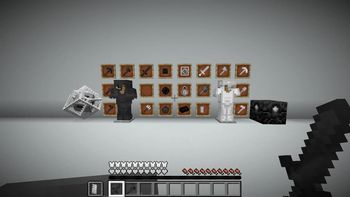
New swords, or smaller ones, without changing the rest of the pack.
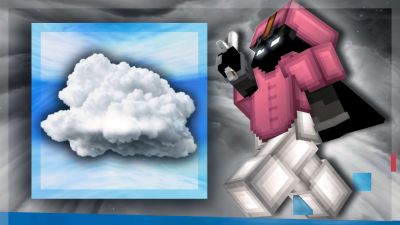
A new sky over the pack you already use.
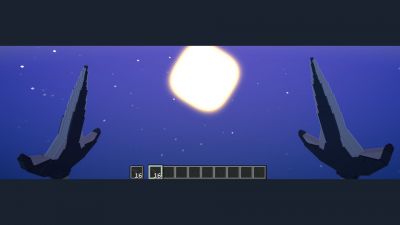
Fire that sits lower on your screen, made in the Overlay Maker.
Fresh overlay texture packs and edits recently added to PVPRP.
Creators with heavily downloaded overlay packs on PVPRP.
Open the Overlay Discover list for hand-picked packs, popular picks and more ways to find your next Overlay pack.
Quick answers for players choosing a Minecraft resource pack.
A small pack that changes only a few textures and goes above your main pack in the Resource Packs menu, so your main pack stays as it is everywhere else.
Download both, turn them on in Minecraft’s Resource Packs menu and put the overlay above your main pack. The pack on top wins for the textures it changes.
Yes. The free PVPRP Overlay Maker builds overlays with short swords, low fire, a custom crosshair, clear water and more, made to match the pack you play with.
Browse texture packs by style, version, resolution, and popularity.