

Quick Answer
The best Minecraft texture packs for low-end PCs are usually lightweight 16x packs with simple blocks, clean items, low particles, and no heavy animated textures. Start with 16x FPS Boost or PvP packs before trying 32x or higher.
If Minecraft is slow with a high-resolution pack, try 16x first. If it is already slow with default textures, reduce demanding settings too. A clean-looking pack can improve visibility without changing your FPS.
This guide explains what to look for, which pack types are safer for weaker computers, and how to use PVPRP to find packs that fit your setup.
What Makes A Texture Pack Good For Low-End PCs?
A low-end PC pack should reduce visual clutter and avoid unnecessary detail. The pack does not need to look plain, but it should be clean enough that Minecraft does not feel heavier than default.
Use 16x
- Closest to default Minecraft
- Usually easiest to run
- Best starting point for FPS
Keep It Clean
- Simple blocks
- Readable items
- Clear armor and tools
Avoid Heavy Extras
- Huge textures
- Too many animations
- Overly detailed skies
Start With 16x Packs
16x packs are usually the safest choice because default Minecraft already uses 16x textures. A good 16x pack can still look different, but it will usually be easier to run than 64x, 128x, 256x, or 512x packs.
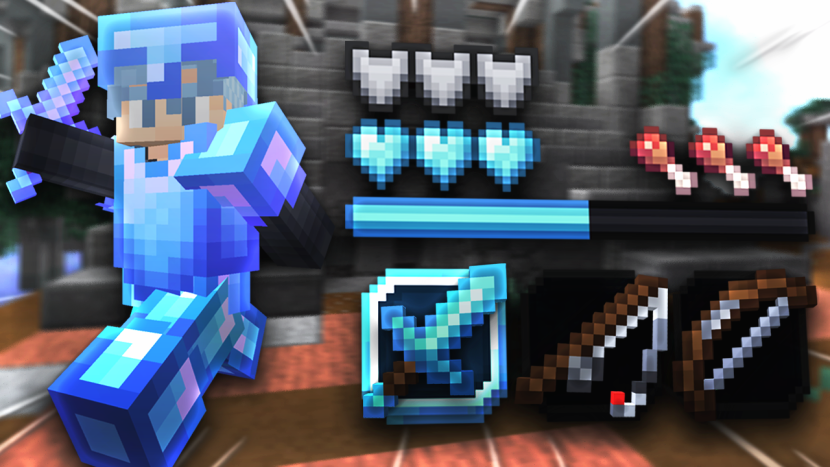


 413K
413K 560.9K
Use PvP Or FPS Boost Packs For Cleaner Gameplay
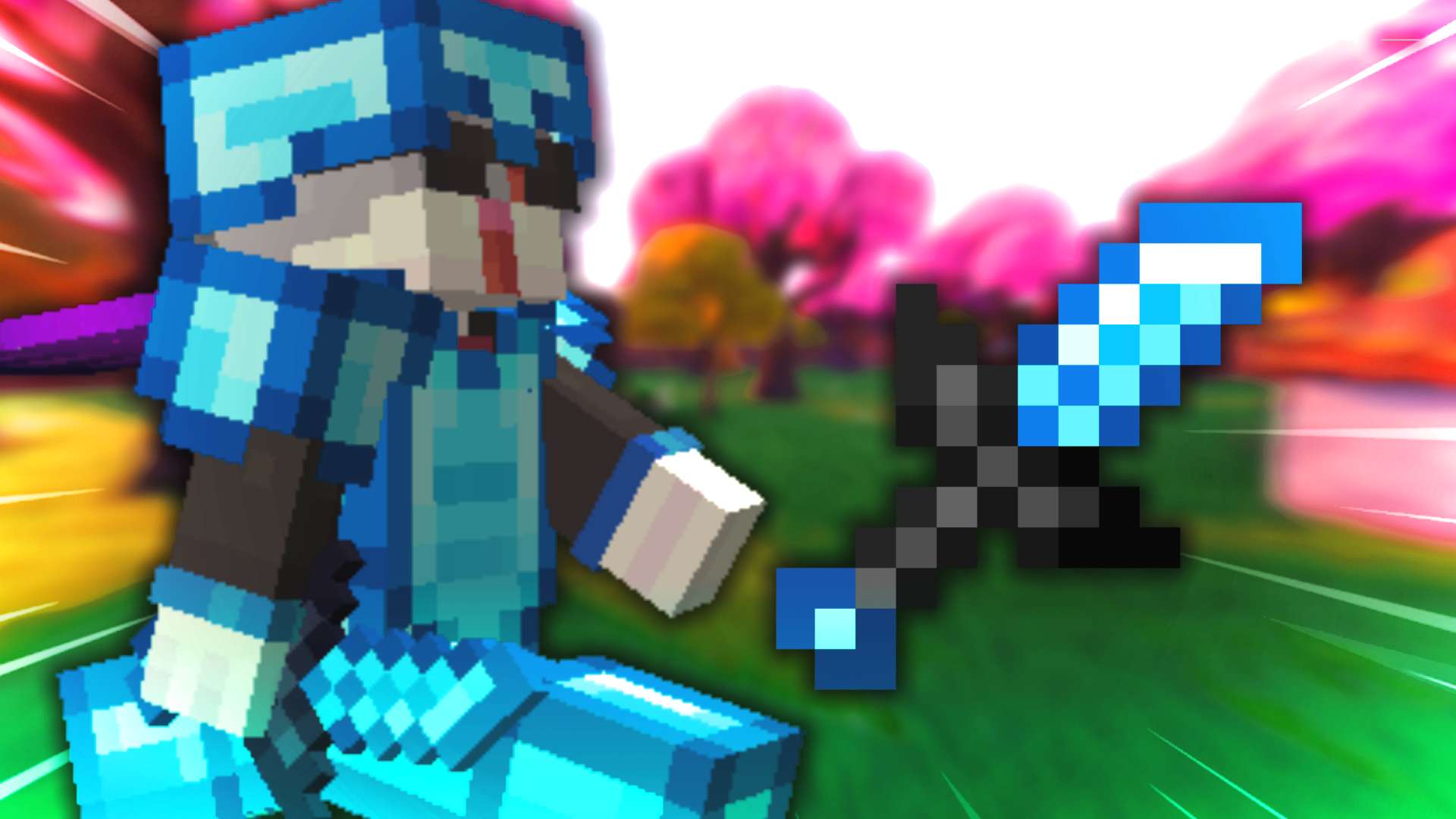
PvP and FPS boost packs often remove visual clutter. Short swords, clean blocks, lower fire, simple particles, and readable items can make the game feel smoother even when your FPS number does not change dramatically.
Short Swords
They make fights easier to see and keep the center of the screen less blocked.
Simple Blocks
Less busy block artwork can be easier to read during fast movement. Simpler colors alone do not guarantee higher FPS.
Low Fire
Lower fire textures help visibility when you are burning in PvP.
Light Particles
Less particle clutter can help fights feel smoother and easier to follow.
When Is 32x Okay?
32x can still work on many low-end PCs if the pack is optimized and not overloaded with extra effects. If your game runs smoothly with 16x and you want sharper items, test one 32x pack. If FPS drops, go back to 16x.
Settings That Help Even More
A texture pack is only one part of performance. Combine a lightweight pack with better Minecraft settings for the biggest improvement.
Lower Render Distance
Try 8 to 12 chunks for PvP servers. You usually do not need a huge render distance.
Turn Down Particles
Lower particles can reduce clutter and help fights feel smoother.
Disable Heavy Shaders
Shaders usually matter more than texture packs for FPS drops.
Test One Pack
Do not stack multiple packs while testing. Keep it simple first.
Best Search Terms To Try
On PVPRP, search for terms that match performance and gameplay instead of only searching by pack name. Good starting searches are 16x, FPS Boost, PvP, Bedwars, and short swords.
Find low-end PC packs on PVPRP
Start with lightweight 16x packs, then try FPS Boost or PvP packs if you want cleaner combat visuals.

 Join Now