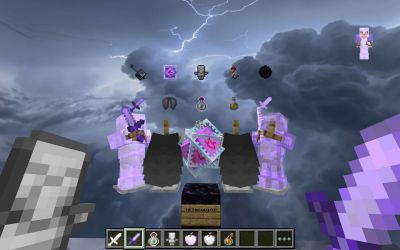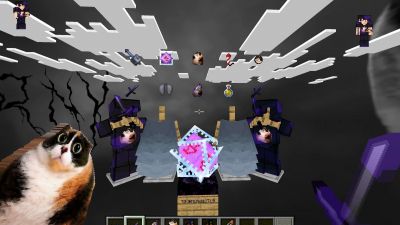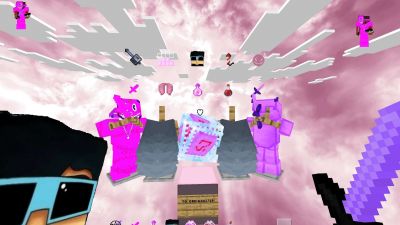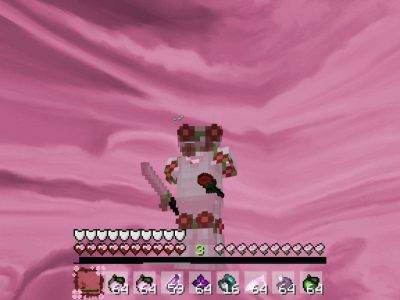






Pick a pack
Upload any Java .zip pack, or pick one of PVPRP's thousands of Java packs.
 PVPRP
PVPRP
Free Bedrock texture packs for iPhone, Android, Windows and consoles, plus a one-click way to play any Java PvP pack on Bedrock. Download a .mcpack, open it, and Minecraft imports it for you.
 PvP PacksJava PvP hub
  Anime PacksStyled packs
  FPS BoostLight packs
 Bedrock Edition runs on phones, tablets, Windows and consoles, and it reads resource packs as .mcpack files. Every pack here is a free download, and PVPRP previews help you check the look before you install.
Want a pack that was only made for Java? Most PvP players do. PVPRP's converter rebuilds a Java pack for Bedrock, including blocks, items, the hotbar and skies, and hands you a .mcpack that imports with one tap.
Free .mcpack downloads for phones, Windows and consoles, plus one-tap conversion of any Java PvP pack.
The most downloaded Bedrock packs on PVPRP.
Top Java PvP packs. One click converts any of them into a Bedrock .mcpack.
Three steps, free, no account needed.
Upload any Java .zip pack, or pick one of PVPRP's thousands of Java packs.
The converter rebuilds blocks, items, the hotbar and HUD, and skies for Bedrock.
Open the downloaded file and Minecraft imports it. Turn it on in Global Resources.
Where your .mcpack goes, device by device.
Tap the .mcpack in Files or your downloads and choose Minecraft. It imports on its own.
Open the .mcpack from your downloads and pick Minecraft to import it.
Double-click the .mcpack. Minecraft for Windows opens and imports it.
Consoles cannot open .mcpack files. Add the pack to a world on a phone or PC, then play it through Realms.
Fresh Bedrock packs added to PVPRP.
Quick answers for Bedrock and MCPE players.
Yes. Bedrock packs on PVPRP are free to download. Some creators ask you to follow a quick download step on the pack page first.
Not directly, because Java and Bedrock read textures from different files. PVPRP's free converter turns a Java pack into a Bedrock .mcpack: blocks, items, the hotbar and HUD, skies and most other textures carry over. OptiFine-only features such as connected textures and custom item models have no Bedrock equivalent.
Open the downloaded .mcpack file on iPhone, iPad, Android or Windows and Minecraft imports it automatically. Then go to Settings, Global Resources, pick the pack under My Packs and activate it.
Consoles cannot open .mcpack files directly. The usual way is to add the pack to a world on a phone or PC and play that world through Realms, or to use a server that sends resource packs to players.
Browse Bedrock packs by style, resolution and popularity.


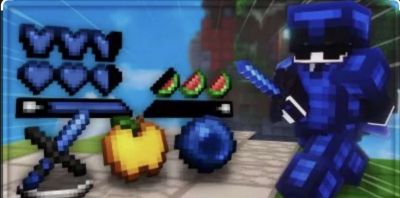
![NightShade [Bedrock] 16x by B0ltBlade on PvPRP](https://pvprp.com/thumb.php?src=assets/packs/B0ltBlade/19363/banner.png&w=400)