How to use a Texture Pack:
Downloaded the pack? Here's how to get it into your game:
1. Open Minecraft
2. Go to Options → Resource Packs
3. Click Open Pack Folder
4. Drag the .zip you just downloaded into the folder that opens
5. Back in the game, click the pack so it moves to the selected side
6. Press Done and let the textures load
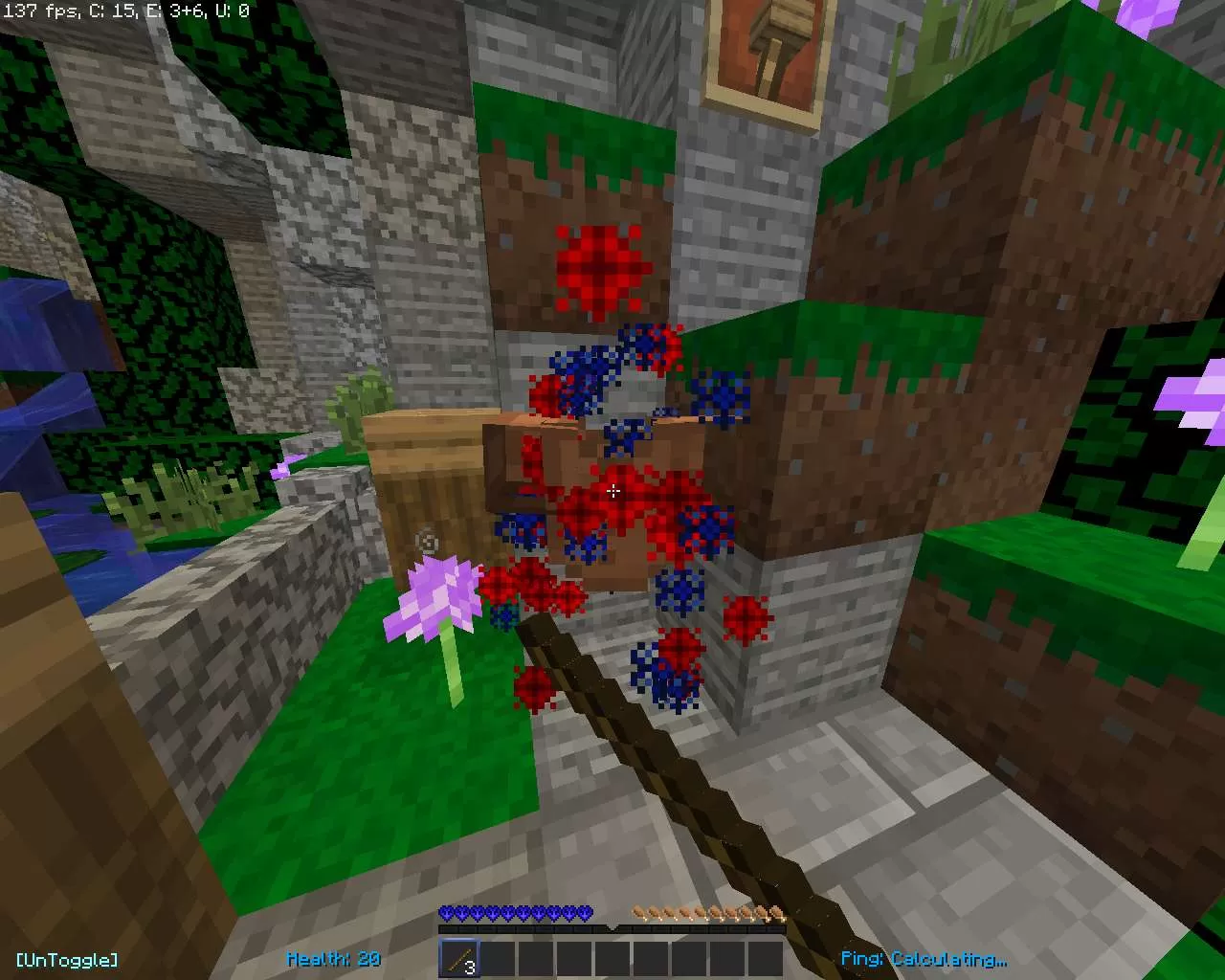
That's it — your game has a brand new look! Stuck on a step? The video guide walks through it.



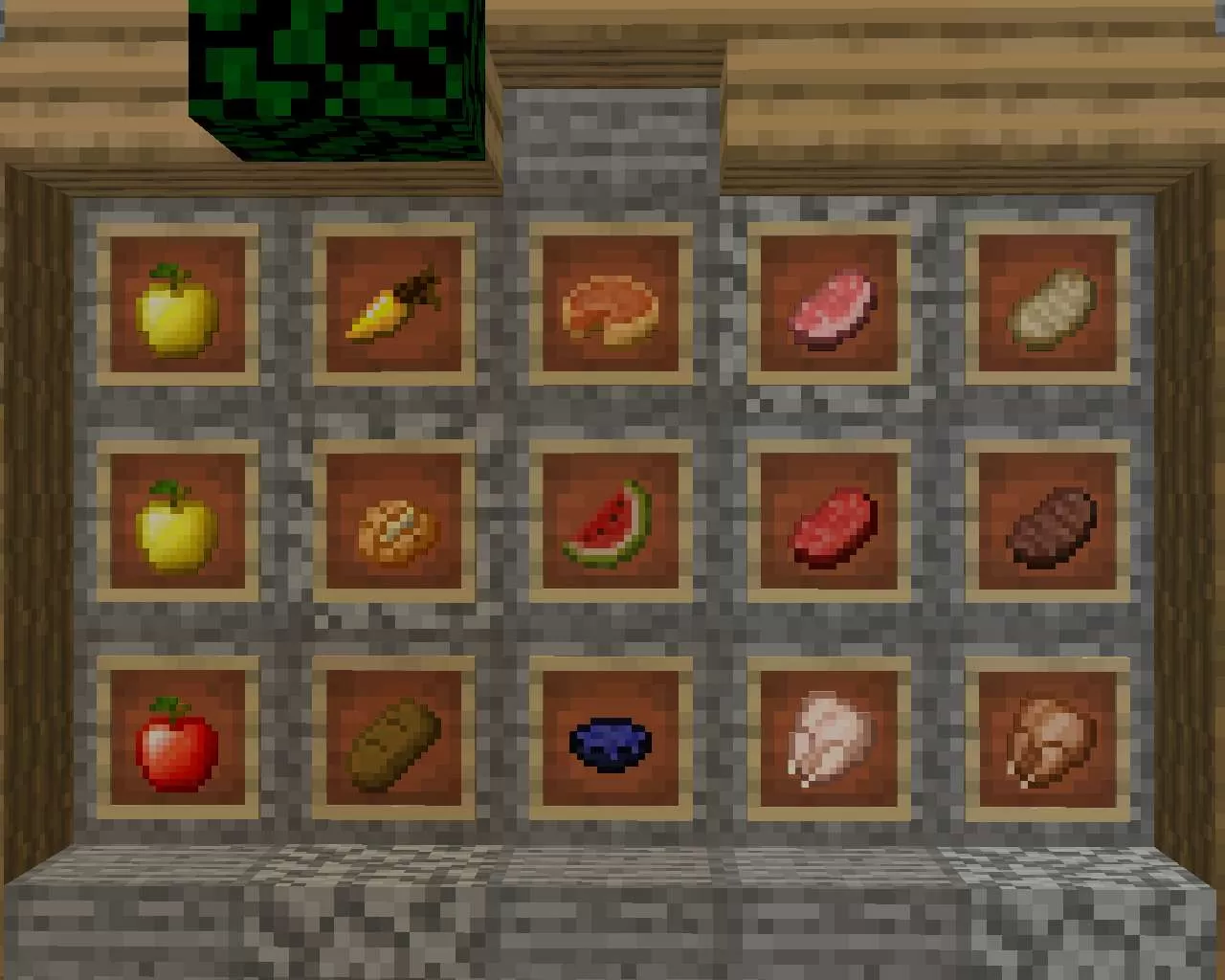
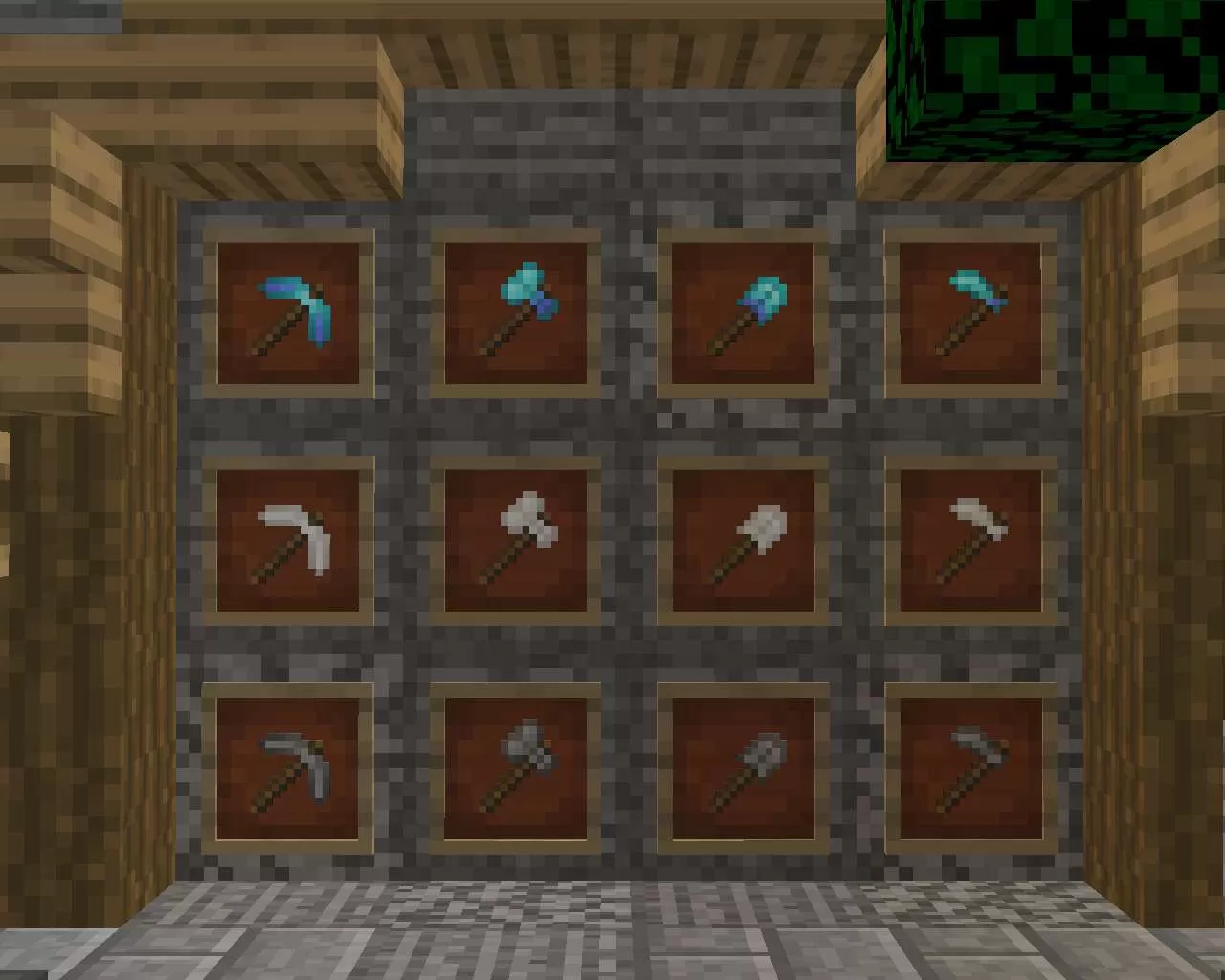
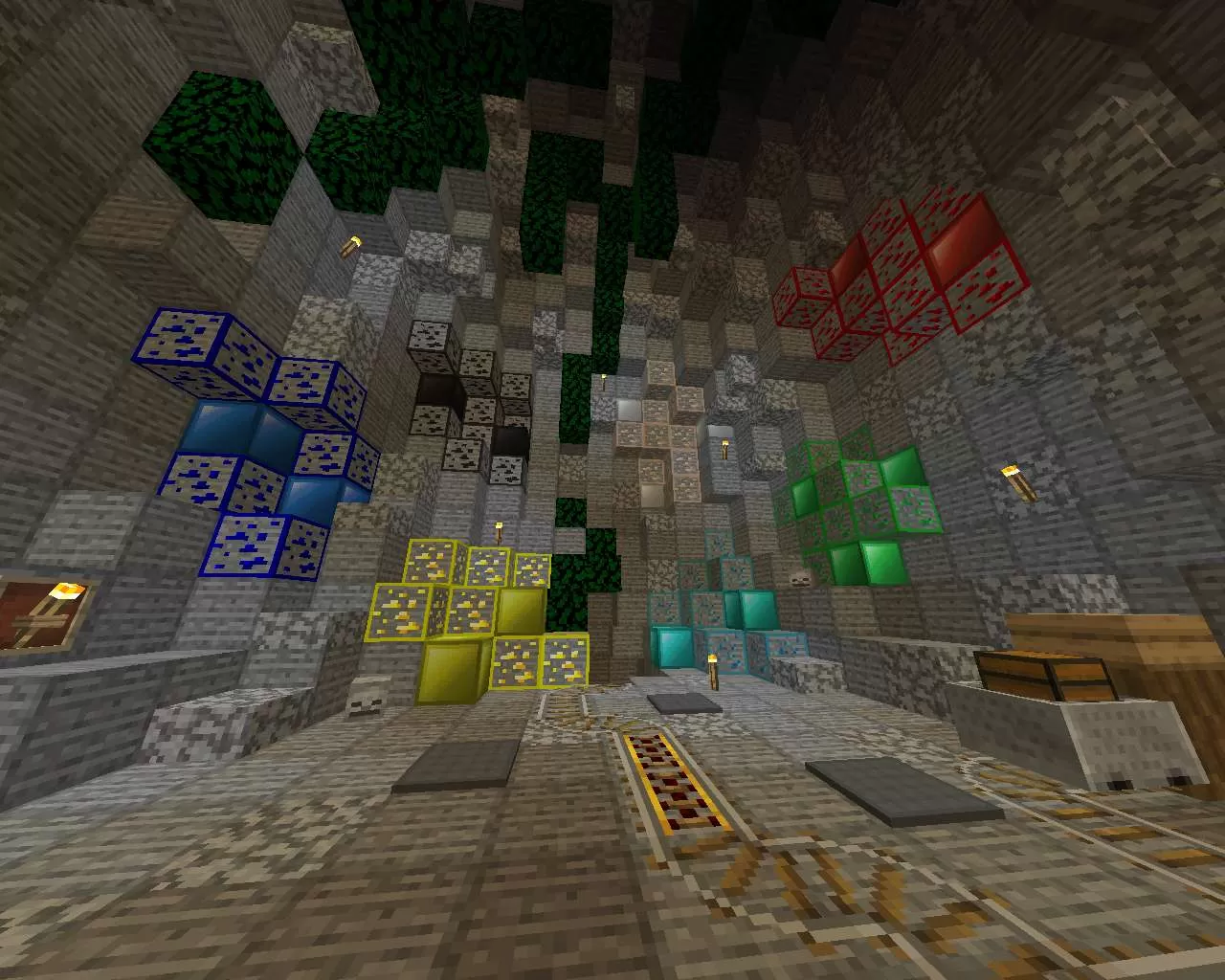
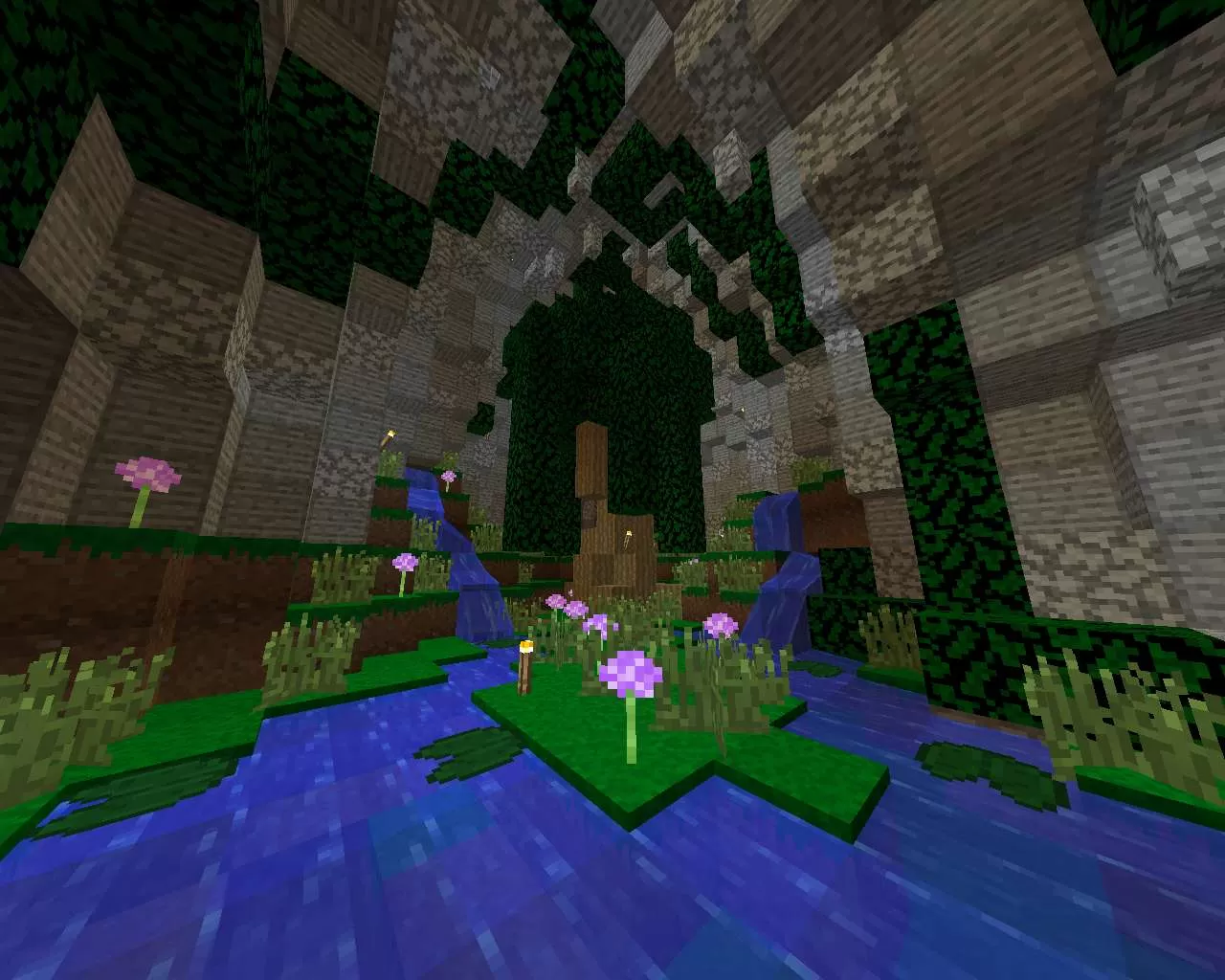





 PC/Java Edition