
 PVPRP
PVPRP
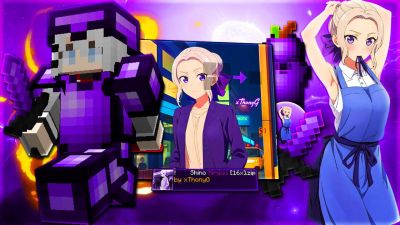
![Gallery Banner for Kubo Nagisa Pe [] on PvPRP](assets/packs/GGhostVN1/13693/banner.png?v=1688991872)
![Gallery Image 1 for Kubo Nagisa Pe [] on PVPRP](assets/packs/GGhostVN1/13693/gallery/Screenshot_20230708-141117_Minecraft.jpg.webp)
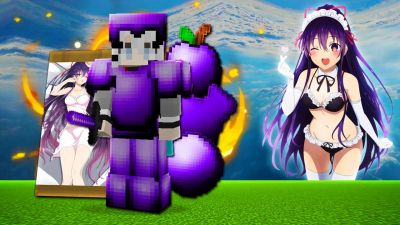
![Gallery Image 2 for Kubo Nagisa Pe [] on PVPRP](assets/packs/GGhostVN1/13693/gallery/Screenshot_20230708-141140_Minecraft.jpg.webp)
![Gallery Image 3 for Kubo Nagisa Pe [] on PVPRP](assets/packs/GGhostVN1/13693/gallery/Screenshot_20230708-141210_Minecraft.jpg.webp)
![Gallery Image 4 for Kubo Nagisa Pe [] on PVPRP](assets/packs/GGhostVN1/13693/gallery/Screenshot_20230708-141637_Minecraft.jpg.webp)
![Gallery Image 5 for Kubo Nagisa Pe [] on PVPRP](assets/packs/GGhostVN1/13693/gallery/Screenshot_20230708-141744_Minecraft.jpg.webp)
![Gallery Image 6 for Kubo Nagisa Pe [] on PVPRP](assets/packs/GGhostVN1/13693/gallery/Screenshot_20230708-142455_Minecraft.jpg.webp)


After downloading your pack, follow these steps to get it working in your game:
If the file is a .zip, rename it to .mcpack before opening it.
Find your next look — browse the library, download in one click, and wear it in game.
Browse Skins or upload your own →


 Bedrock Edition

![Attack On Titan [BEDROCK] 16x by znygames on PvPRP](https://pvprp.com/thumb.php?src=assets/packs/znygames/14946/banner.png&w=400)